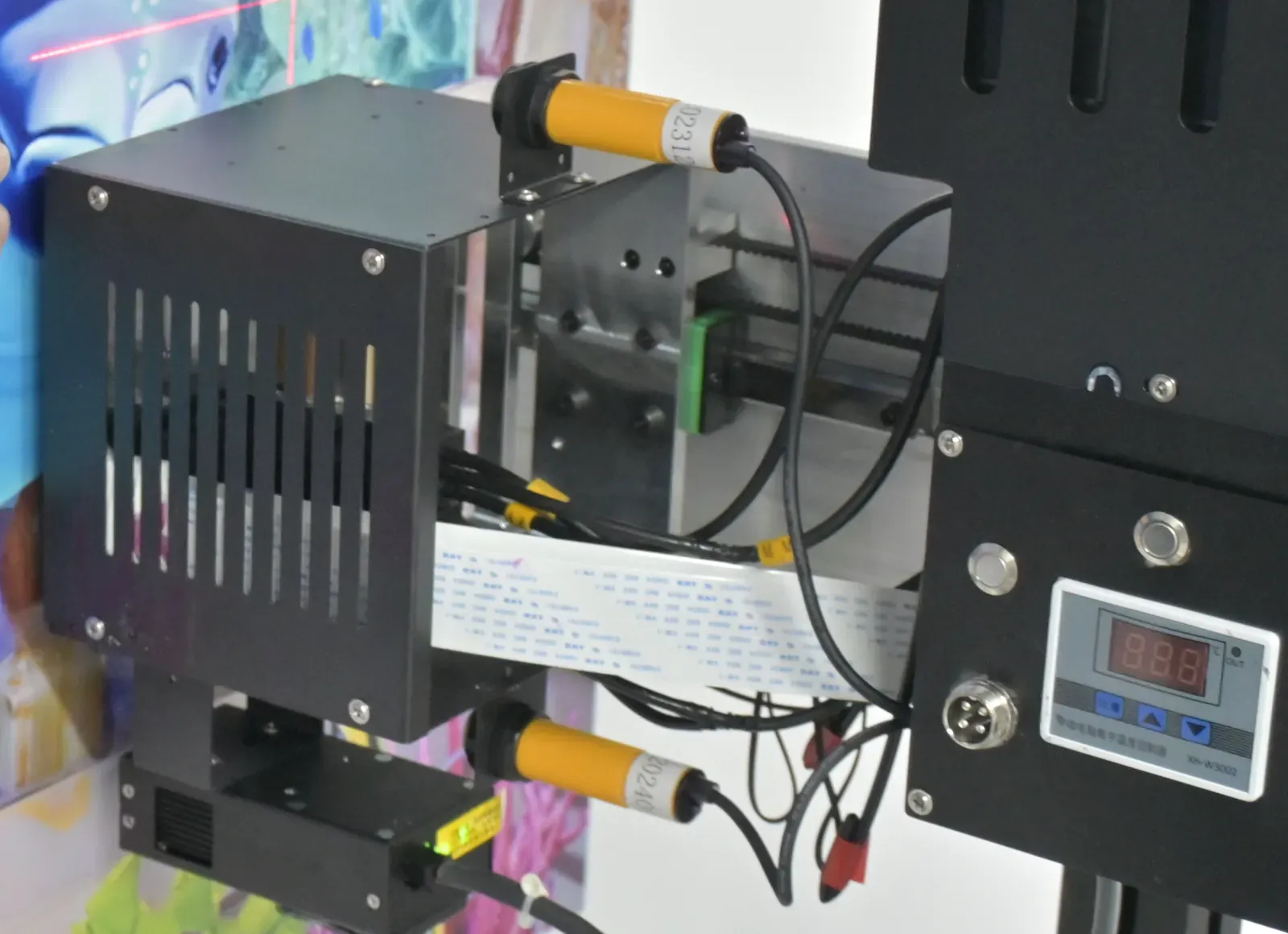
UP200 Automatic Wall Printer: Column Build with a Custom LED Logo Panel
An automatic wall printer for businesses that print walls every working day and cannot afford a stopped machine on a client's site. After a power cut the image resumes from where it stopped, and when power is lost the head lowers on its own.
- Built-in resume after a power cut
- Automatic head lowering
- Constant-temperature printheads
- 2.5 m standard, 3 m option
- Original Epson printheads
- Dual obstacle sensors on the head
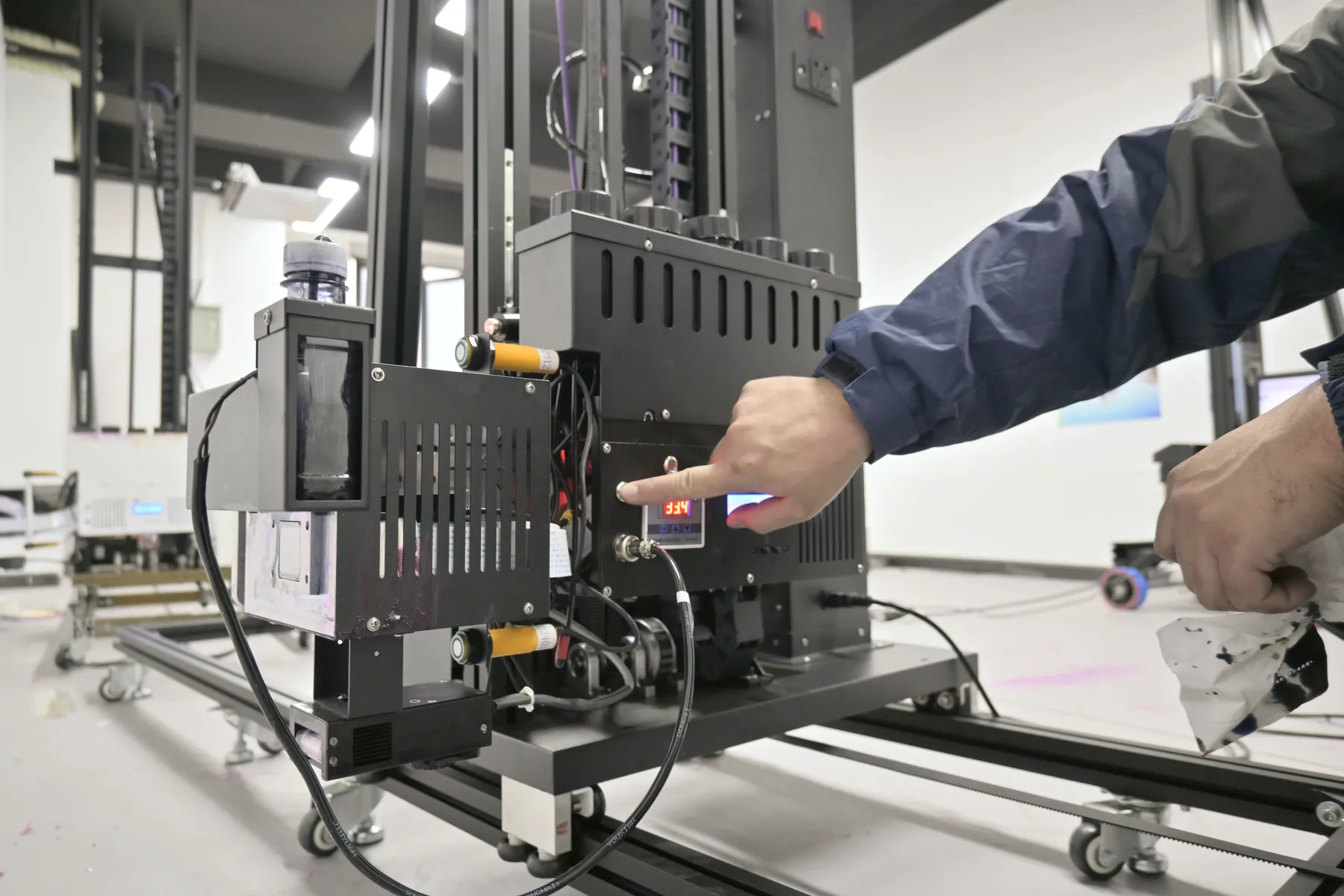 UP200 · column on rails · 70 kg
Businesses With a Daily Flow of Wall Jobs
The UP200 suits a business where the machine is booked most days and a lost day of printing moves a client's handover date.
| Business | Walls in a typical week | How the UP200 fits |
|---|---|---|
Sign and advertising companies | Shop fronts · branded offices · seasonal campaigns | Jobs arrive as a steady list; the UP200 stands on its rail at one wall and prints through the day. |
Renovation and decoration contractors | Feature walls in offices, cafés, showrooms | The print is one step of a fit-out with a fixed opening date, on site power shared with other trades. |
Mural studios with a full order book | Long wall runs | Added as a second machine for long runs, while a lighter machine goes to short jobs. |
Distributors | Machines sold under their own name | The optional LED logo panel puts the distributor's brand on the column. |
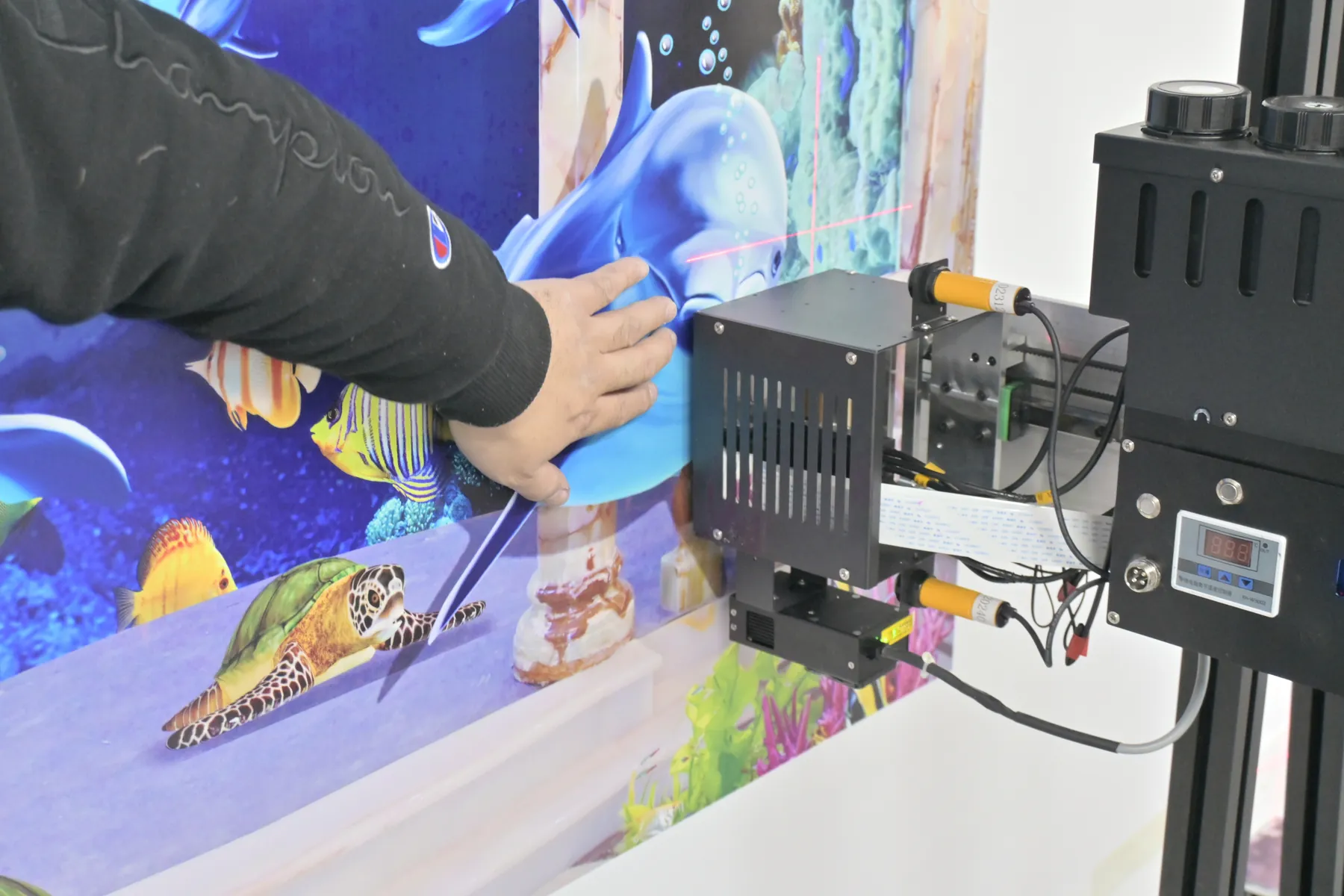
Power-Cut Resume and Automatic Head Lowering
A wall printer runs on the client's power, and on a renovation site another trade on the same circuit can trip the supply. The UP200 has two built-in responses to a power cut.
- Head lowering
- The print head travels up and down the column on motors. When the power is lost, the UP200 lowers the head automatically and slowly, so the carriage comes down the column instead of dropping, without anyone running to the machine.
- Resume
- Resume is built into this automatic wall printer. When the power comes back, the UP200 continues the image from the point where it stopped instead of starting the wall again.
- What stays on the wall
- Everything printed before the cut was cured by the LED UV lamp as it was laid down, so it stays as finished print.
- On a real job
- A 2.5 m × 6 m wall is 15 m², about 3 hours in High-resolution at about 5 m² per hour. A cut during those hours does not send the job back to the start.
Printing at height
The head works near the top of the wall.Power lost
The head lowers slowly down the column.Power back
The head returns and the image continues from where it stopped.
Printheads Ready All Day: Constant Temperature and Automatic Cleaning
A wall job can start in a cool, freshly opened building and still be printing in a warm afternoon room. The UP200 holds its printheads at one temperature throughout, so head condition does not drift with the room between the first square metre and the last.
Room temperature changes, head temperature does not
0 °C10 °C35 °C
- UP200 working range
- printhead temperature, held constant
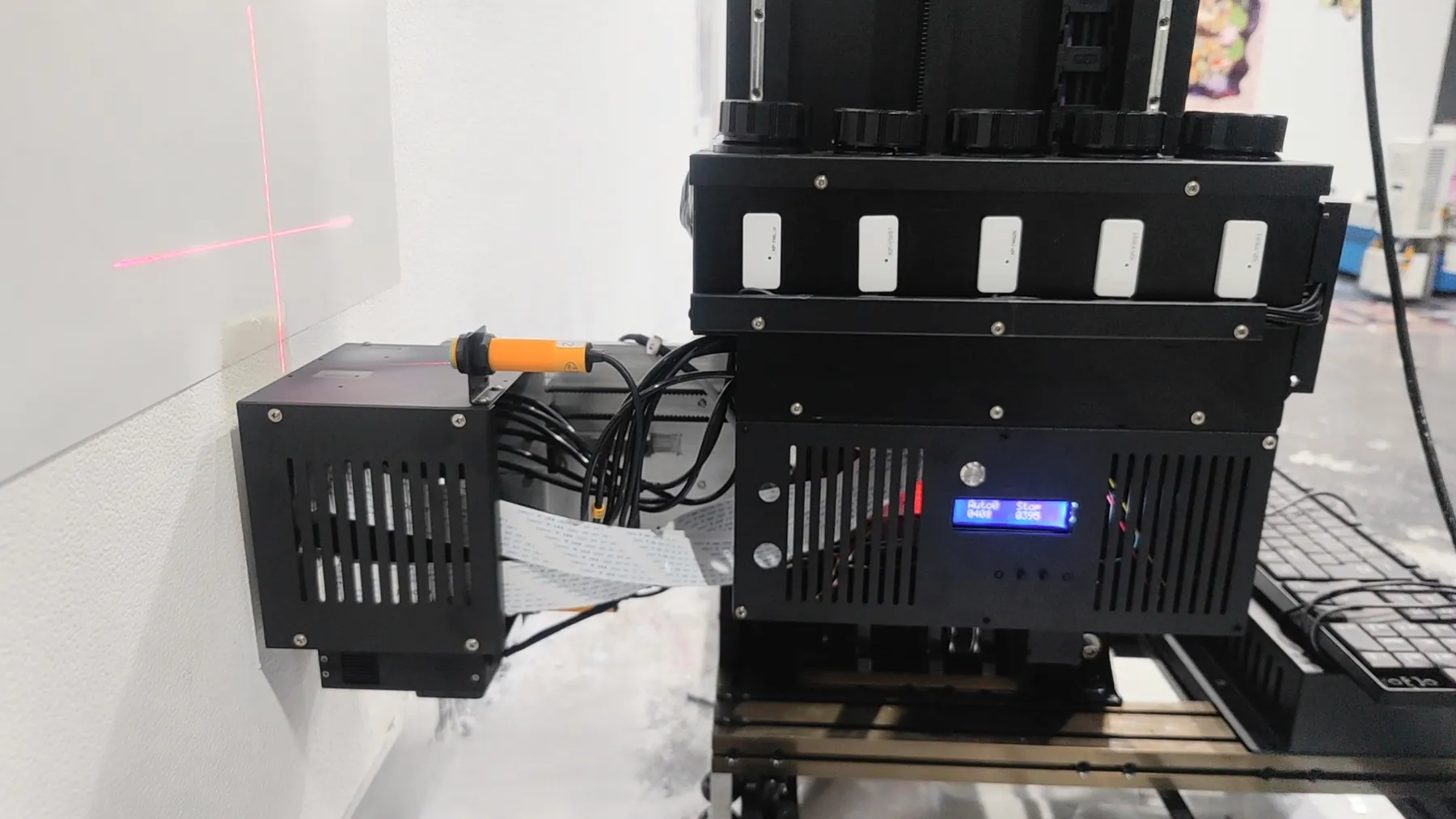
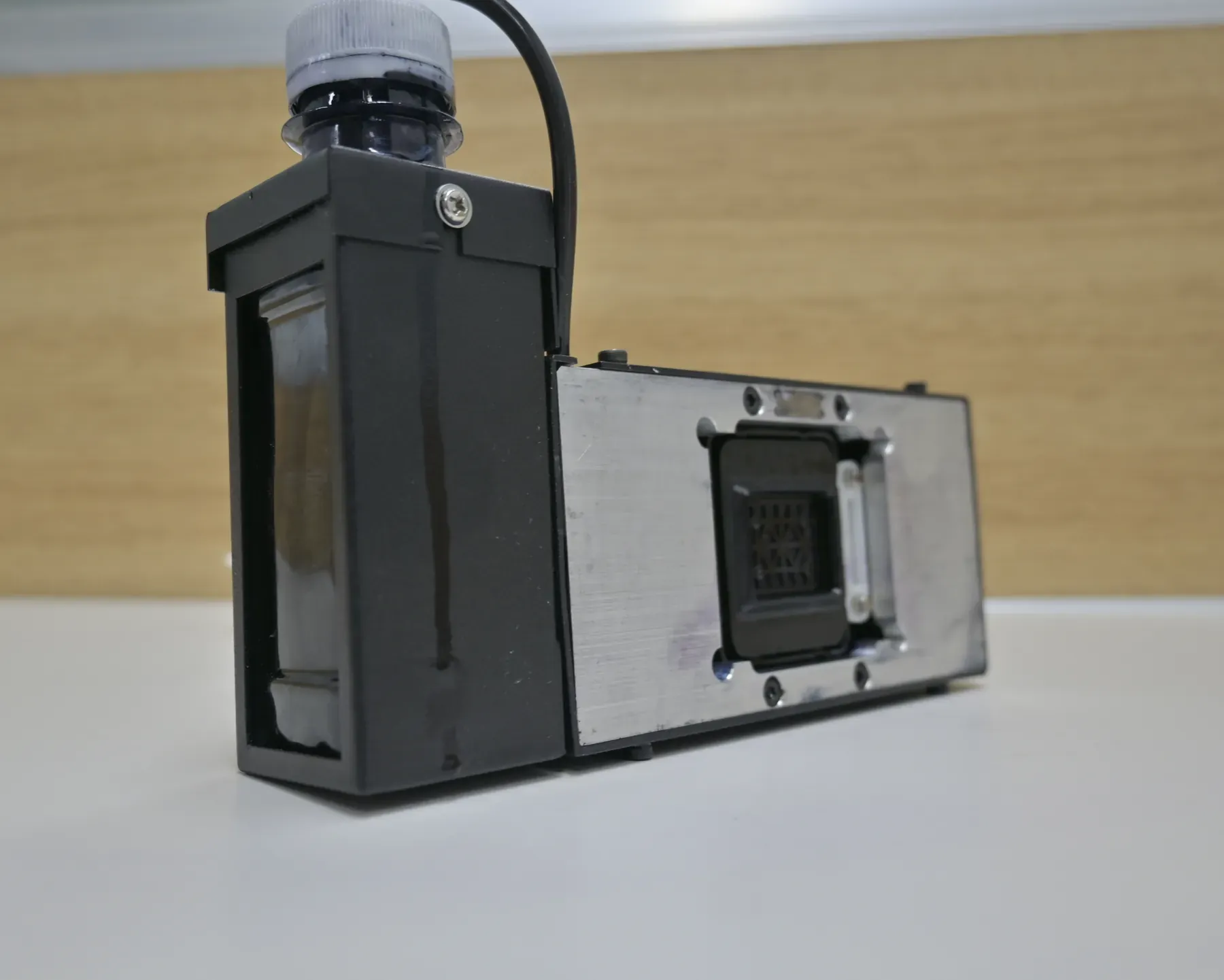
Automatic head cleaning
The UP200 runs head cleaning itself, so clean heads do not depend on an operator remembering a routine.Everyday ink care
Electric ink suction, a moisturising cap, white ink stirring on CMYK + W machines and a low-ink alarm come with the machine. Daily care and spare printheads are on Maintenance & Support
Dual Obstacle Sensors on the Print Head
Walls on client sites carry sockets, switches, pipes, trims, signs and fixings that a design brief does not always show, and the print head moves close to the surface along the whole image.
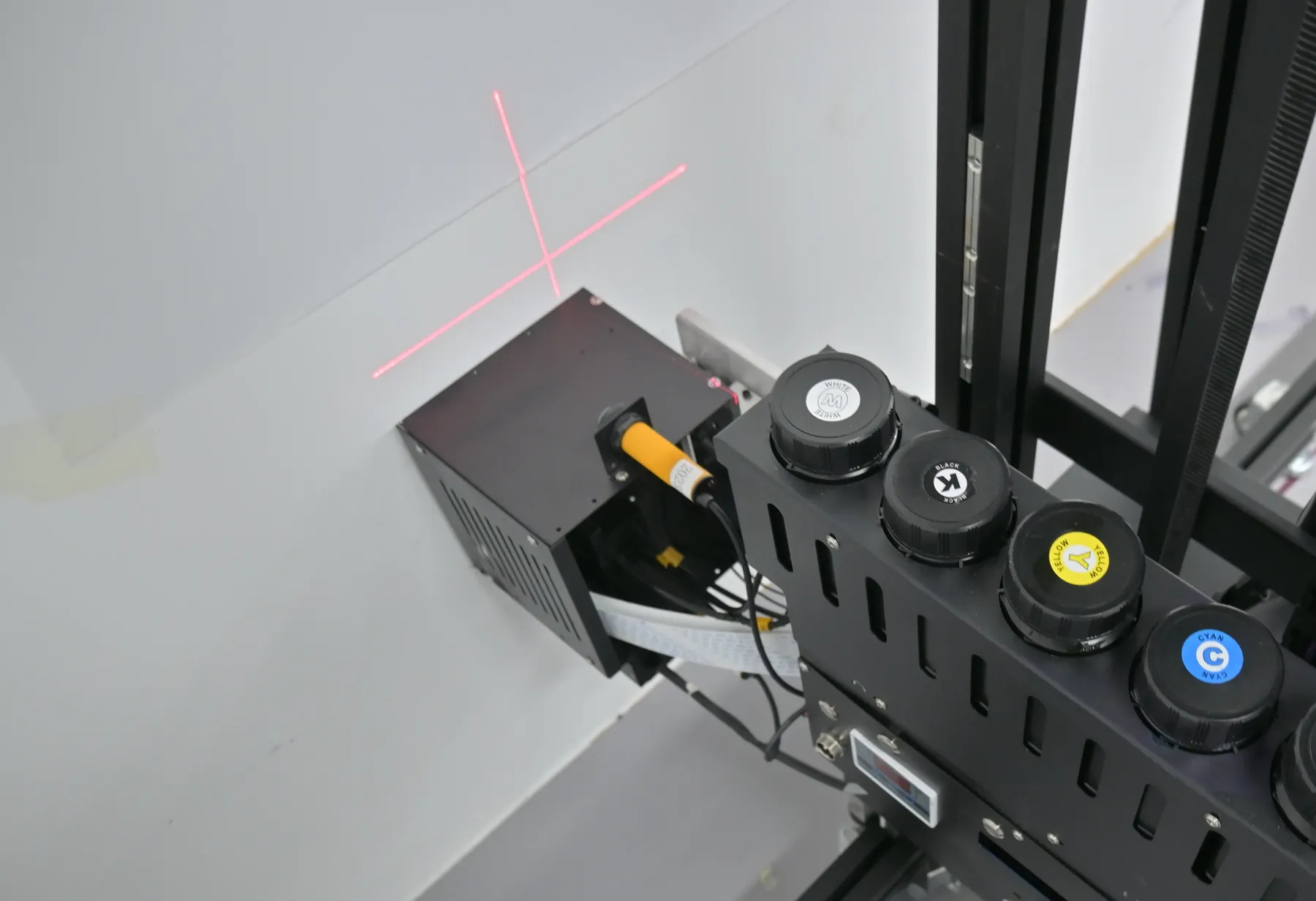
Two sensors on the UP200 head watch the path ahead and detect objects in it, so the head is kept from striking them and marking the printheads or the image already printed.
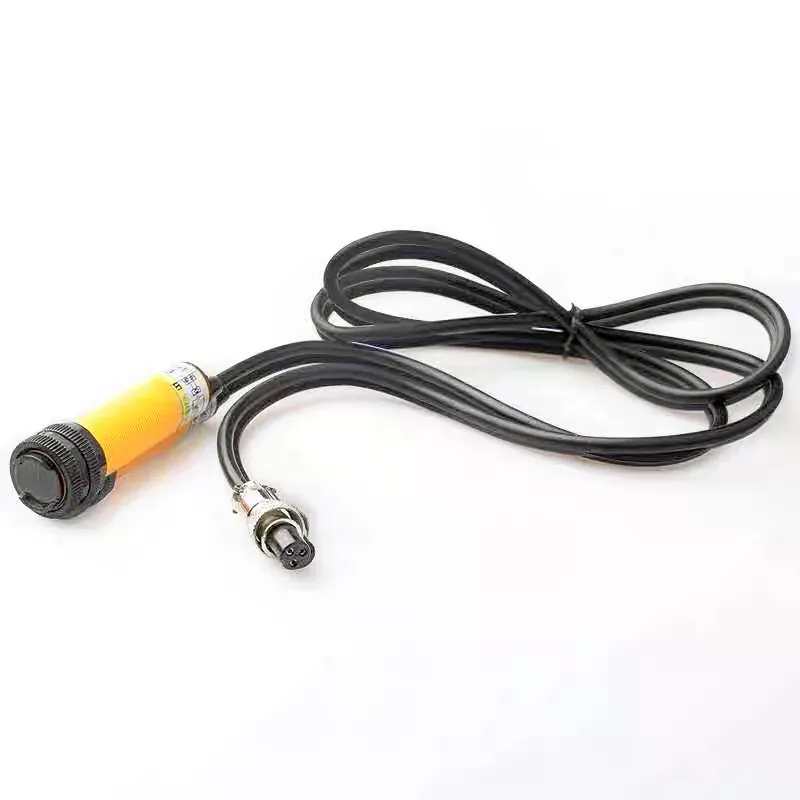
Surface tracking
All series · dual ultrasonic · 1.5 cm Let the head follow bumps and dips of up to 1.5 cm, for textured finishes and brick joints.The two are separate functions: surface tracking keeps the print even on an uneven wall, the obstacle sensors watch for objects in the head's path. The wall is still checked and prepared before printing; the sensors cover what is missed on a long wall with many fittings.
Column and Rail Structure
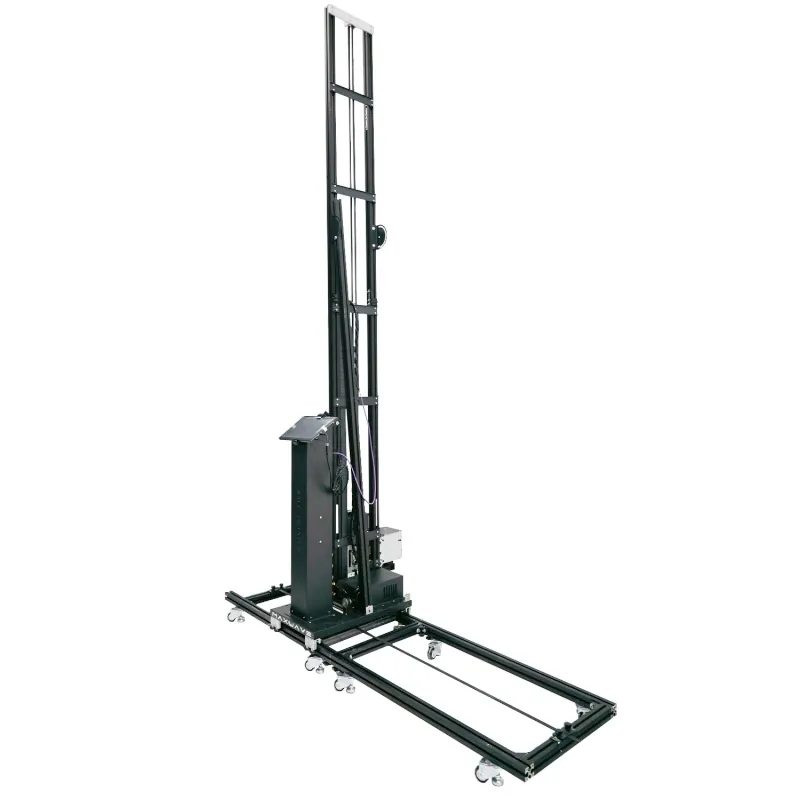
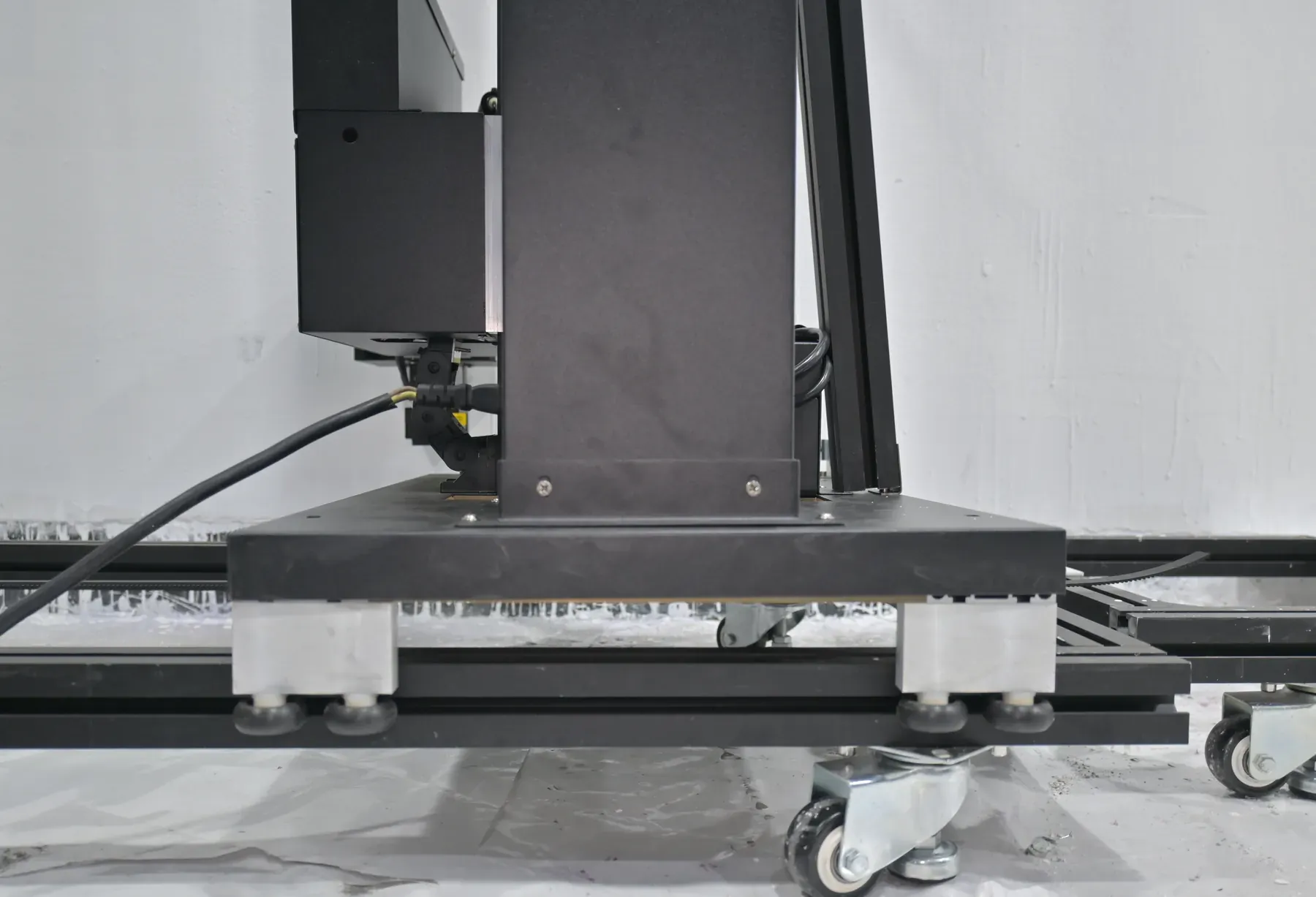
The rails are laid along the wall, the column travels along them, and the print head moves up and down the column, so across the full width of the image the head follows the fixed path set by the rail. A red-light cross projected on the wall marks where the image starts.
At 70 kg the UP200 is the heaviest of our three series: the machine for work where it stands at one wall for the day and for long walls printed in one run. A wall longer than 6 m is a matter of rail length; wheeled and rail bases across the series are compared on Configurations & Customization
- 70 kg
- net weight, rail base
- 2.5 m / 3 m
- column built to 2.5 m standard or the 3 m option, fixed in the quotation
Custom LED Logo Panel
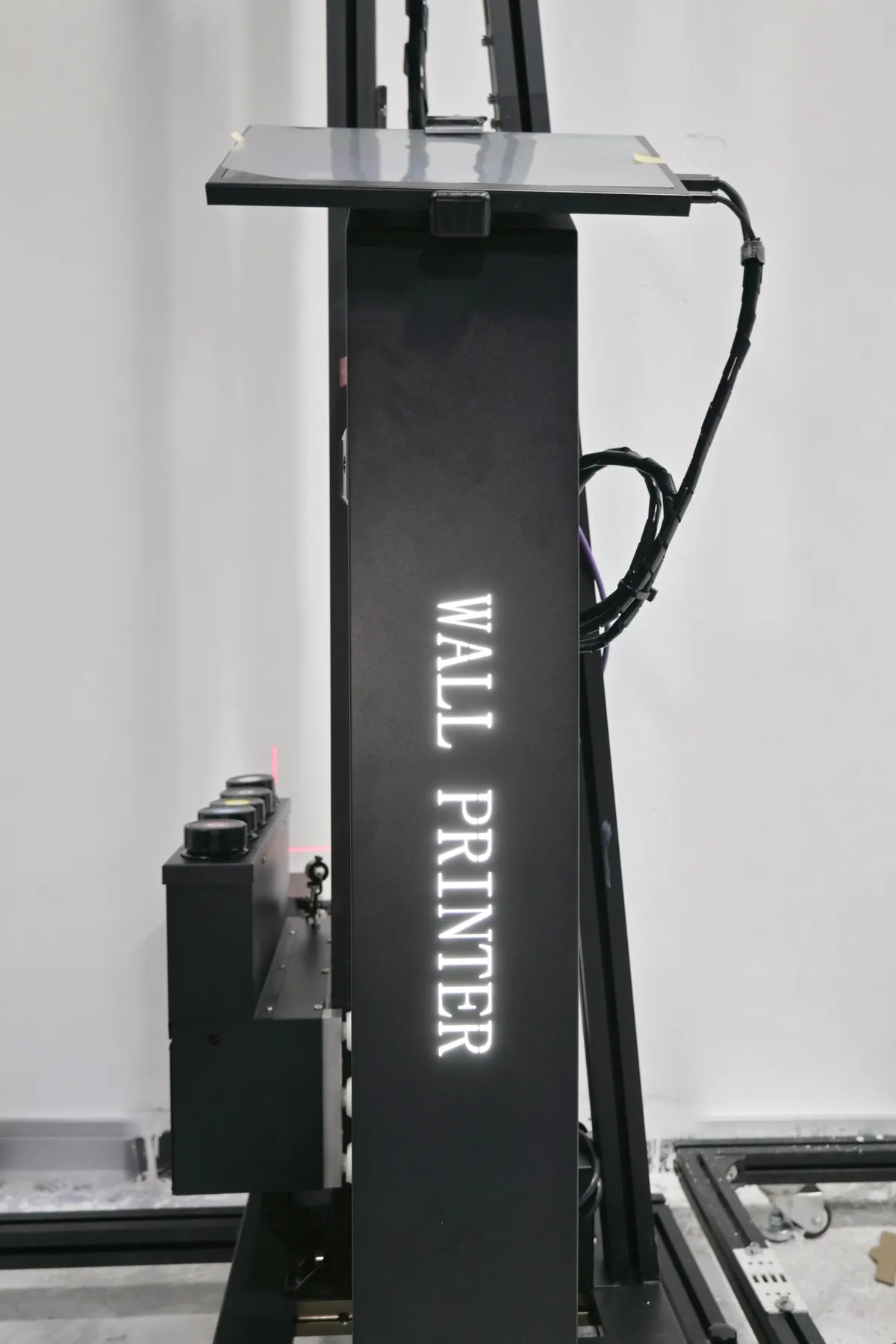
The UP200 can be fitted with a lit sign carrying your logo, made to your design. The machine works on your client's premises, often in a shop, lobby or showroom during opening hours, and the panel on the column shows your name while the wall is printed.
You send
Your logo file and how you want it shown.We set it
The panel goes into the quotation with the printhead and ink set.It ships fitted
The panel is fitted to the machine before it leaves.
- Where it is seen
- Shops, office lobbies and showrooms, while the wall is printed in front of the client.
- For distributors
- The machine its customers see at work carries the distributor's own brand. Branding beyond the panel and order terms are on Wall Printer Wholesale and OEM
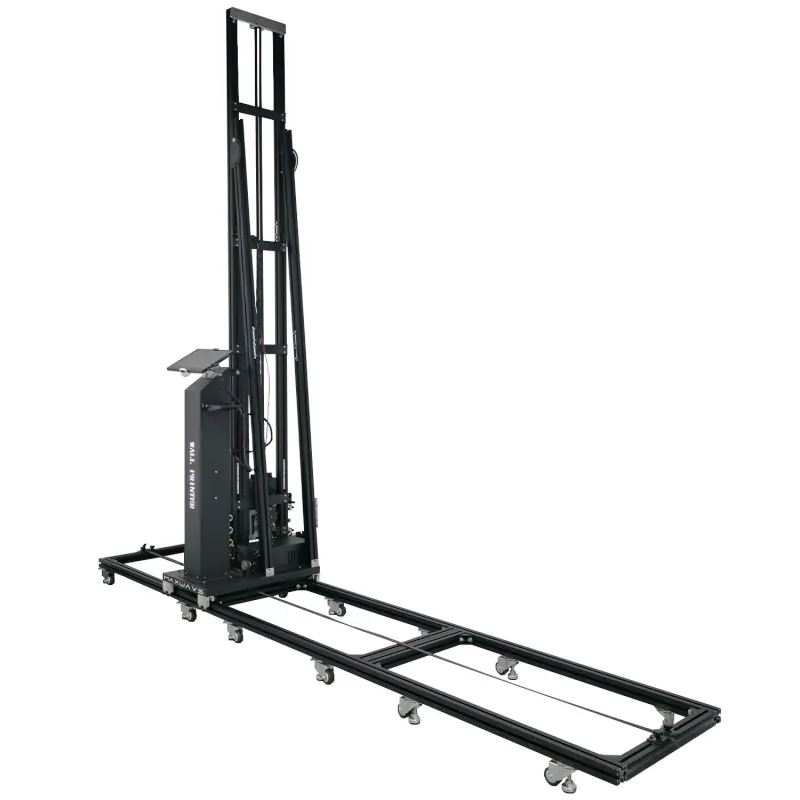
UP200 Automatic Wall Printer Specifications
Every figure for the UP200 in one table, including the print area and margins your designer lays the file out to. The right-hand column jumps to the part of this page that explains it.
| Item | UP200 | On this page |
|---|---|---|
| FRAME AND IMAGE AREA | ||
| Structure | Column on rails | Structure |
| Print height | 2.5 m standard, 3 m option | Structure |
| Standard image | 2.5 m × 6 m, width extended with rail sections | Structure |
| Margins | Top 20 cm, bottom 40 cm, left 20 cm, right 45 cm | |
| Positioning | Red-light cross on the wall | Structure |
| Base | Rail | Structure |
| Net weight | 70 kg | Structure |
| Branding option | LED logo panel made to your design | Logo panel |
| AUTOMATIC FUNCTIONS | ||
| Power interruption | Built-in resume after a power cut; automatic head lowering when power is lost | Resume |
| Printhead temperature | Held constant | Heads |
| Head cleaning | Automatic | Heads |
| Obstacle detection | Dual sensors on the print head | Sensors |
| Surface tracking | Dual ultrasonic sensors, follows up to 1.5 cm unevenness | Sensors |
| Ink system | Electric ink suction, moisturising cap, white ink stirring, low-ink alarm | Heads |
| PRINT AND INK | ||
| Printhead options | DX10 / DX7 / I1600 (original Epson) | |
| Print speed | Draft ≈8 m²/h · Standard ≈8 m²/h · High-resolution ≈5 m²/h | |
| Ink | UV ink, CMYK or CMYK + W | |
| Droplet size | 3.0 pl | |
| Precision | 2880 dpi nominal | |
| Curing | LED UV, as it prints | Resume |
| File formats | TIFF, PDF, JPEG, PNG; CMYK, 300 dpi or more | |
| SOFTWARE, POWER, CERTIFICATES AND WARRANTY | ||
| Software | BetterPrint control, Ultraprint RIP, Maintop supported | |
| Languages | Chinese, English, Russian and many other languages | |
| Interface | USB 3.0 | |
| Learning | About 10 minutes for the basic print workflow | |
| Power | Single-phase AC 110-220 V, 2000 W, 50-60 Hz | |
| Working conditions | 10-35 °C, wind force 0-5 | |
| Certificates / warranty | CE certificates issued to the manufacturer; 2-year whole-machine warranty, ink and printhead connectors excluded (Maintenance & Support · About Us) | |
- Printheads
- More nozzles (I1600 1600, DX7 1440, DX10 1080) mean faster printing, fewer ink drop-outs, longer life and a higher price, per the factory; the speeds above are the rated series figures. Head and ink-set choices are on Configurations & Customization
- Speed and surfaces
- A 15 m² wall takes about 2 hours in Standard, printing time only. Ordinary painted or plastered walls print directly once dry and flat; only smooth, non-absorbent surfaces such as glass, tile, metal and acrylic take a coating first. Results on wood, canvas and brick are application-dependent, so a sample test is recommended. Results by material are on Wall Printer Applications
Send the Walls You Print in a Week
Add the power you usually find on site. The reply is a UP200 configuration and quotation: column height, rail length, printhead, ink set and the logo panel if you want one.
UP200 Automatic Wall Printer Alongside the GP200 and GP200B
The UP200 is the series for steady output at one wall, with power-cut resume and head lowering built in. When the work looks more like one of the rows below, the other series fits better; all three are compared on UV Wall Printers
| Series | Key figures | Choose it when |
|---|---|---|
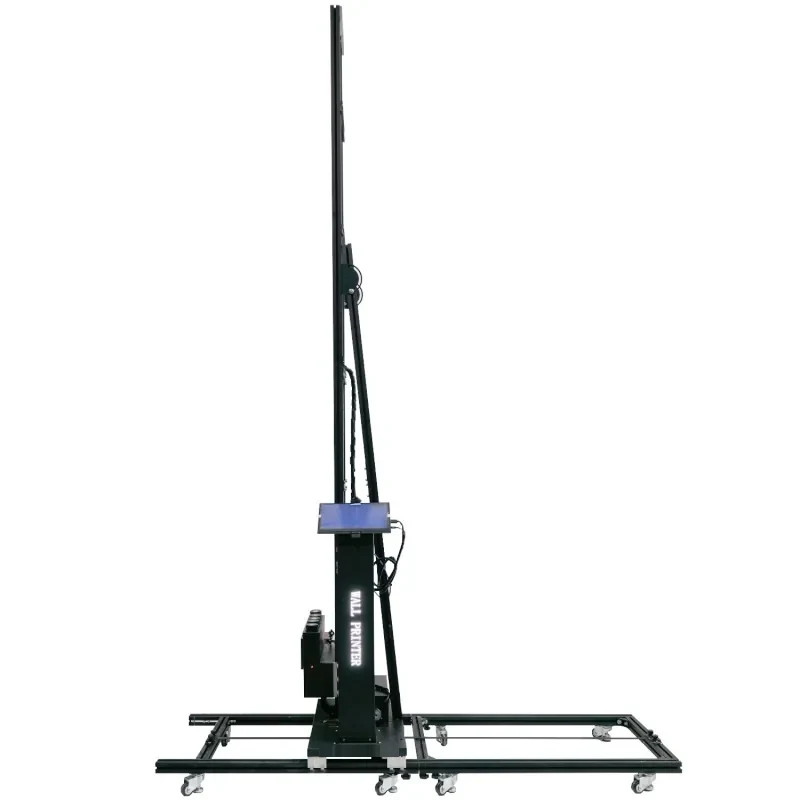 UP200this page | 70 kg · 2.5 m / 3 m · rail | The machine stands at one wall for the day, long walls run in one go, and the site power is unreliable. |
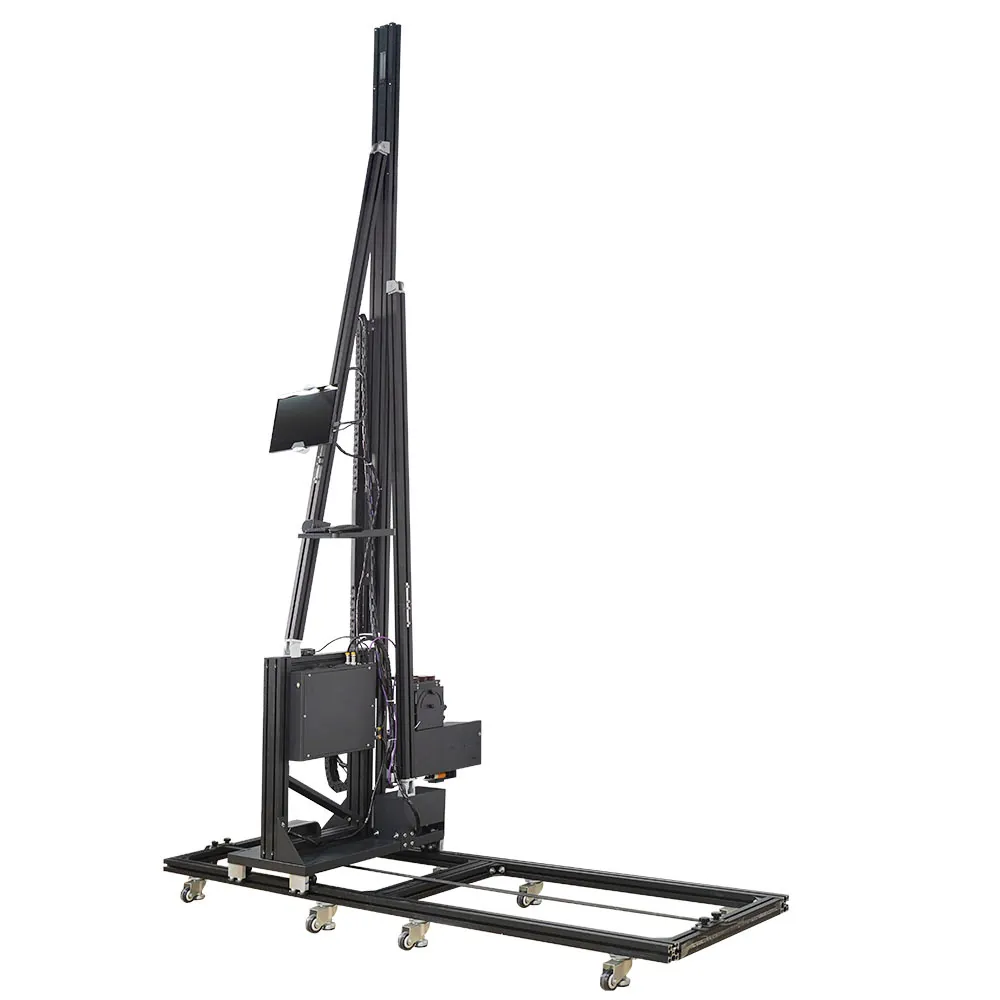 GP20045 kg | 45 kg · ≈10 min, one person | Wall jobs move between sites several times a week. |
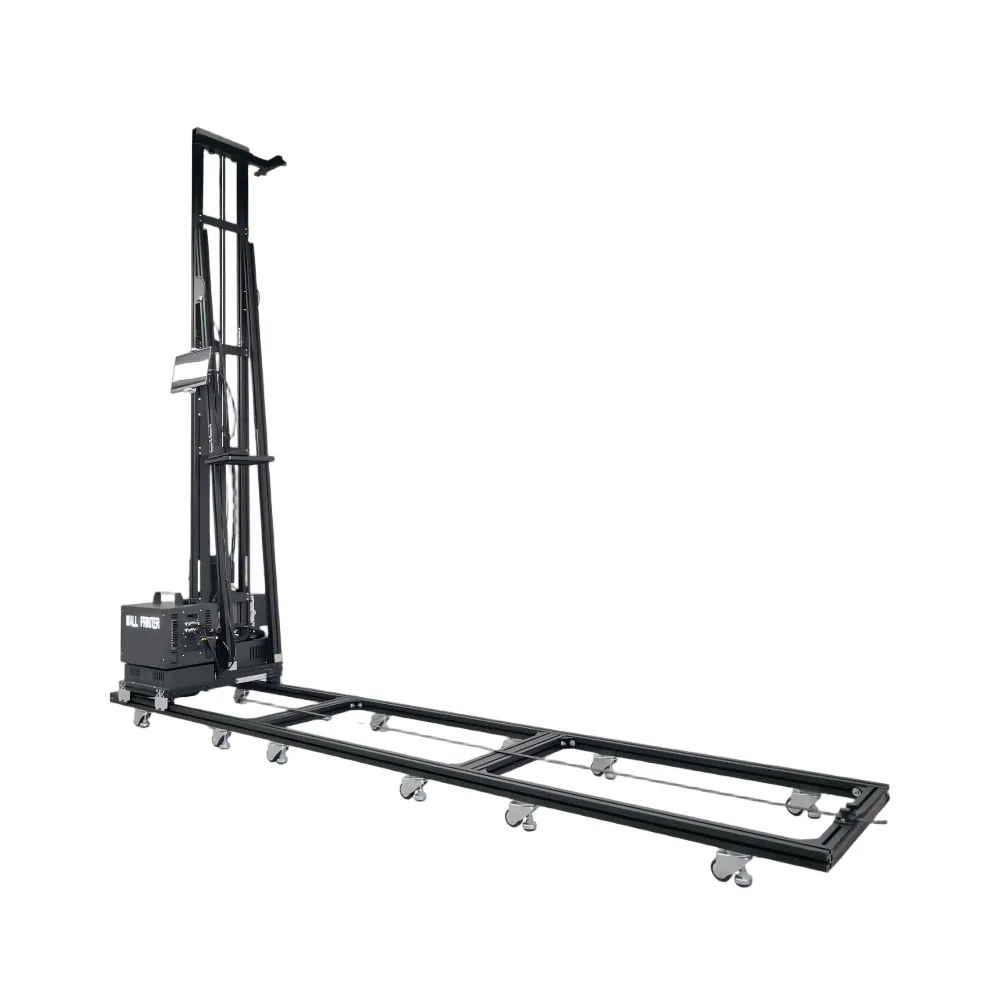 GP200B60 kg | walls and floors · custom 4 m | Clients also want floor graphics, or walls up to a custom 4 m. |
Request a UP200 Automatic Wall Printer Quotation
Tell us your business, the walls you print in a typical week (usual and tallest heights, widths, surfaces including dark walls) and how often the power drops on your sites. Each answer sets a line of the reply: column height, rail length, printhead and ink set, and the logo panel if you want one.
- WhatsApp: +86 18571639620
- Phone: +86 18571639620