Wall Printer Maintenance and After-Sales Support for Production Use
For print shops, sign and advertising firms, decoration contractors, mural studios and dealers who run a wall printer as production equipment. On a client site the machine is booked against a job, so every hour it is ready to print counts.
The care routine is built into the ink system, printhead changes come with video guides, and an after-sales process with remote engineers runs from the confirmed order to long-term parts supply.
- Electric ink suctionwith printheads capped overnight
- Original Epsonprintheads and connectors supplied
- Remote install checkand online operator training
- Chinese, English, Russian +many other interface languages
- One contact, order to partsafter-sales handled by WallPrintScale: the process
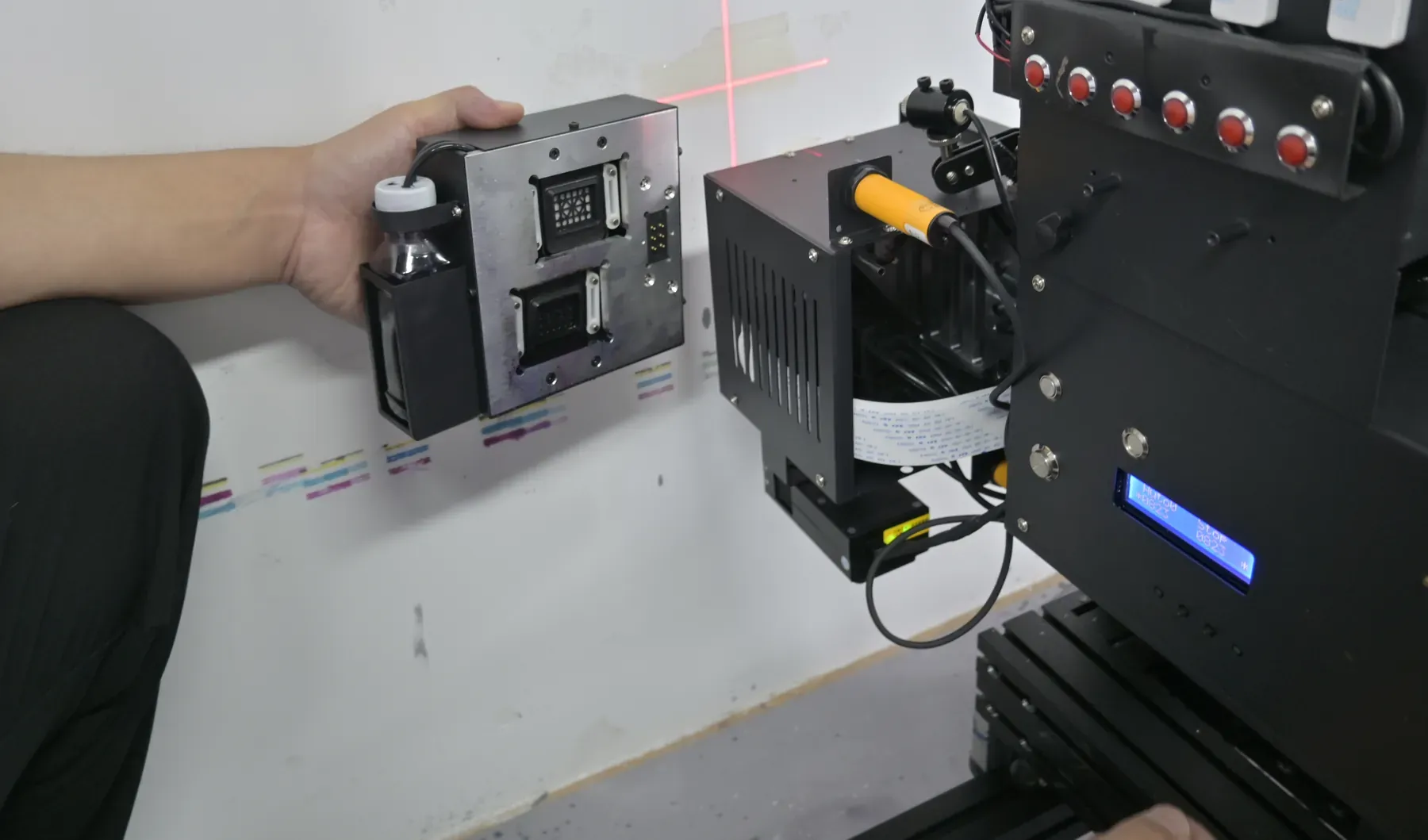
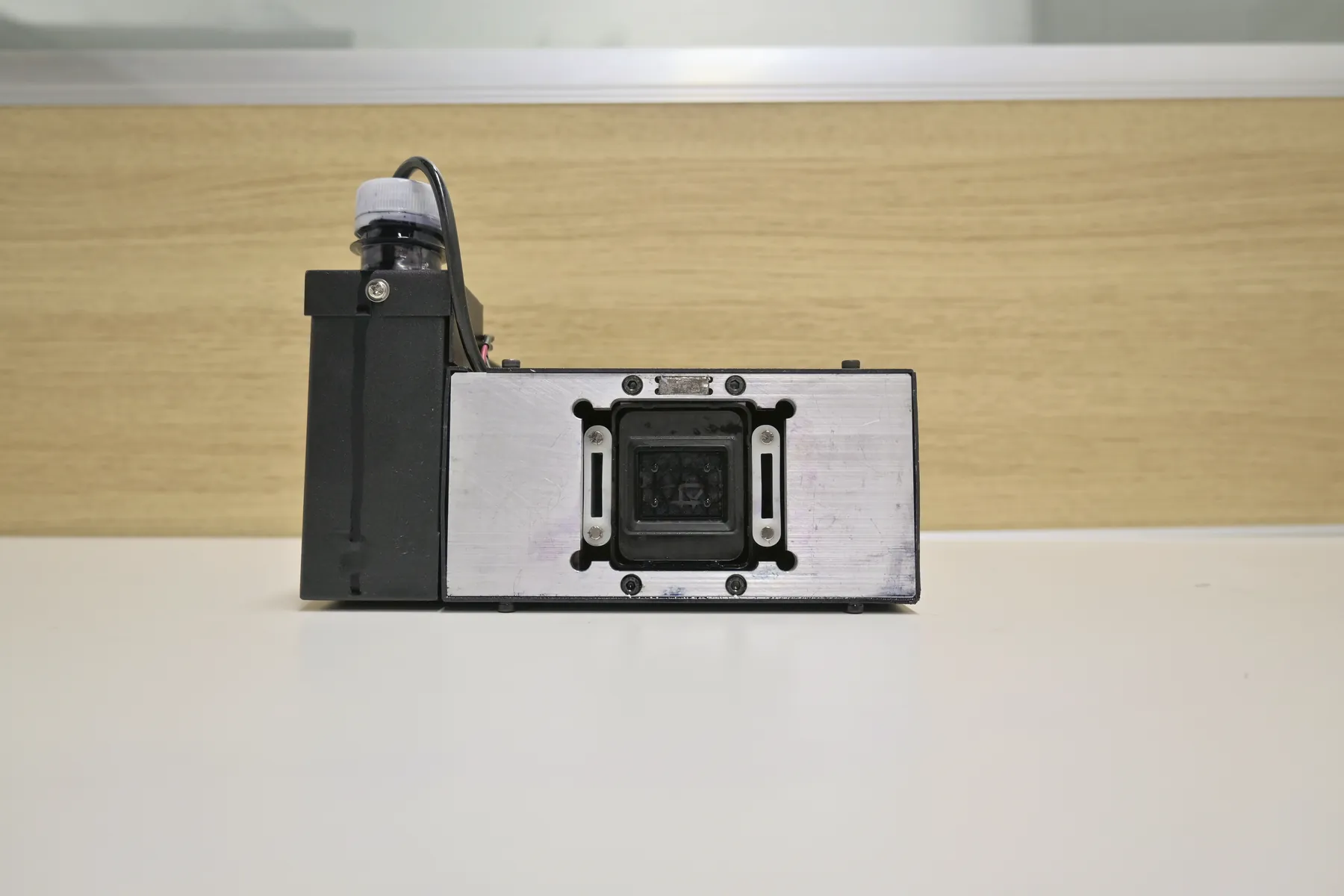
- PrintingPrintheads heated, ink at working temperature
- Long printLow-ink alarm warns before the ink runs out
- Last printElectric suction clears the nozzles
- OvernightPrintheads parked under a cap, kept moist
- Next morningFirst pass starts with no cleaning session
End-of-Day Wall Printer Maintenance With Electric Ink Suction
This routine decides whether the machine prints straight away the next morning. It runs after the last print of the day, before the machine is parked overnight or left standing between jobs.
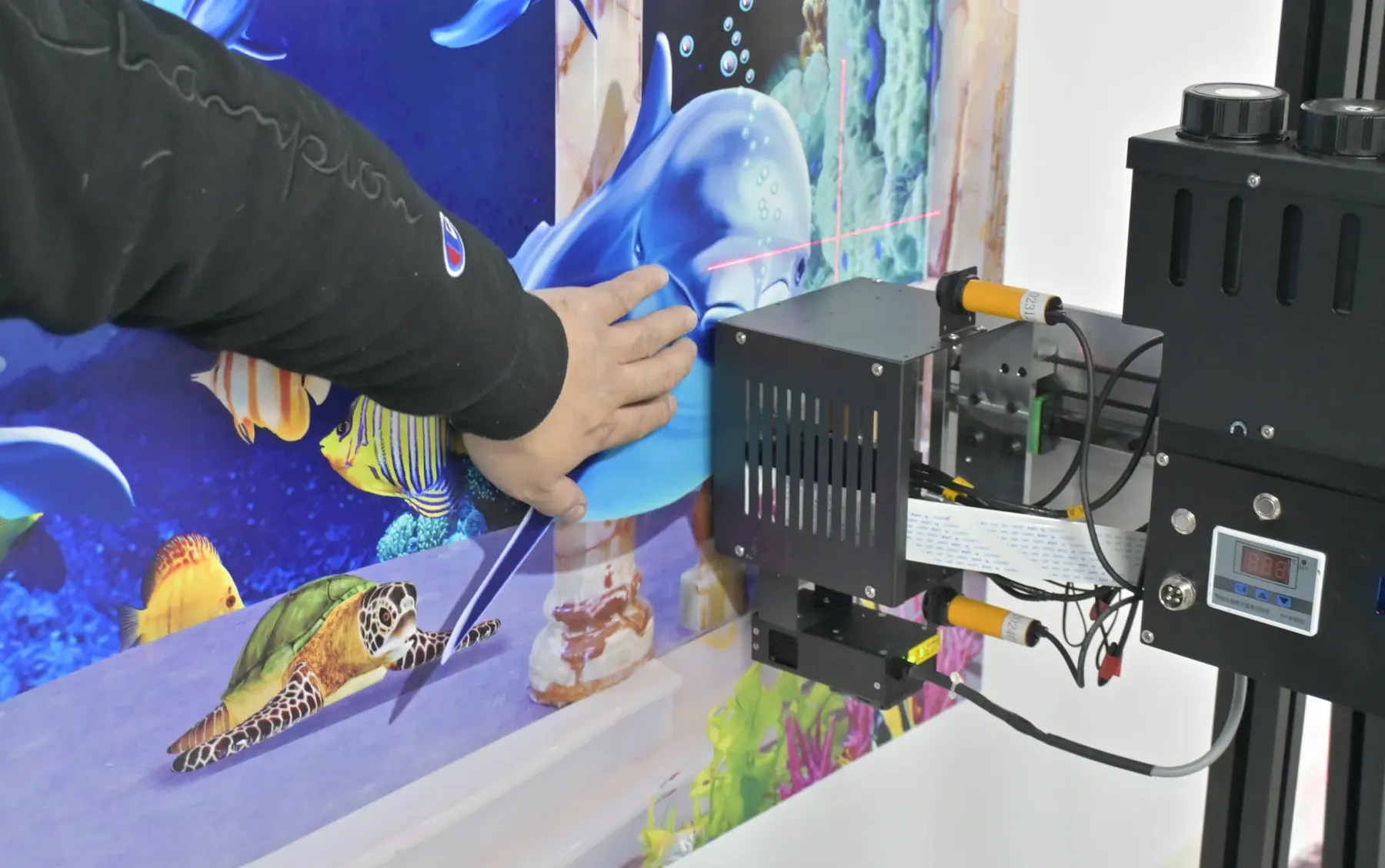
Last printInk still fluid on the nozzle plate
The wall is printed and cured for the day. What is left on the printheads is the next problem.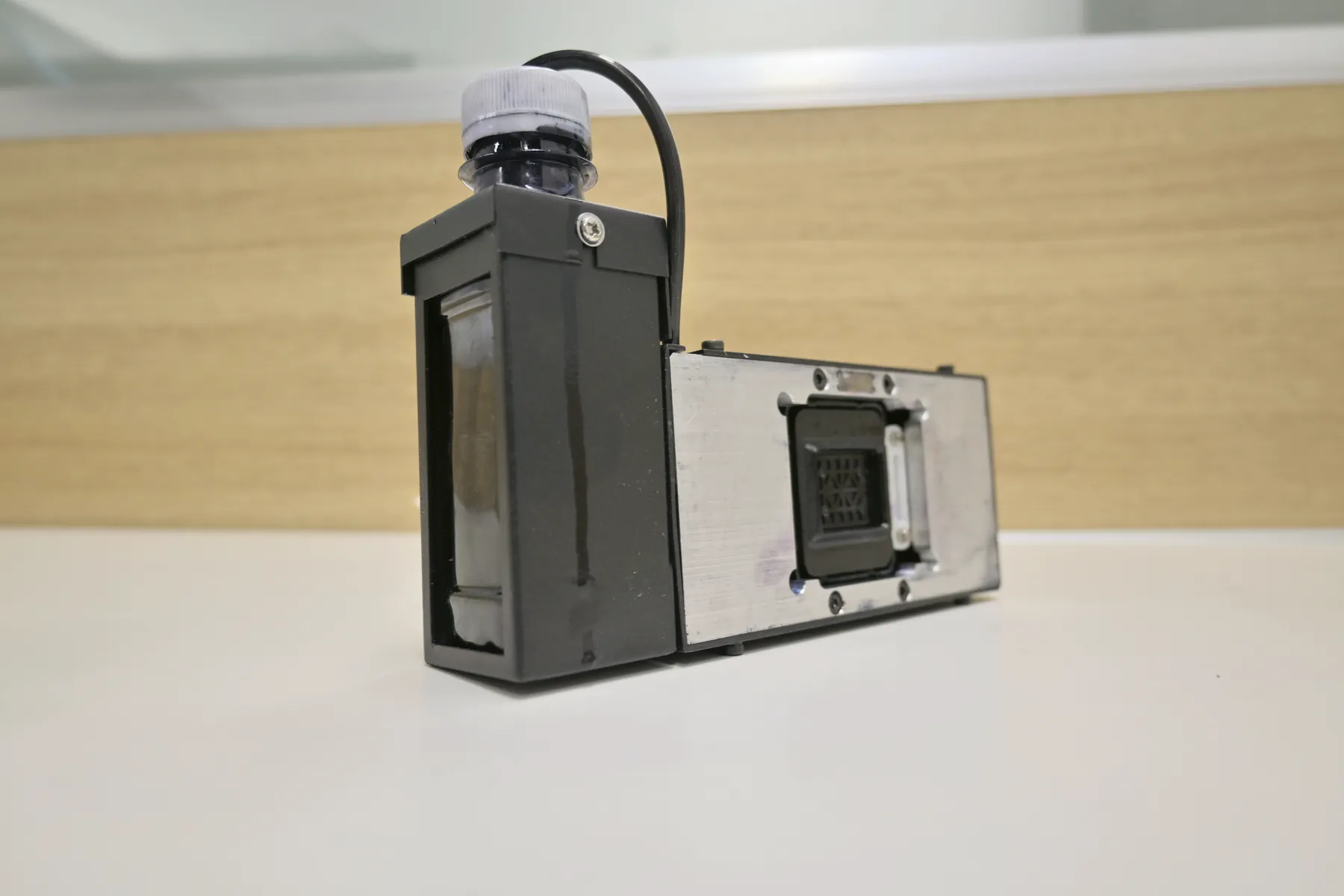
Electric suctionNozzles cleared
Suction draws ink through the printheads and cleans the nozzle plate while the ink is still fluid.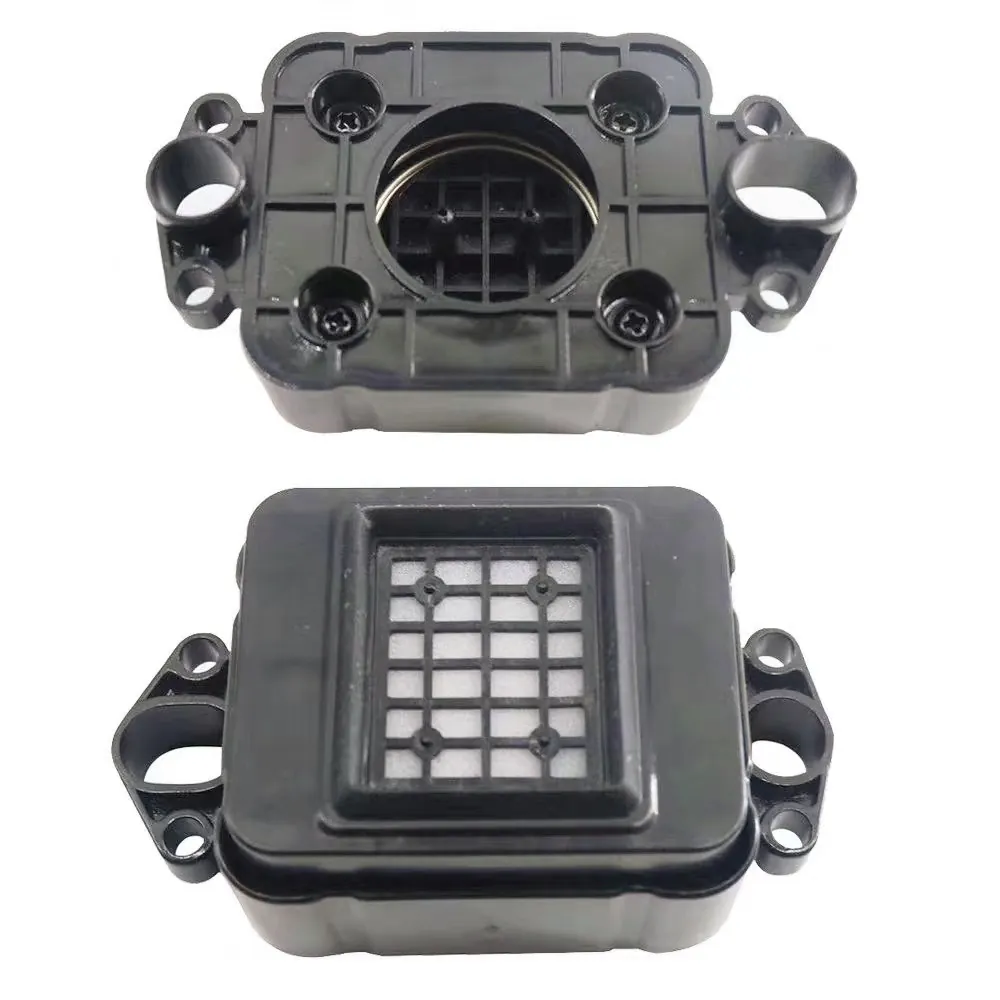
Capped overnightPlate kept moist
The printheads park under a cap, so the nozzle plate does not dry out.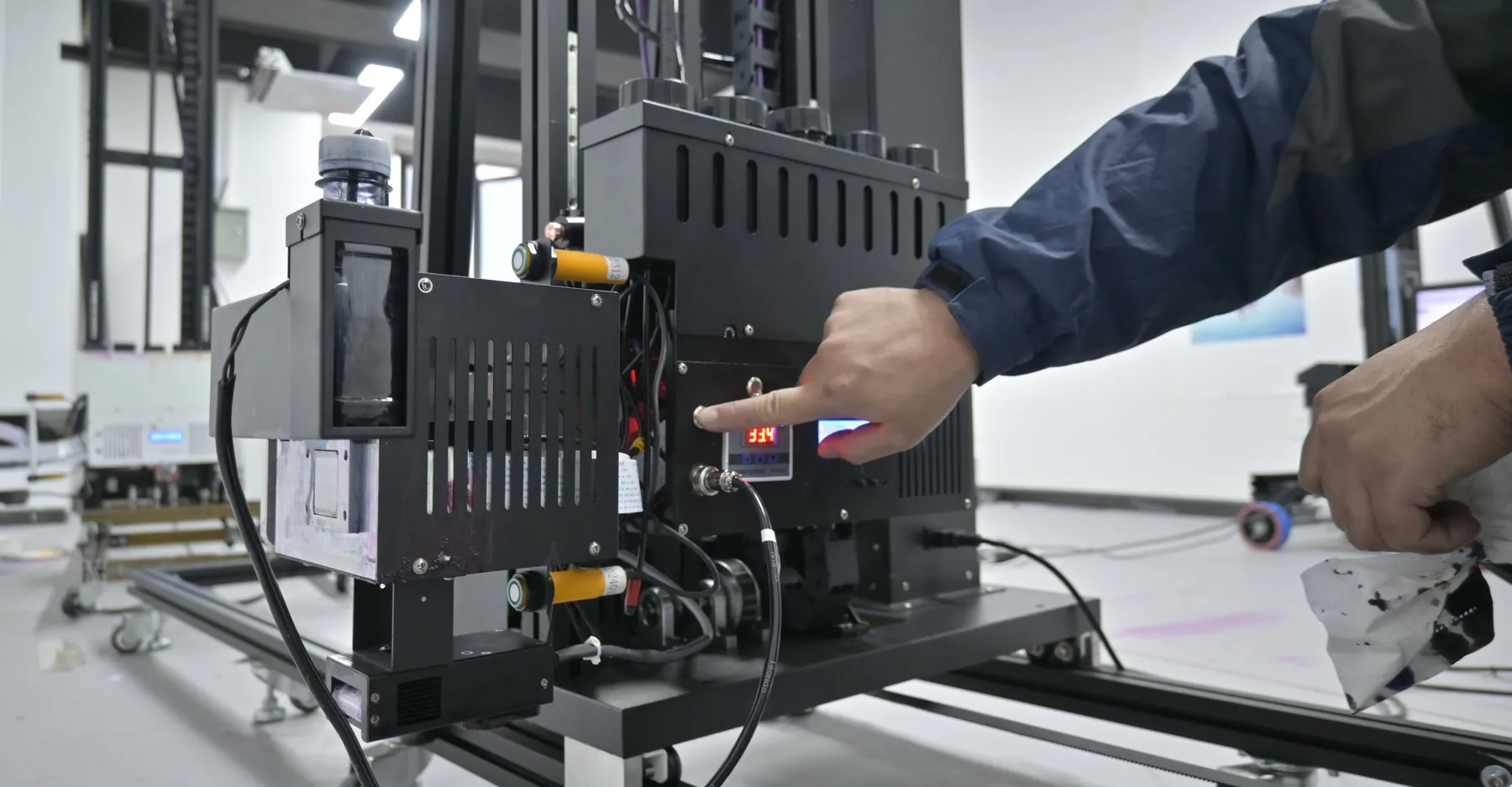
Next morningPrints straight away
Once the machine is on and positioned at the wall, the first pass of day two starts without a cleaning session.
UV ink left on an open nozzle plate
- Dries overnight and blocks nozzles
- Day two opens with a long cleaning routine
- Blocked nozzles show as missing lines on the wall
Suction plus capping, every evening
- Nozzles cleared while the ink is still fluid
- Plate kept moist under the cap
- A multi-day job restarts on the wall, not at the cleaning station
Same on all three series. GP200, GP200B and UP200 share the routine, so an operator who learns it on one machine runs it on any other in your fleet.
How your operator learns it. A daily care video shows the suction and capping sequence step by step; an engineer can walk the operator through it online.
Automatic Functions That Cut Daily Wall Printer Maintenance
These run without the operator scheduling them. Each one removes a manual check or a common cause of printhead damage on site; the last column shows which series has it.
| Function | What it takes off the operator | Series |
|---|---|---|
| Printhead heating | Holds the UV ink at working temperature, so jetting stays even in rooms that are not climate-controlled and colour matches from pass to pass. | GP200 · GP200B · UP200; constant head temperature on the UP200 |
| White ink stirring | Keeps white pigment from settling, so a white underbase on a dark wall prints with even opacity. No manual step at the start of the day. | Machines with CMYK + W |
| Low-ink alarm | Warns before the ink runs out, so the operator refills between passes instead of a pass printing short. | GP200 · GP200B · UP200 |
| Ultrasonic distance tracking | Two sensors keep the head following bumps and dips of up to 1.5 cm in plaster or brick: the print stays sharp and the head stays clear. | GP200 · GP200B · UP200 |
| Automatic printhead cleaning | Cleans the printheads without a manual cleaning session, on top of the end-of-day suction. | UP200 |
| Obstacle avoidance | Dual sensors on the print head detect a fitting or an edge in its path before the head reaches it. | UP200 |
| Head descent on power loss | The print head lowers itself when the power goes, instead of staying up on the column. Resuming the print is covered under site conditions. | UP200 |
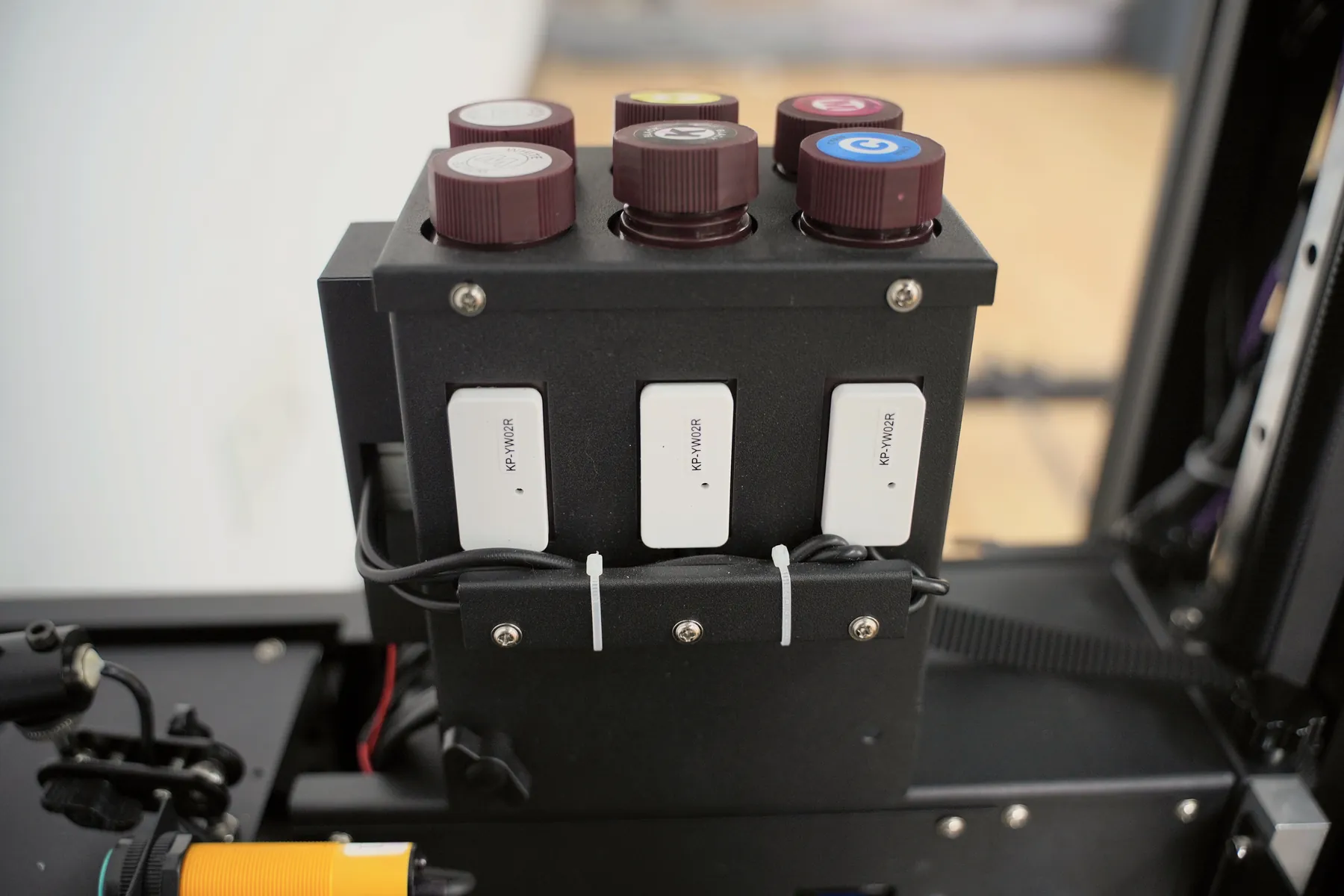
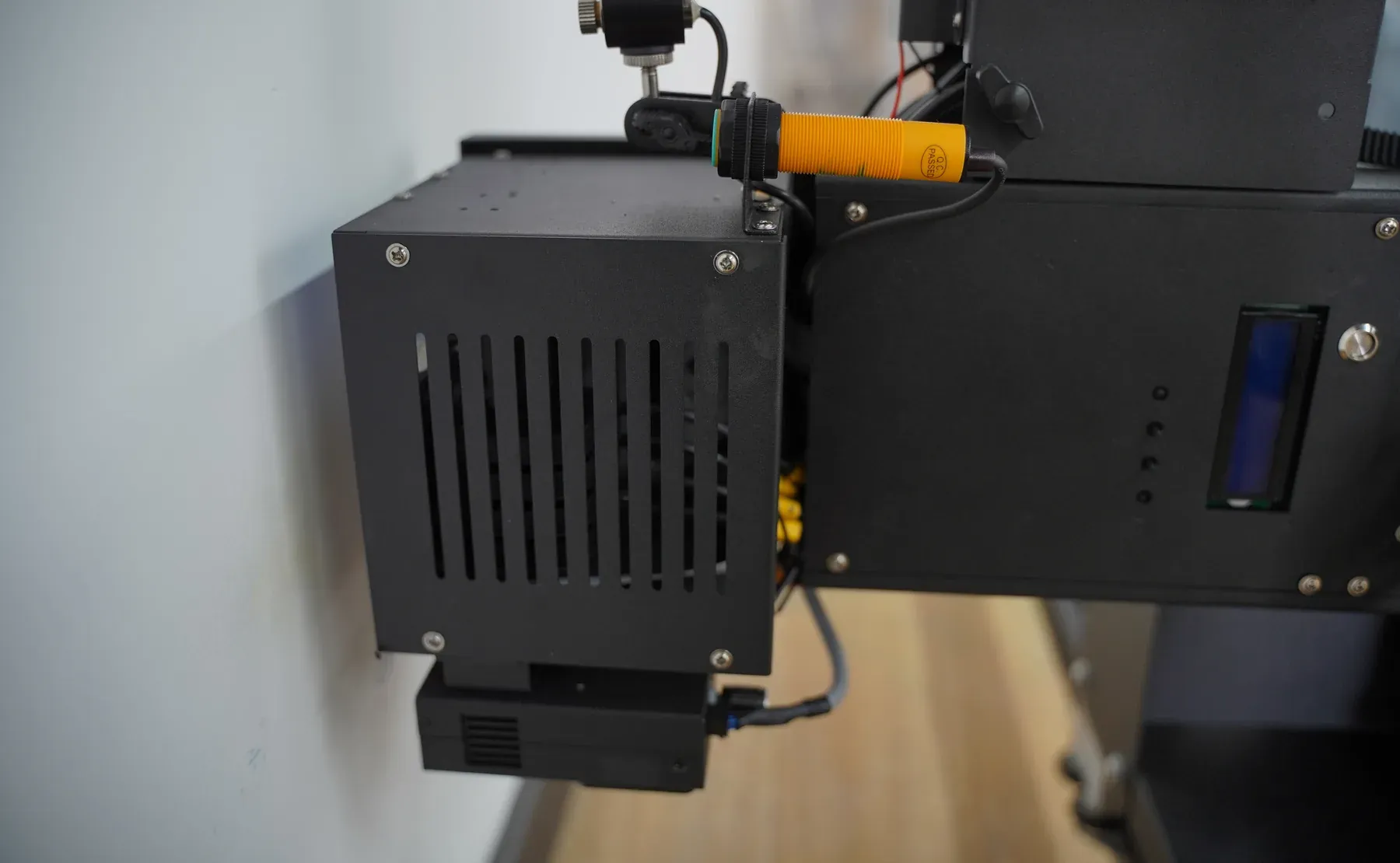
Wall Printer Maintenance Videos for Printhead Replacement
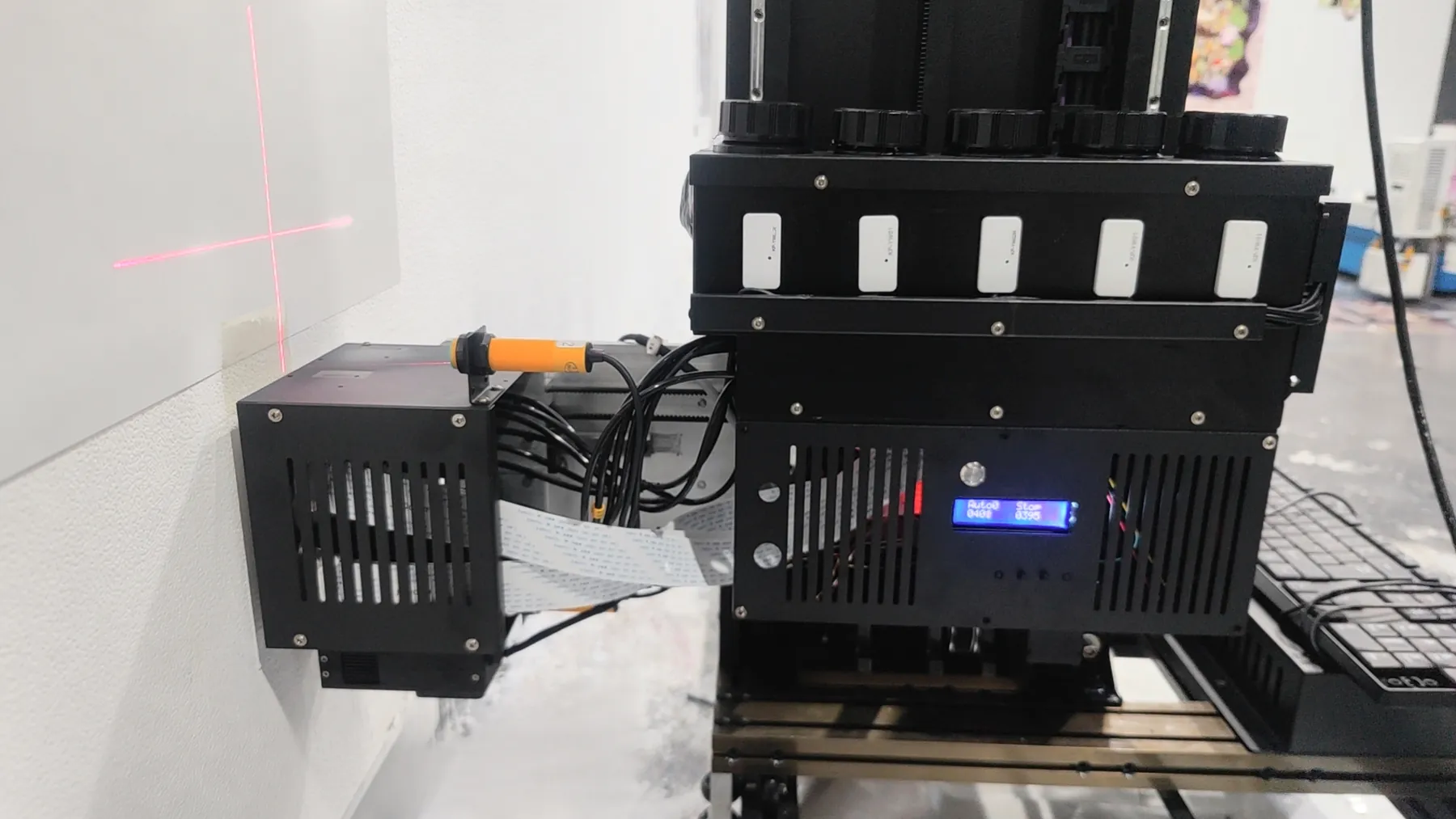
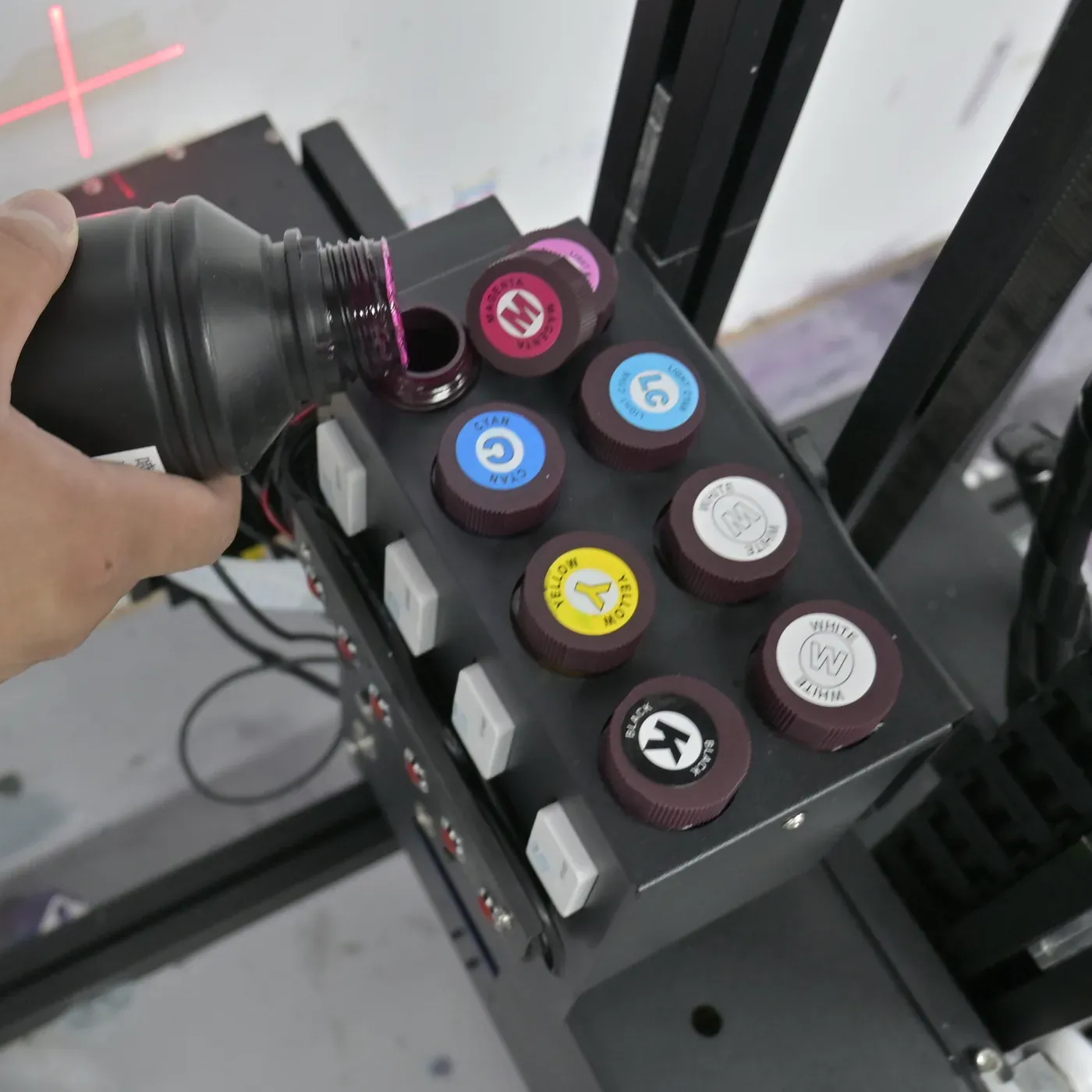
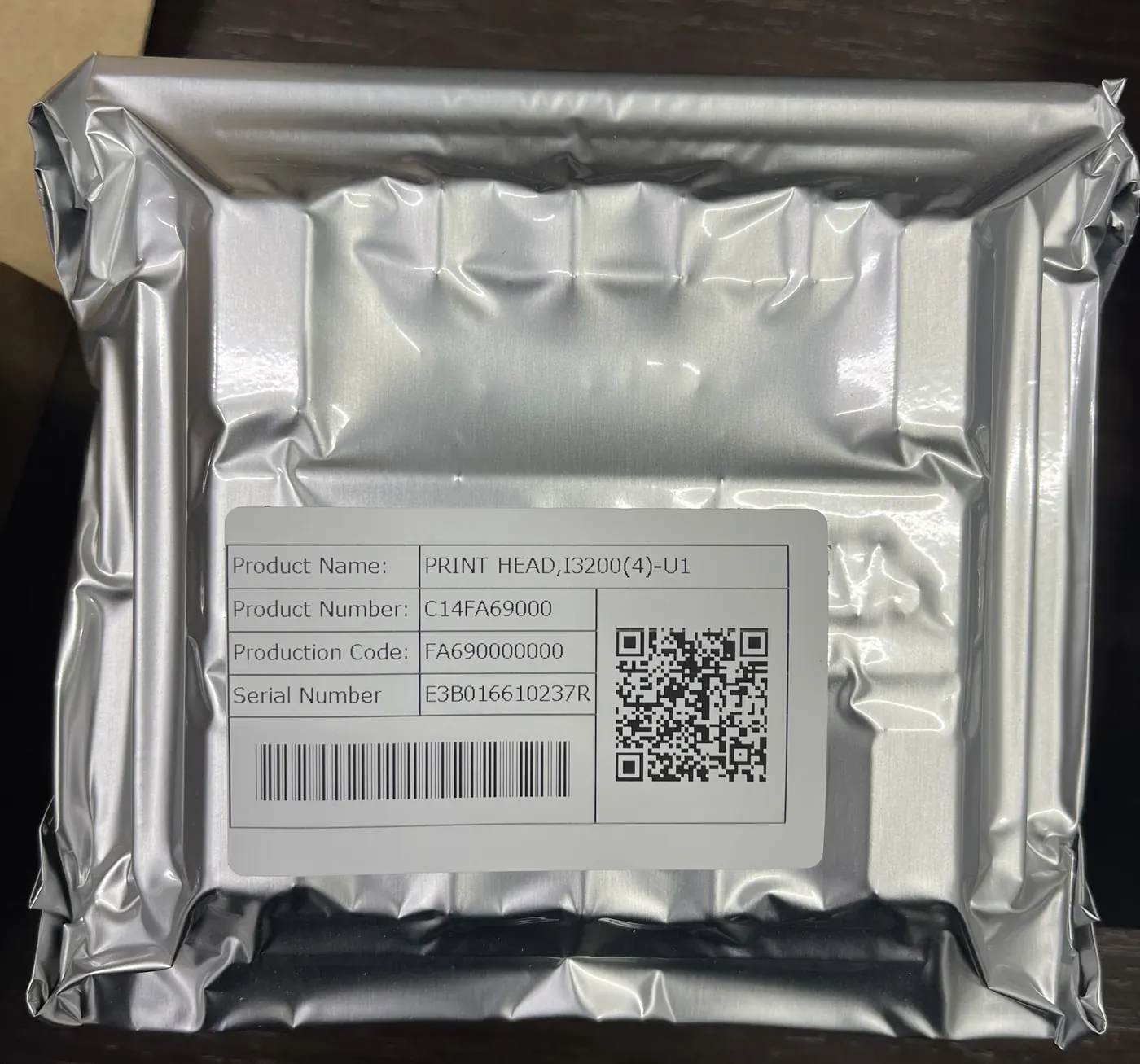
Every WallPrintScale machine runs original Epson printheads. When a printhead or a printhead connector needs changing, your operator does the job with a guide video instead of waiting for a technician to travel to the site.
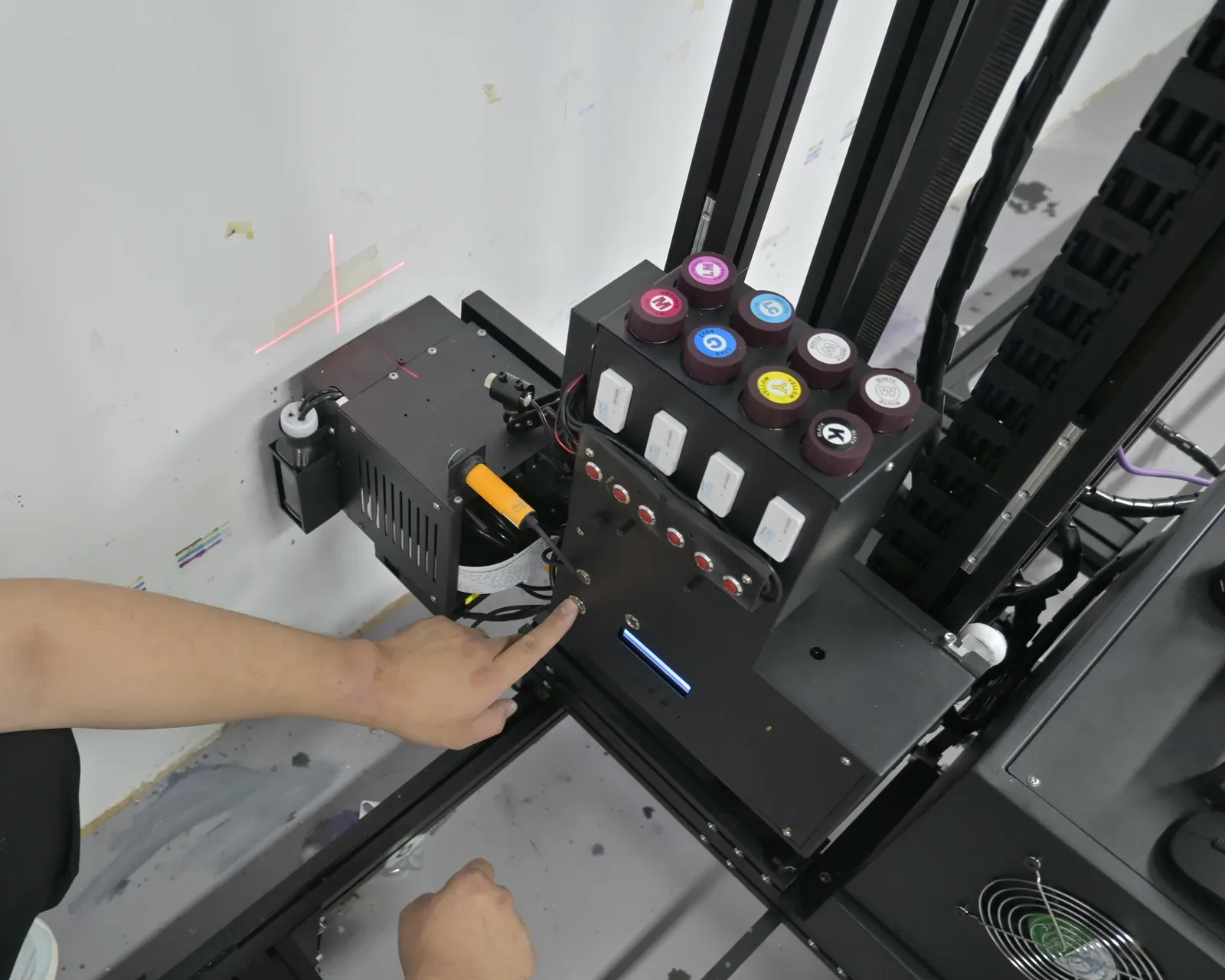
What a part-replacement video covers
- RemovalTaking the old printhead or connector out, in order
- FittingSeating the new part on the carriage
- ChecksWhat to confirm before the next print
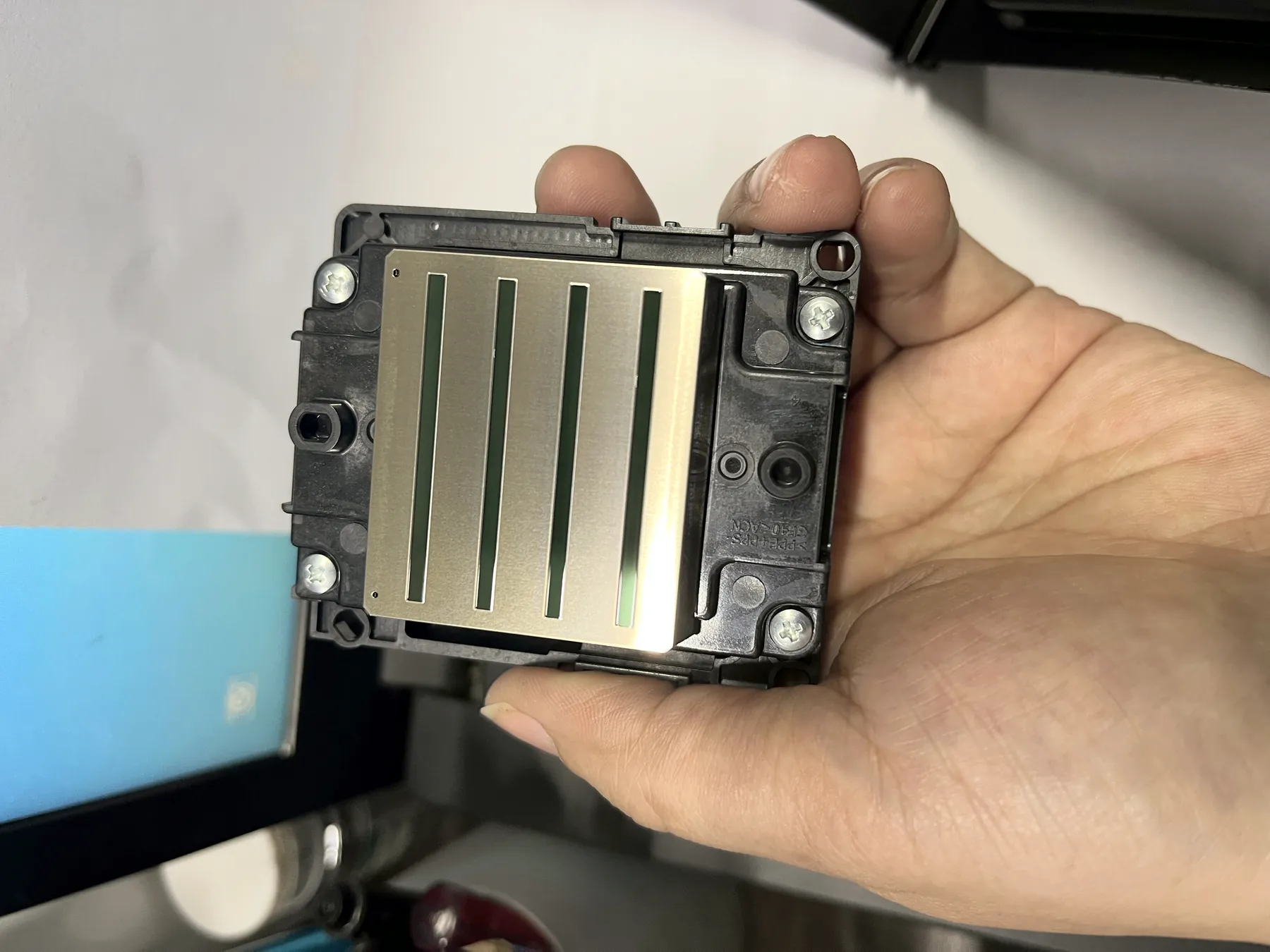
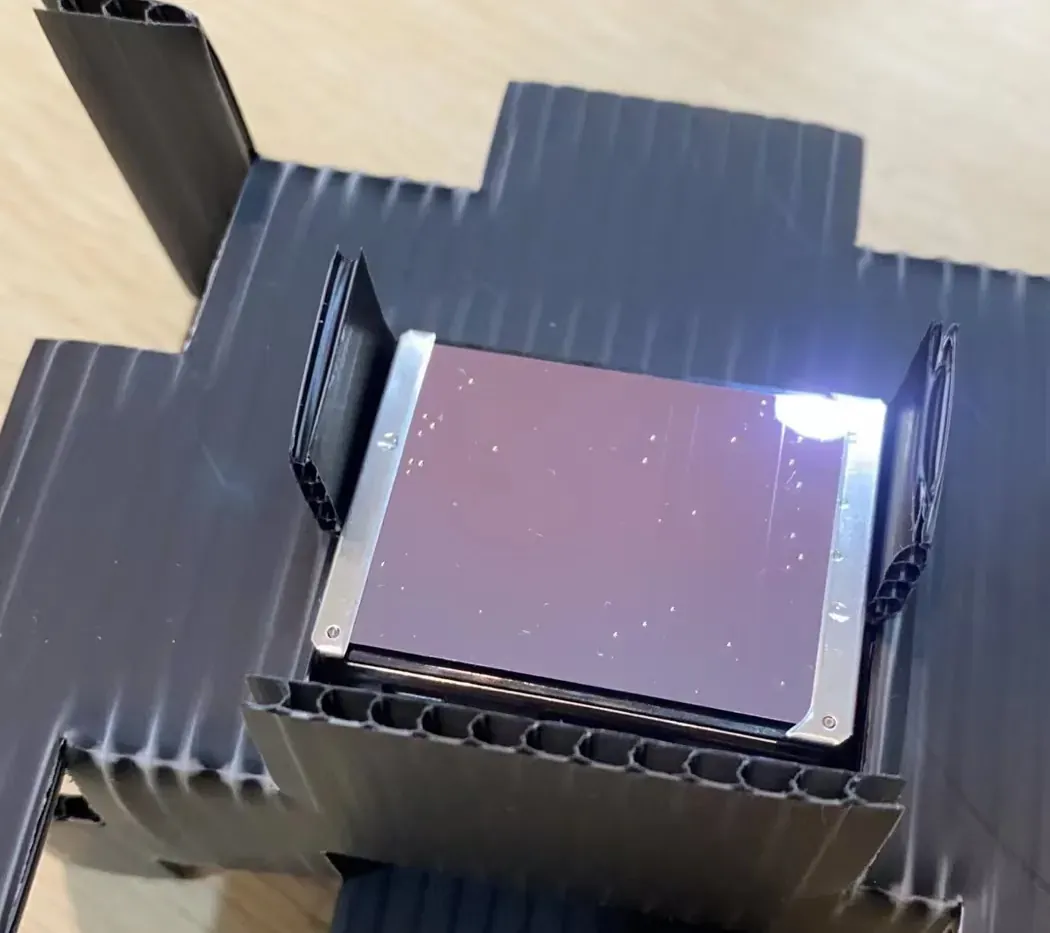
One video per task. Each routine printhead job has its own video, showing the steps in order on the machine; other routine part changes are covered the same way. If a step does not go as the video shows, an engineer guides it online through remote support.
| Printhead | Nozzles | Relative |
|---|---|---|
| I1600 | 1600 | |
| DX7 | 1440 | |
| DX10 | 1080 |
Per the factory, more nozzles mean faster printing, fewer ink interruptions, a longer service life and a higher printhead price. Printhead options per series are compared on Wall Printer Configurations.
Site Conditions and Power for Steady Production
A wall printer works where the job is, so part of wall printer maintenance is running it inside its rated conditions. These are the limits and the power options on each series, so a print runs through to the end of the wall.
When the power cuts out
| Series | What happens to the print |
|---|---|
| UP200 | Built-in resume after a power cut: the print continues from where it stopped. |
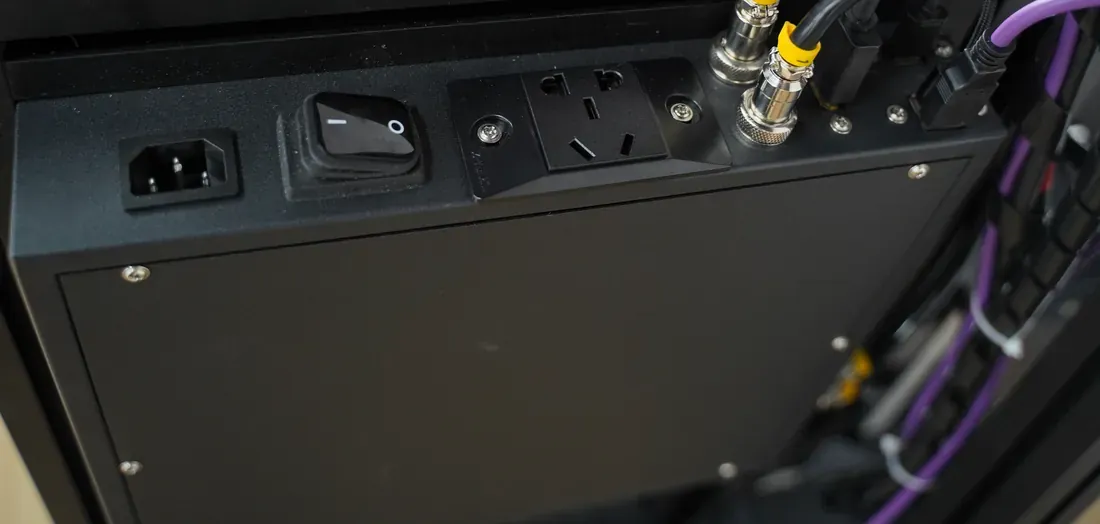
| GP200B | A UPS can be added to keep printing through a cut, provided it can carry the machine's 2000 W. |
| GP200 | Supports a custom UPS. |
With the right power option, an interruption on a client site does not mean starting the wall again. Power options are compared on Wall Printer Configurations; choosing a series for your workload is covered on UV Wall Printers
After-Sales Service Process From Order to Long-Term Parts Supply
Support is remote and starts the day your configuration is confirmed. At each of the eight stages your team has a job and our engineers have a job, so nothing waits on a site visit.
01Order and configuration
Your teamTells us the walls and surfaces you plan to print, the series, printhead and ink set, and the interface language your operators need.Our engineersConfirm the configuration with the quotation, so the machine that ships matches the jobs you plan.02Software and test print
Your teamNothing to install before the first job.Our engineersPre-install BetterPrint with the Ultraprint RIP (Maintop also supported) and test-print every machine before it is packed.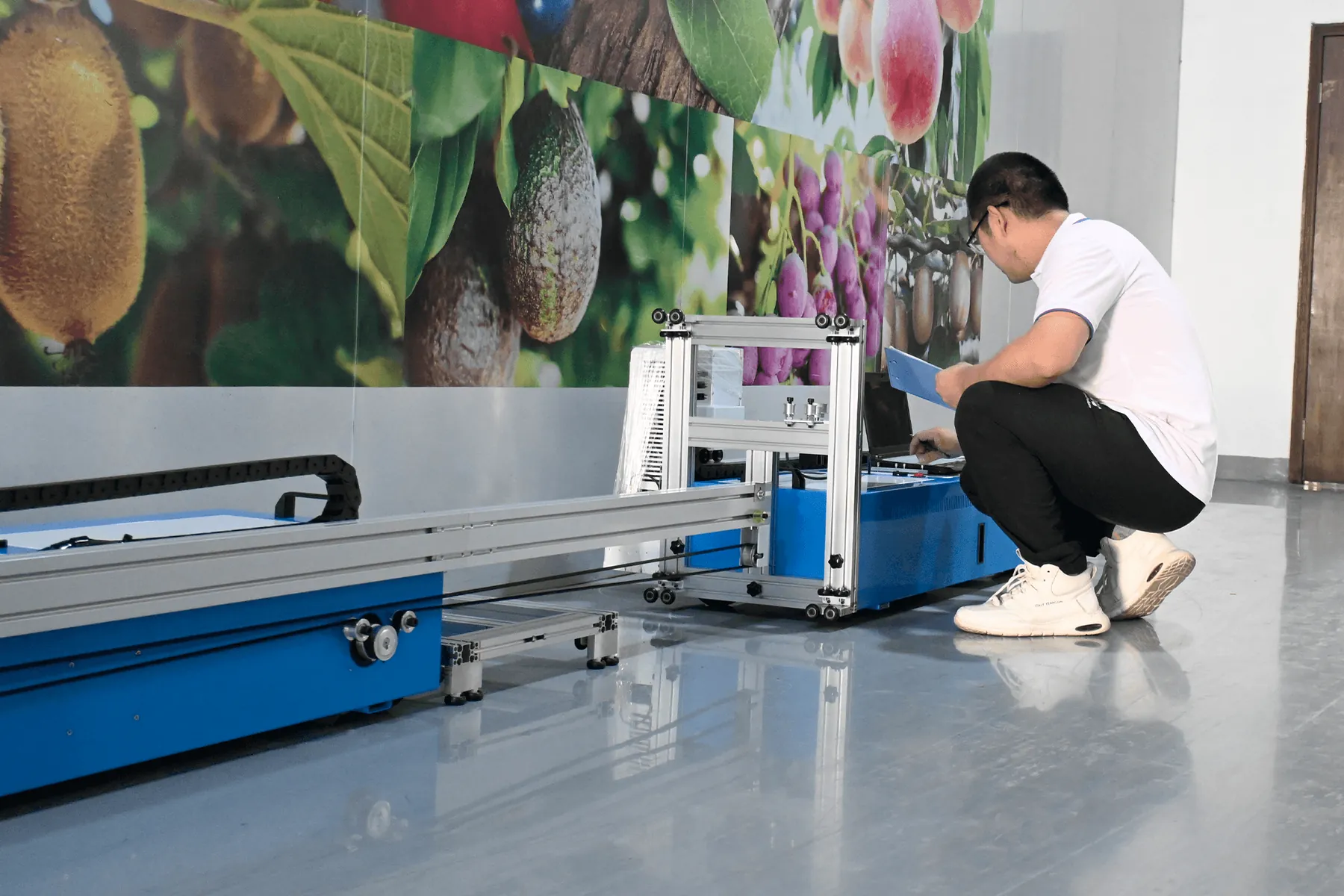
03Packing and shipping
Your teamReceives the machine with the illustrated manual inside.Our engineersWrap, crate and palletise the machine for international freight; a GP200 splits into seven small parcels.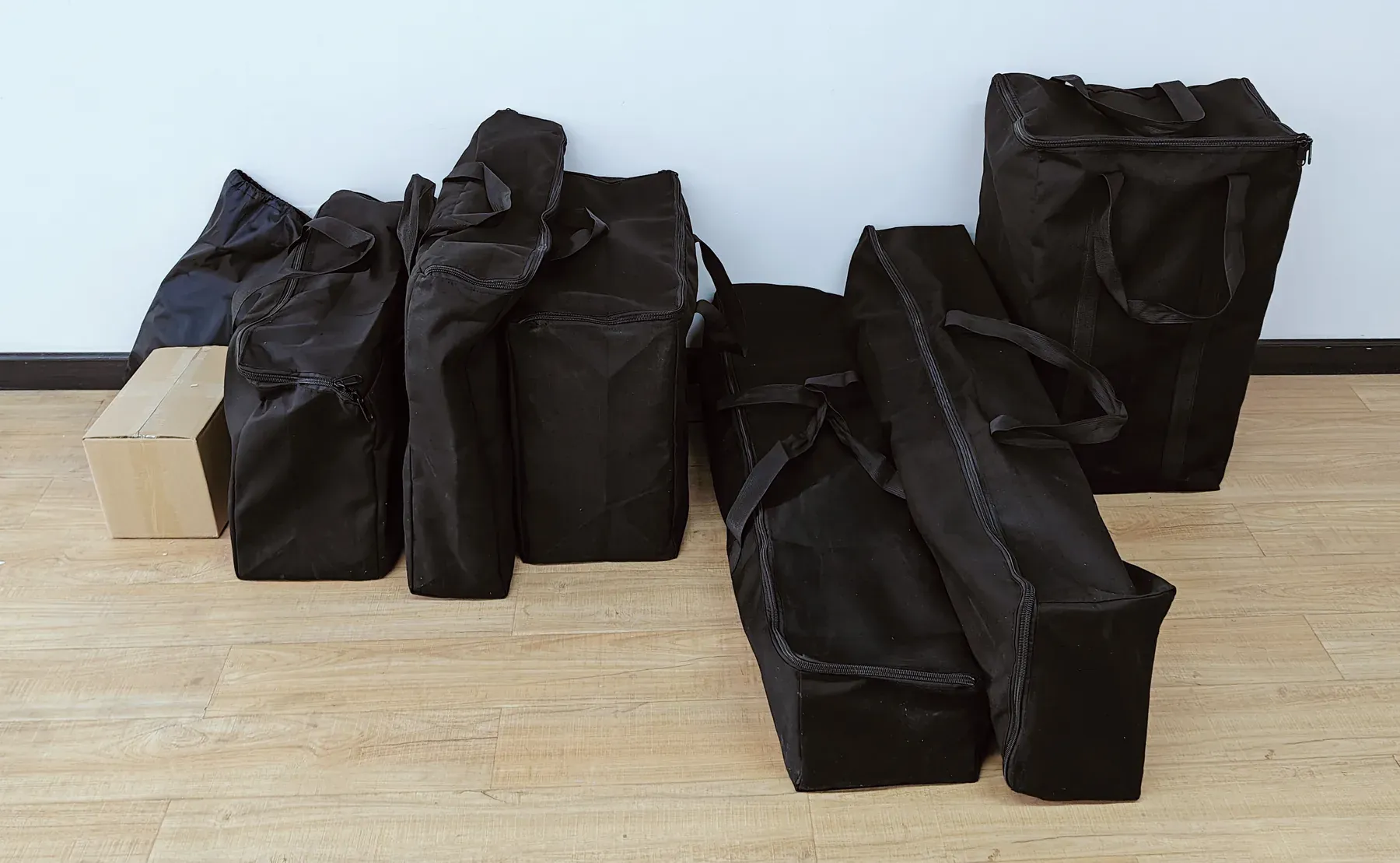
04Assembly and installation check
Your teamAssembles on site with the manual; a GP200 goes together in about 10 minutes for one person. Then films the machine and sends the video.Our engineersWatch the video, confirm the machine is ready to print, or name what to adjust before the first job.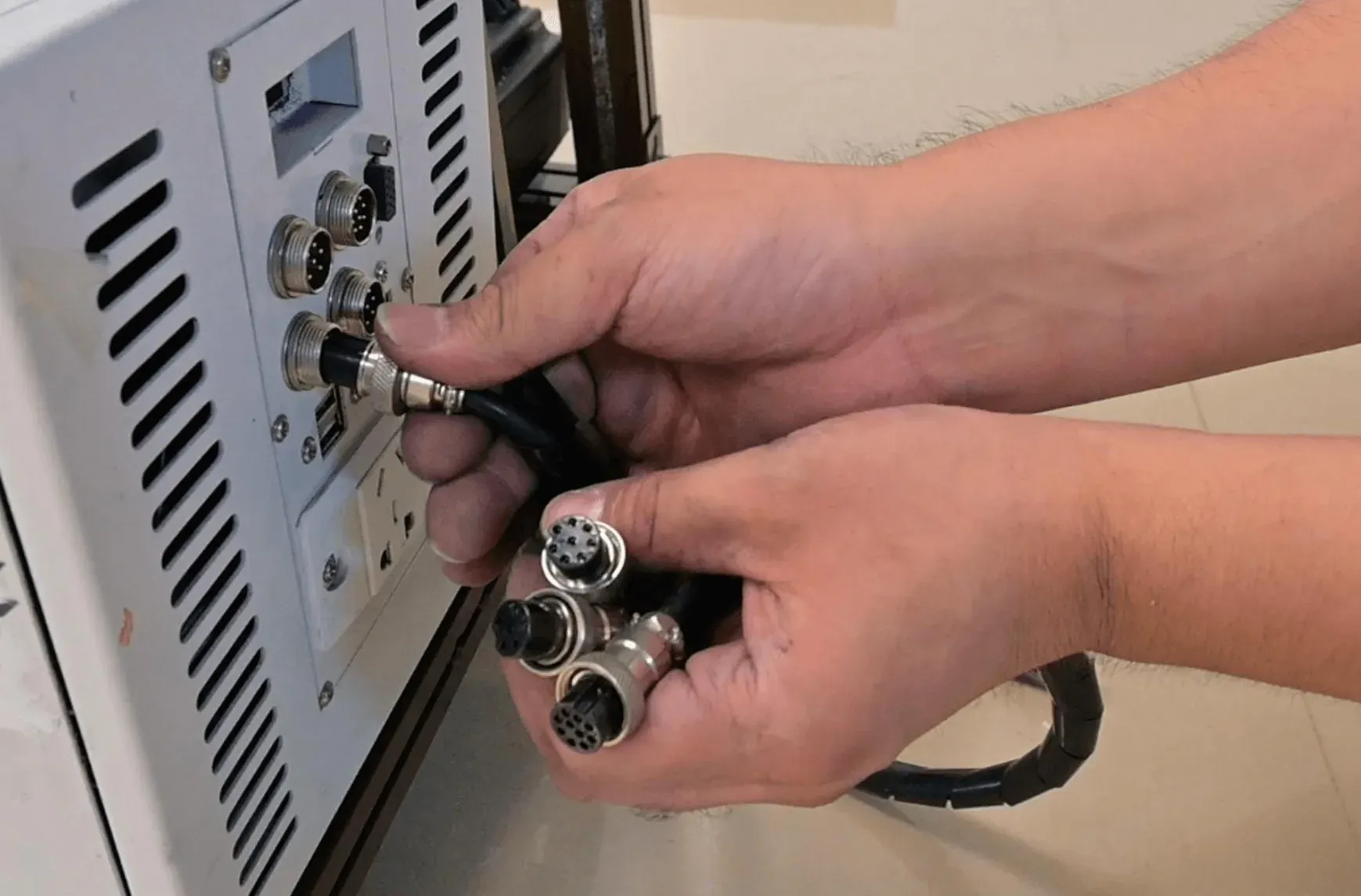
05Remote operator training
Your teamThe operator learns the basic print workflow in about 10 minutes, on real files.Our engineersTrain the operator online, working through the first prints on your machine.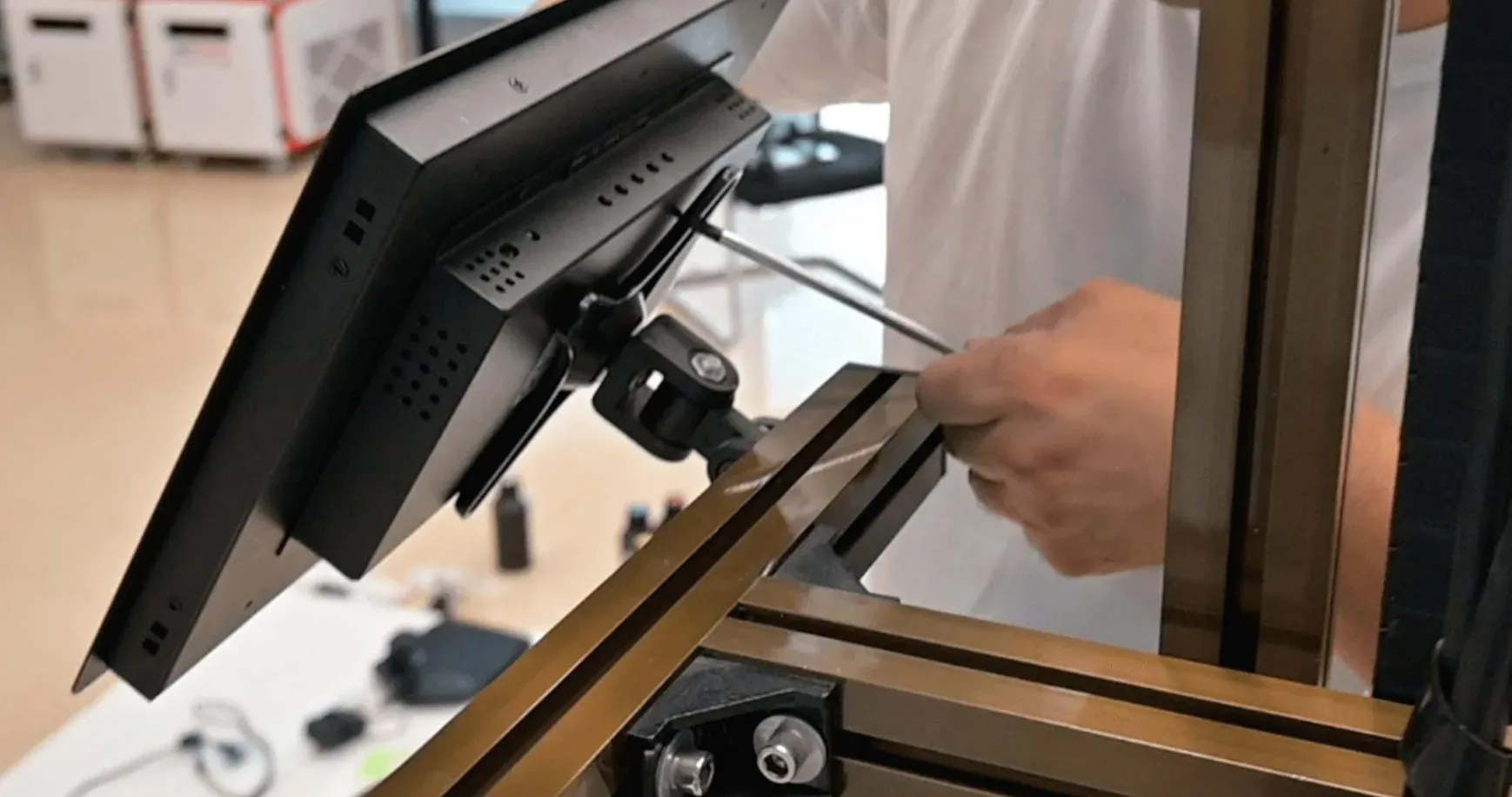
06Engineer guidance and part-change videos
Your teamRuns daily care and routine part changes with the step-by-step videos.Our engineersAnswer questions on a job online: a setting, a file that does not print as expected, a maintenance step.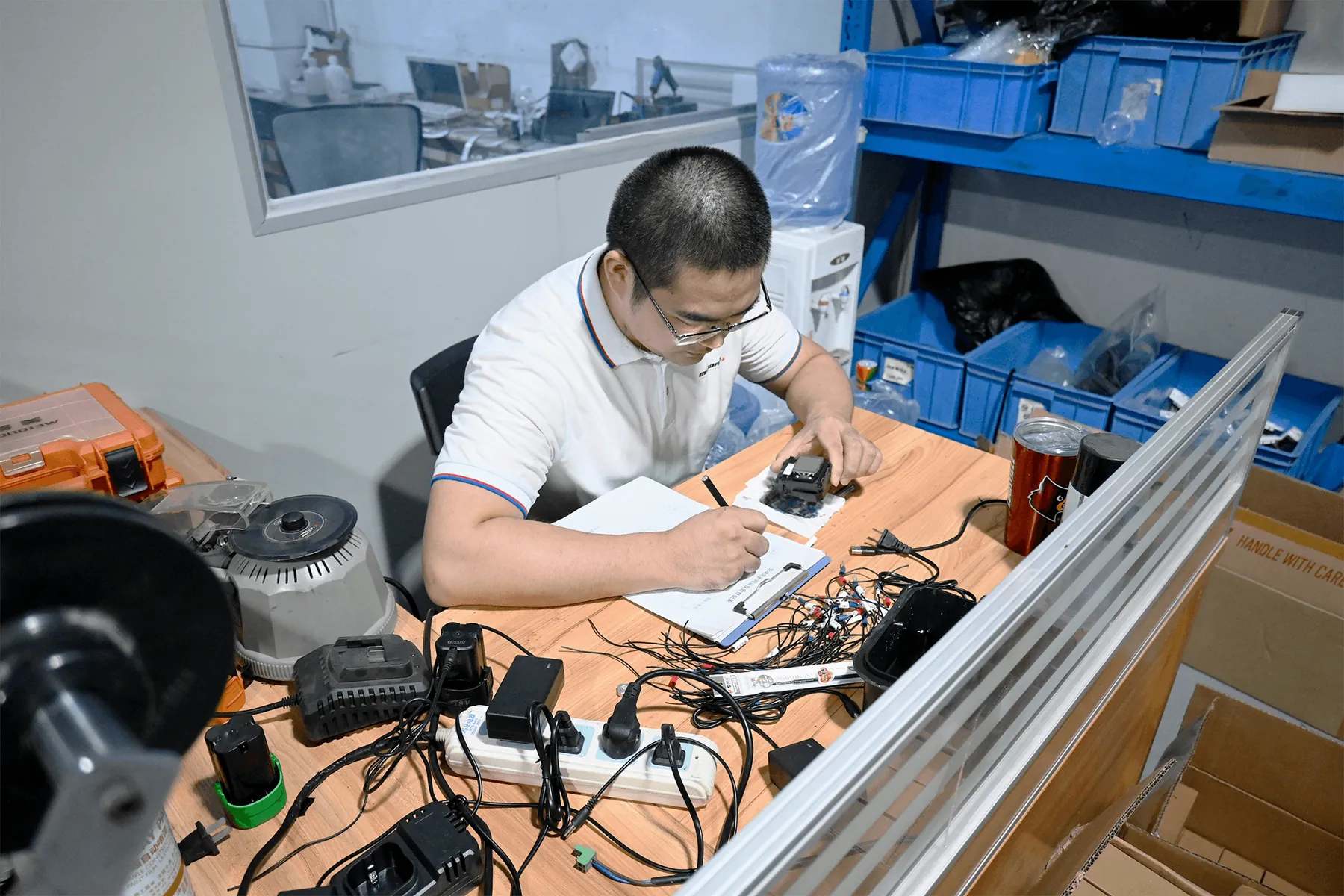
07Warranty cases
Your teamReports a defect with the machine details and a photo or video.Our engineersHandle the case under the whole-machine warranty: terms and what to send.08Long-term parts and consumables
Your teamOrders printheads, connectors, ink and system parts by series.Our engineersSupply parts that match what is fitted, for as long as you run the machine: what you can order.
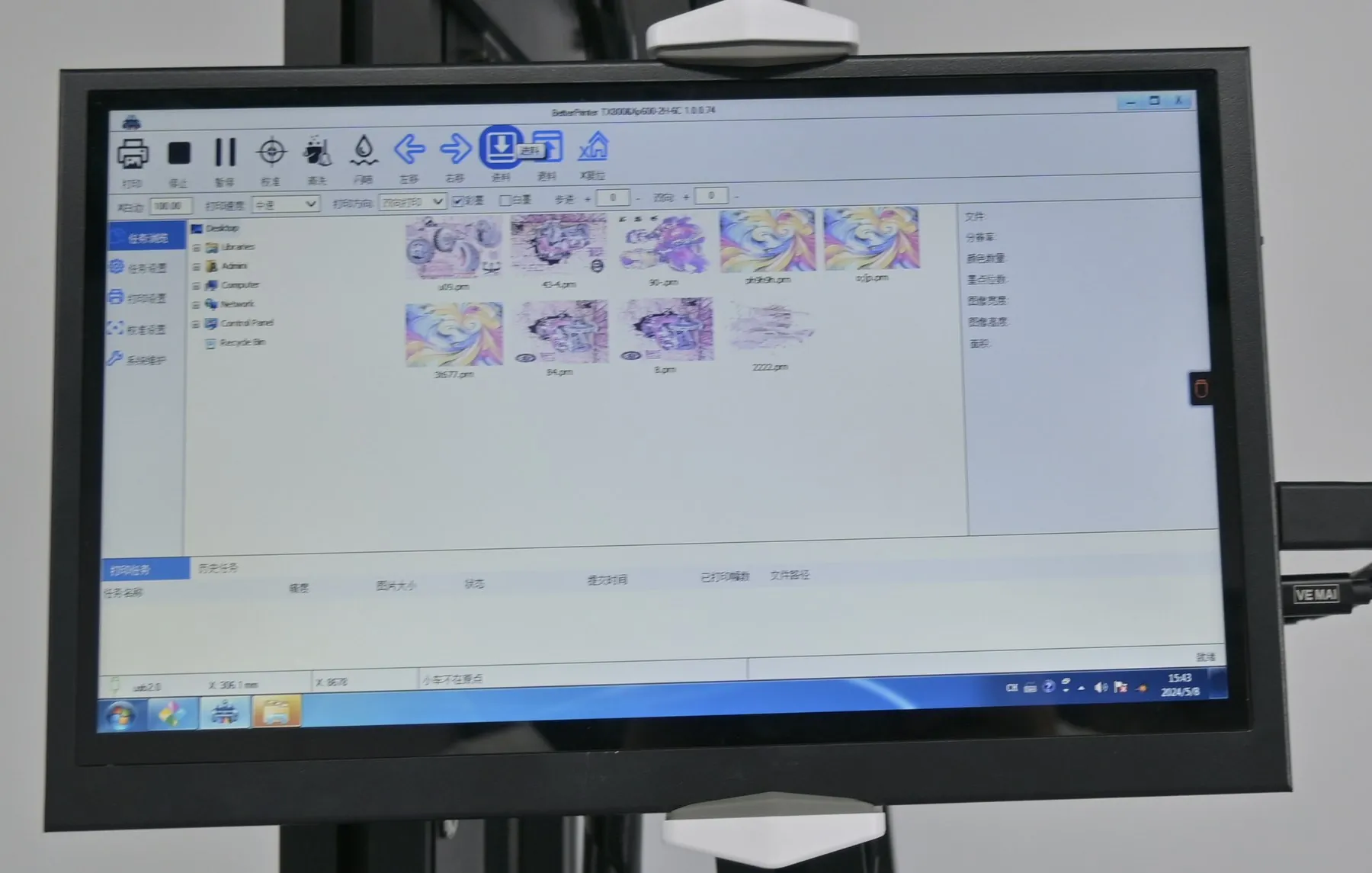
One control software, many interface languages
All three series run the same control software, so training, guides and engineer help carry across your fleet. The interface supports Chinese, English, Russian and many other languages; name the one your operators need when you ask for a quotation.
ChineseEnglishRussian+ many moreWho you deal with
WallPrintScale designs, builds and tests every machine on its own production line, and the same team configures, quotes and supports it. Training, maintenance questions, warranty cases and parts all go to one contact. How each machine is built and checked: About WallPrintScale
Wall Printer Warranty Terms and Defect Reporting
Knowing what is covered and what is a consumable helps you plan wall printer maintenance costs and keep the right parts in stock.
Covered
The whole machine, for 2 years, on every series. You deal with WallPrintScale directly, with no third party in between.
Not covered
Ink and printhead connectors. Both are used up or worn in normal printing, so they are supplied as consumables and spare parts.
Reporting a defect
What to send when you report
- MachineSeries, printhead and ink set
- SymptomWhat the machine does, and on which job
- EvidenceA photo or video of the fault or of the print
- Date foundSo the case is logged inside the 31 days
An engineer reviews it with your operator online and works through the fix with the guide or part the case needs.
Wall Printer Spare Parts, Printheads and UV Ink Supply
Parts and ink come from the manufacturer of the machine, so what you order matches what is fitted. Send the series, the printhead fitted and the ink set, and we quote the parts and ink you need.
- Printheads
- Original Epson printheads for each series and configuration. When you order a replacement, the series and printhead fitted to your machine are all we need. The models on each series are listed on Wall Printer Configurations.
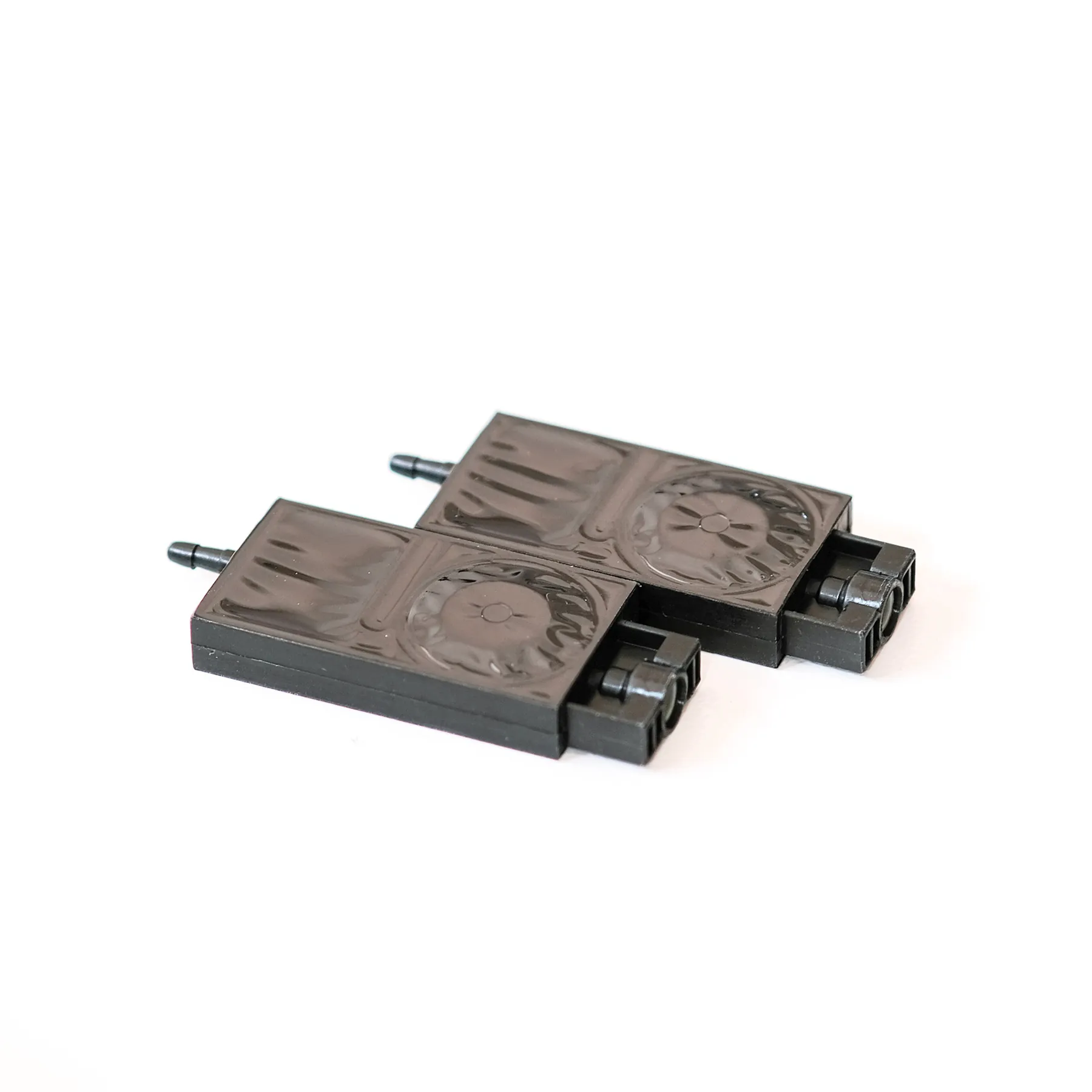
- Connectors
- Printhead connectors are supplied as spare parts and changed with the part-replacement video.
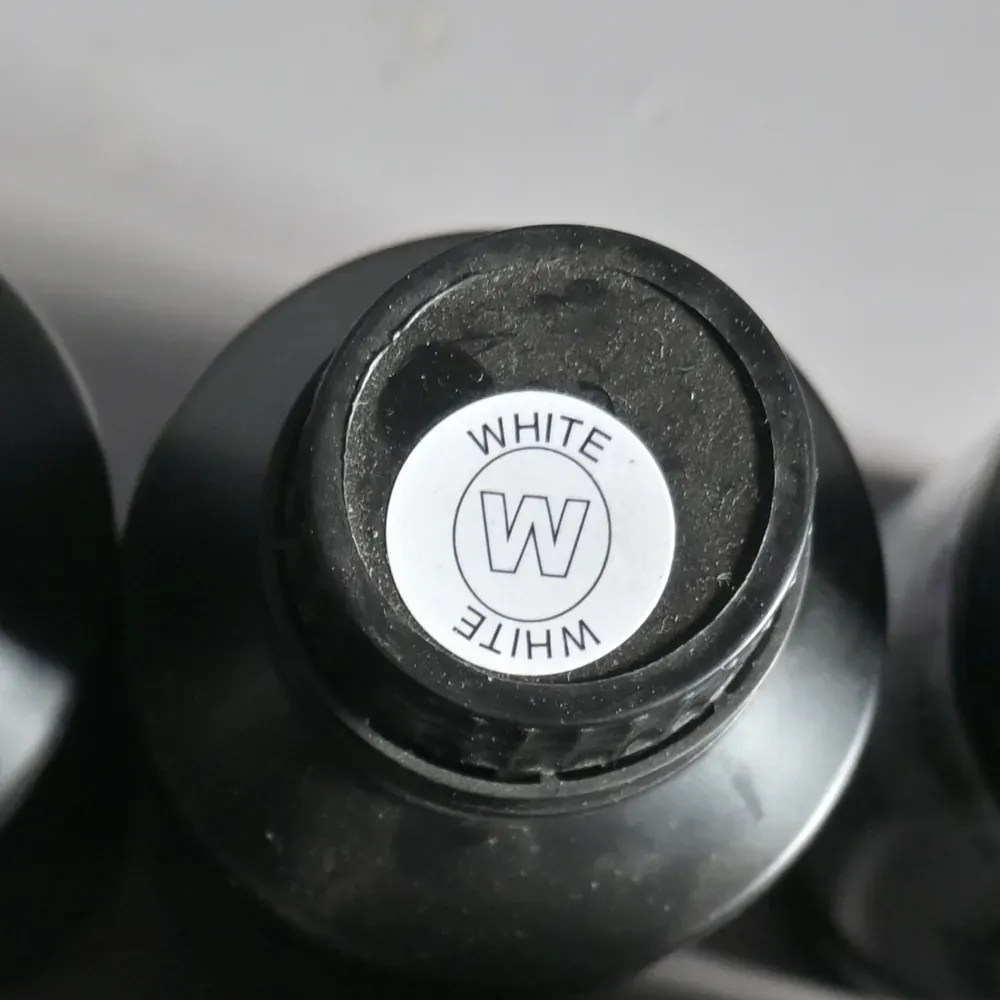
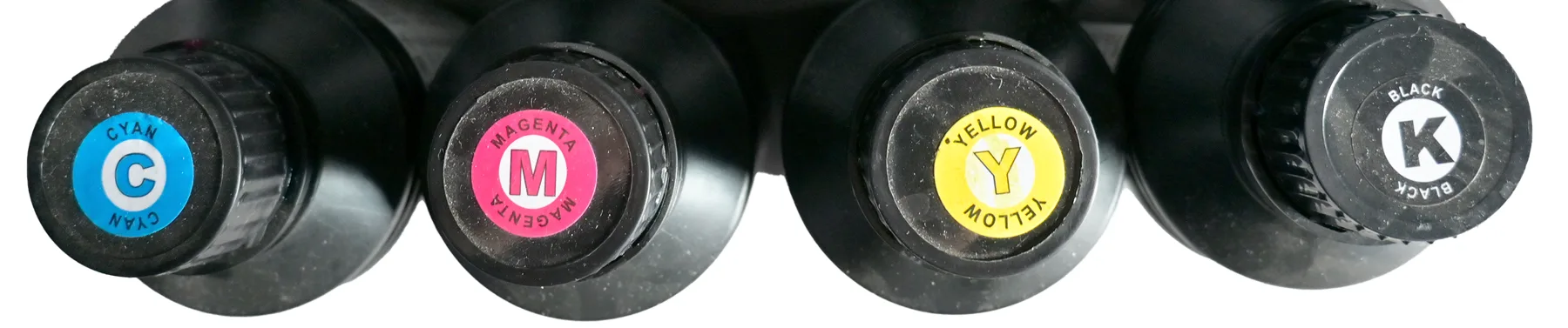
UV ink, per wall
15 m² x 2 ml=about 30 ml
Standard mode, CMYK. A white underbase or a full white layer uses more, so jobs with heavy white need a larger white stock.

Ink documentation
SGS report GZHL2303007145OT covers the black UV ink, with EU RoHS restricted substances not detected. The Epson UV ink MSDS is available for your safety file and for clients who ask what is printed on their wall.
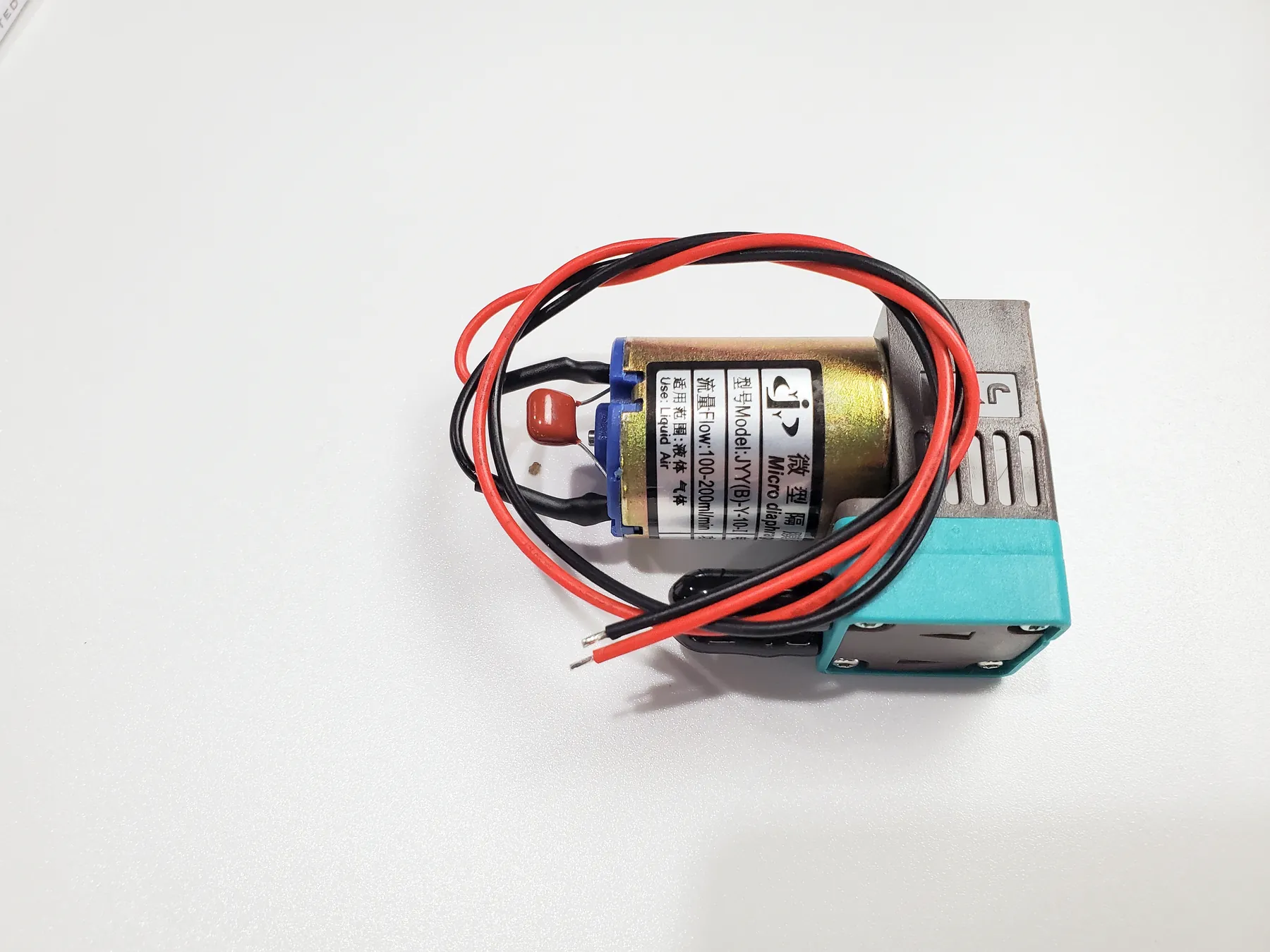
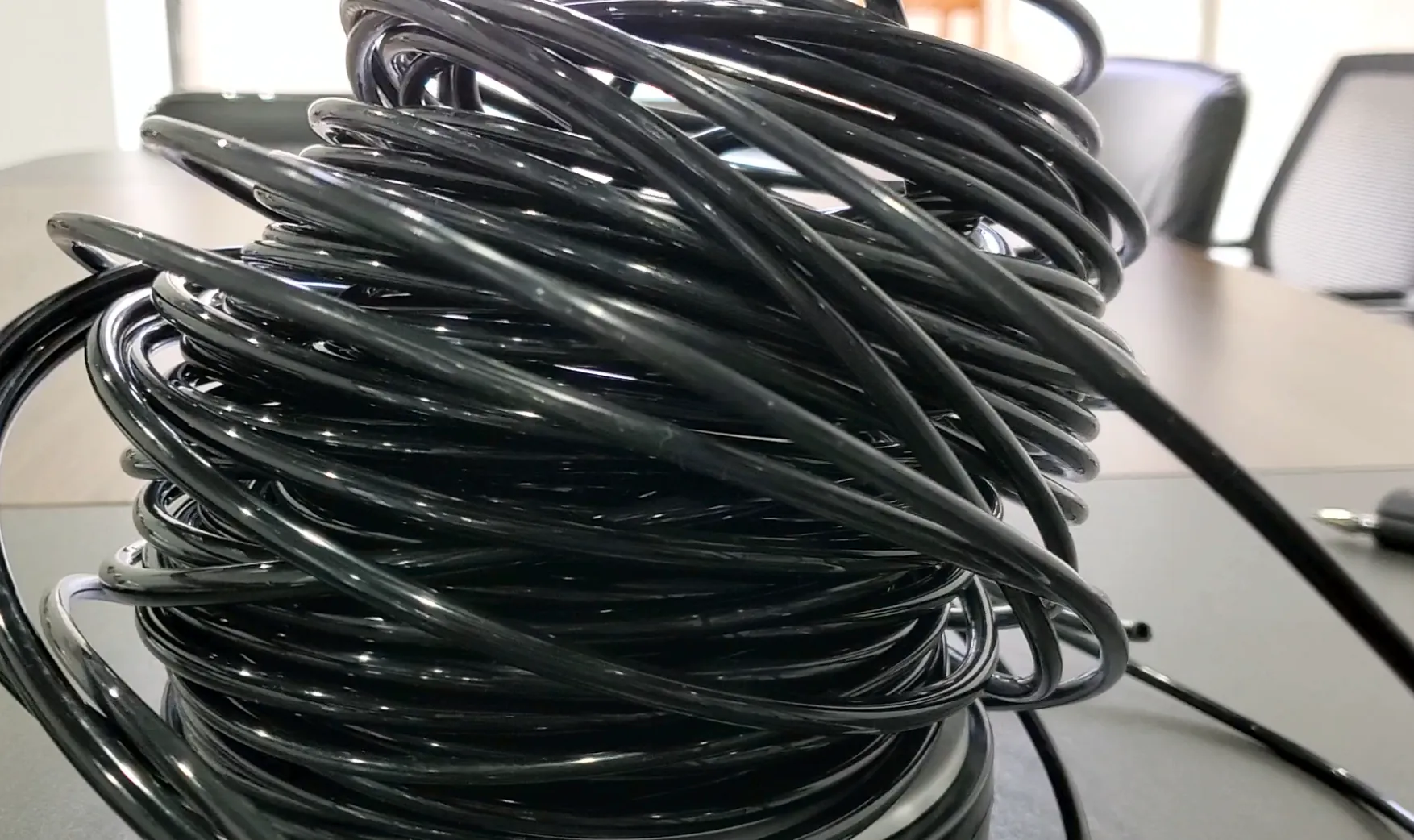
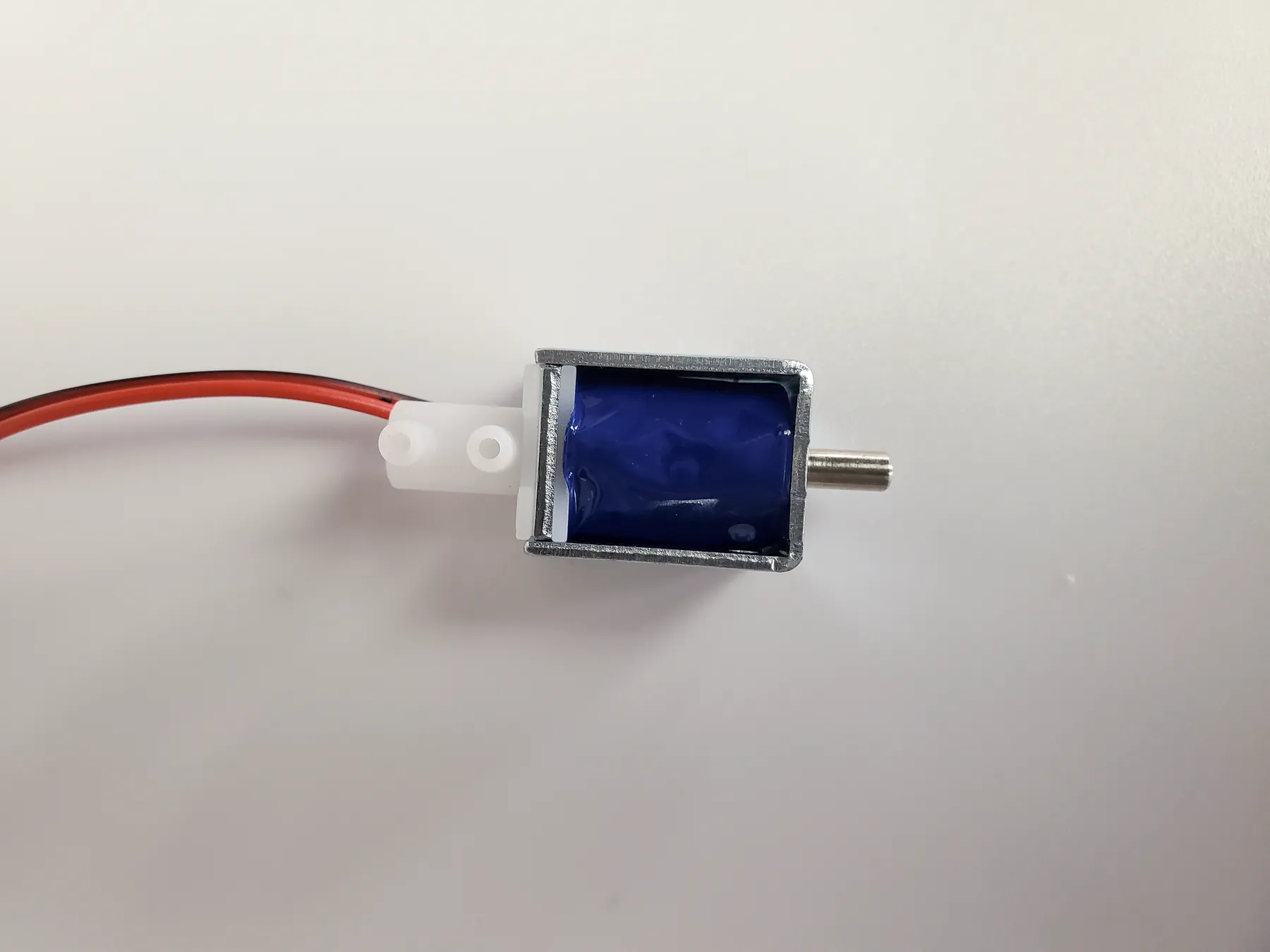
- Parts list
- The manual and parts list for your series show which parts the machine uses and which ones are changed in routine maintenance.
- Dealers
- Dealers who stock parts for the machines they sell can find supply arrangements on Wall Printer Wholesale and OEM.
Business Support for Selling Wall Printing to Your Own Clients
A wall printer pays its way when your clients buy walls from you. Beyond keeping the machine running, our team helps you show the work, configure for the job and price it, so new wall jobs come in and run smoothly.
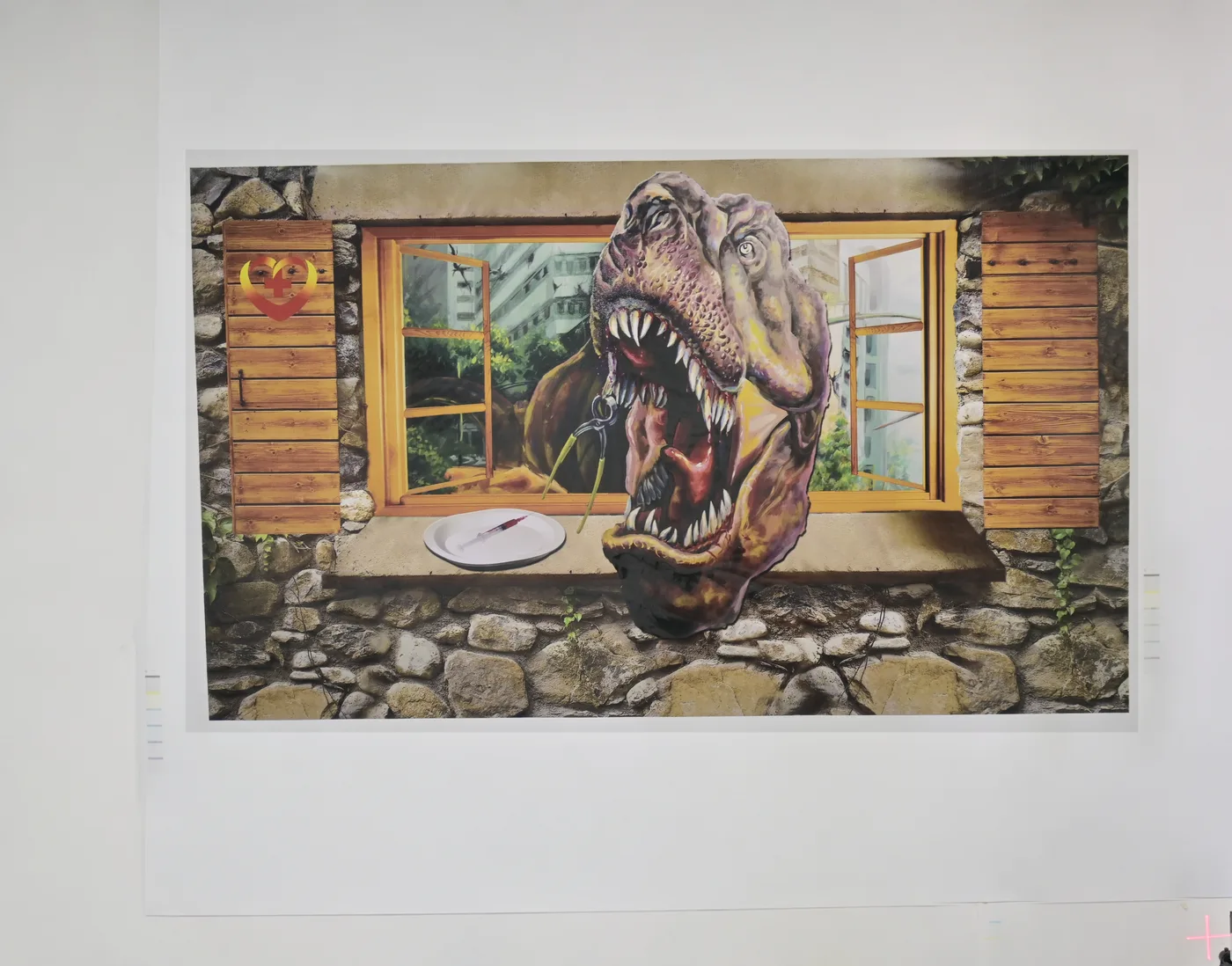

Real print photos for your sales kit
Photos of walls printed on our machines, from 3D illusions to fine-line murals and photo-realistic scenes, to put in front of a client before they commit. Sample prints can be arranged on request.
Sample advice that sells the job
Which sample to print first for a given client: a logo in brand colours, a photo-realistic image or a smooth gradient, so the sample shows exactly what they are buying.
The right configuration for the job
Tell us the job a client brings, the wall size, surface and whether floors are involved, and we help you choose series, printhead and ink set. Options are set out on Configurations and Customization.
Pricing logic for your market
Ink runs at about $0.40 per m² in standard CMYK mode; add operator time and any coating, then set your local price per m². The cost and profit calculator does the sum with your own figures.
Application ideas to offer existing clients
Scenes and visual effects that sign, decoration and project clients already ask for, collected on Wall Printer Applications.
Answers while a job is on site
If something on the wall does not look right, send a photo or video on WhatsApp and an engineer works through it with your operator, so the job finishes as the client expects.
Send Your Machine Details to an Engineer
Tell us which series you run, or plan to run, and what your operators need. An engineer replies with the routine, guide or part that fits. Still choosing a machine: the three series are compared on UV Wall Printers.
- Series, printhead and ink set
- Guide, video, training, parts or ink, or help with a job
- Language for the interface and training
- WhatsApp: +86 18571639620
- Phone: +86 18571639620