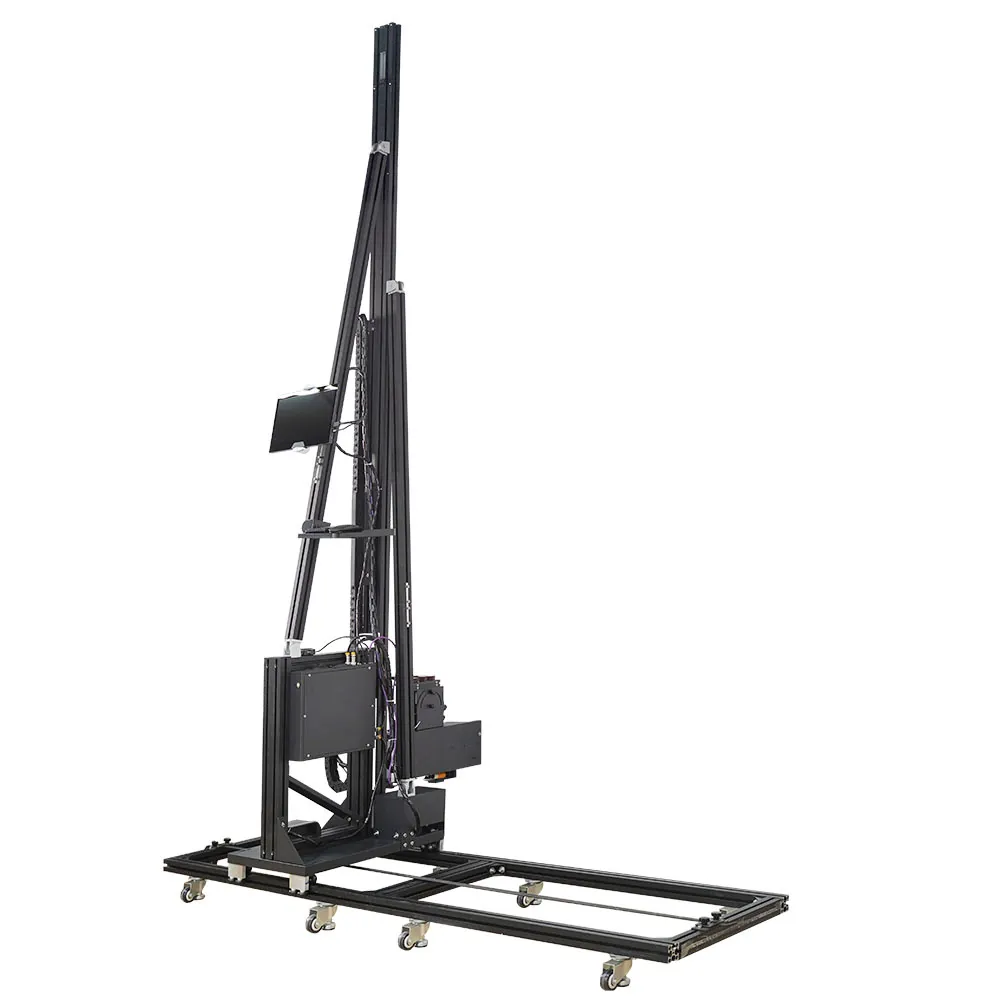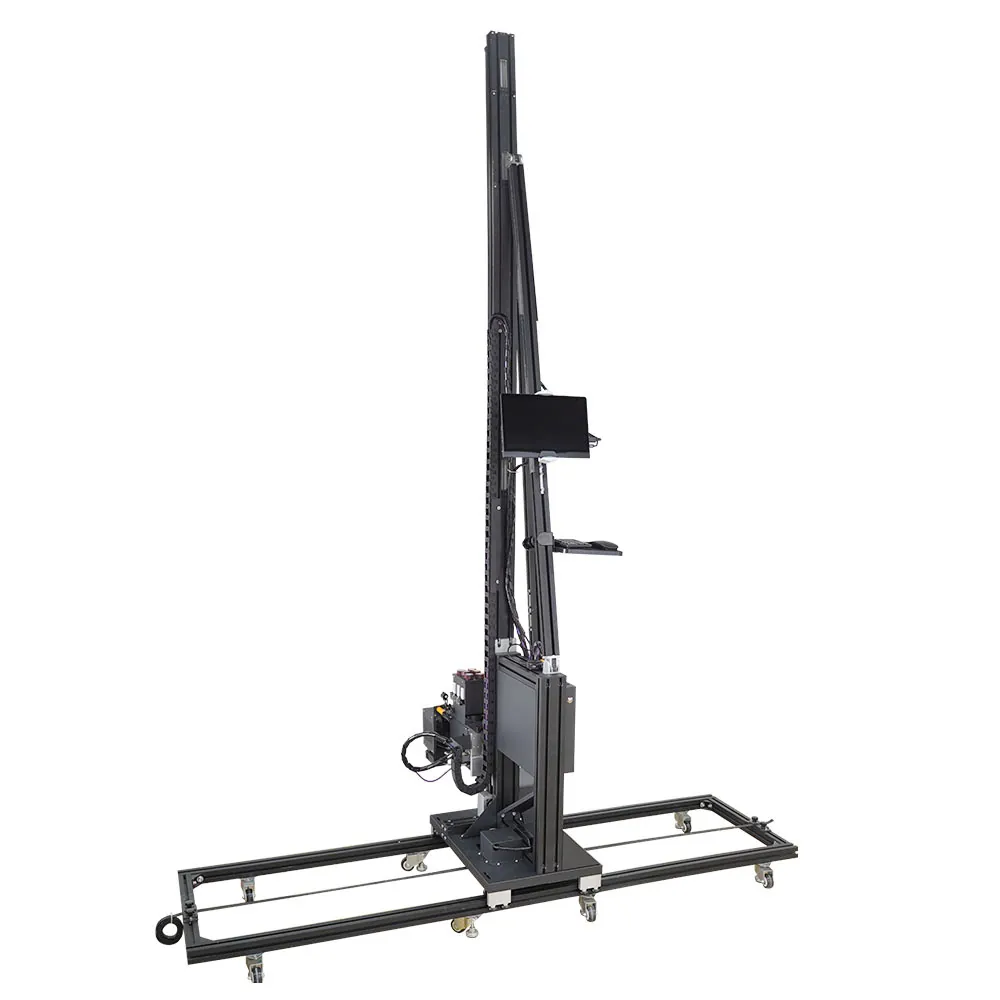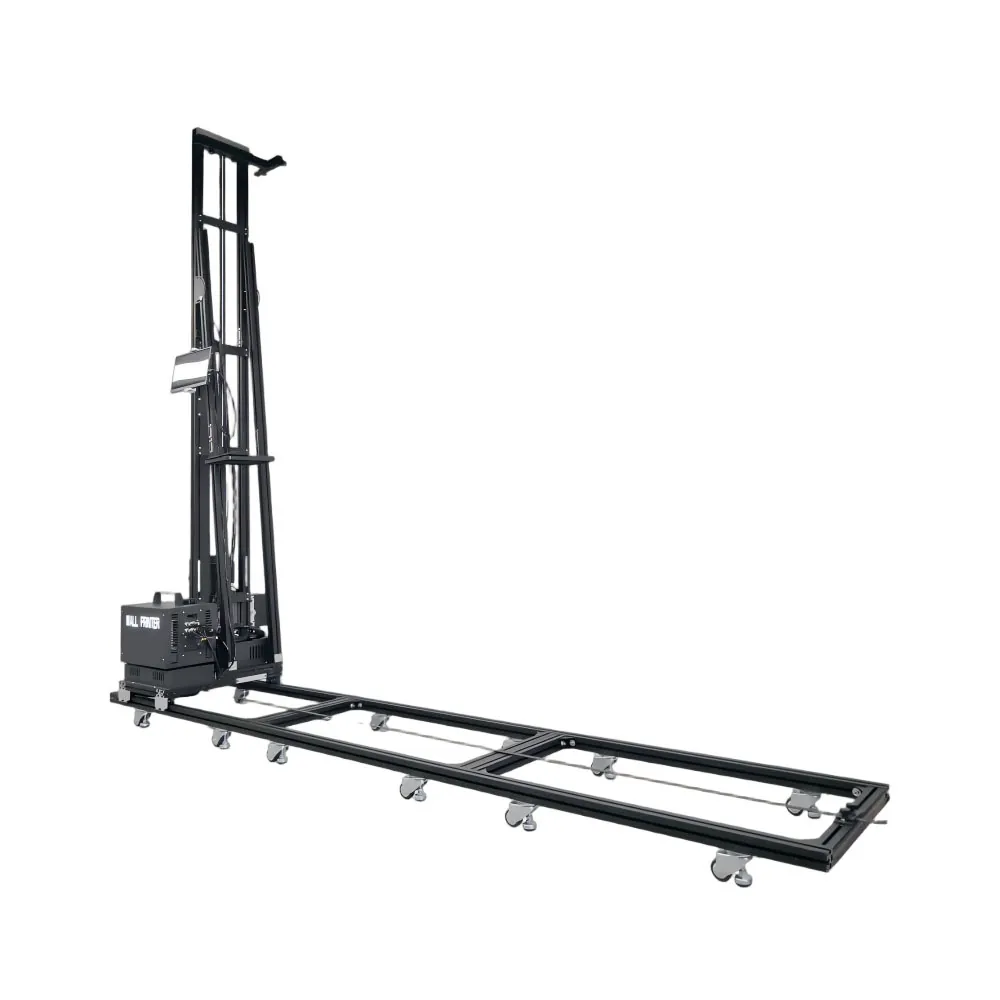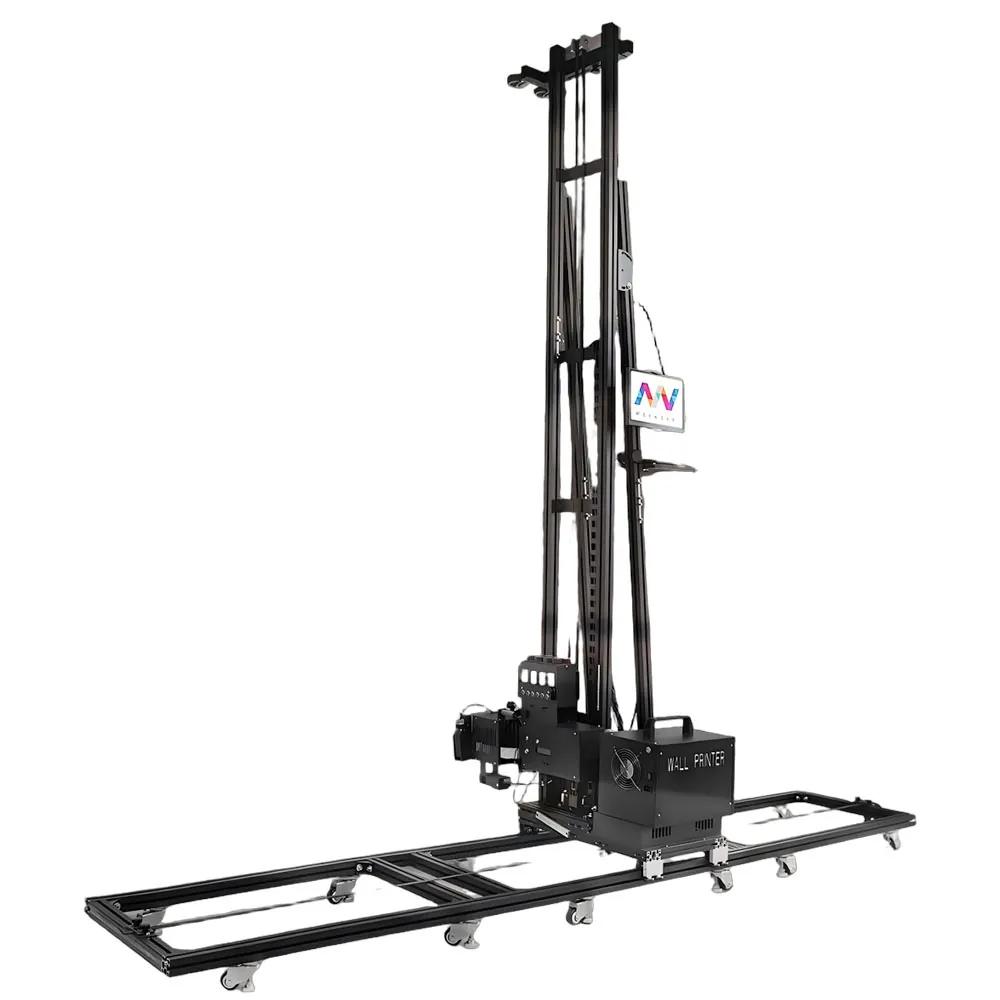
Wall Printer Customization: Configurations Matched to Your Jobs

Wall printer customization at WallPrintScale is a short list of choices made before your machine is built: floor printing or walls only, print height, base, ink set, printhead, motion structure, how far it dismantles, and extras such as a logo, UPS backup or WiFi.

Each choice below names the customer and the job it suits. Answer one question first: which walls, and which floors, will this machine meet in its first year? A sign shop, a home decorator and a fit-out contractor answer it differently, so they get different machines.

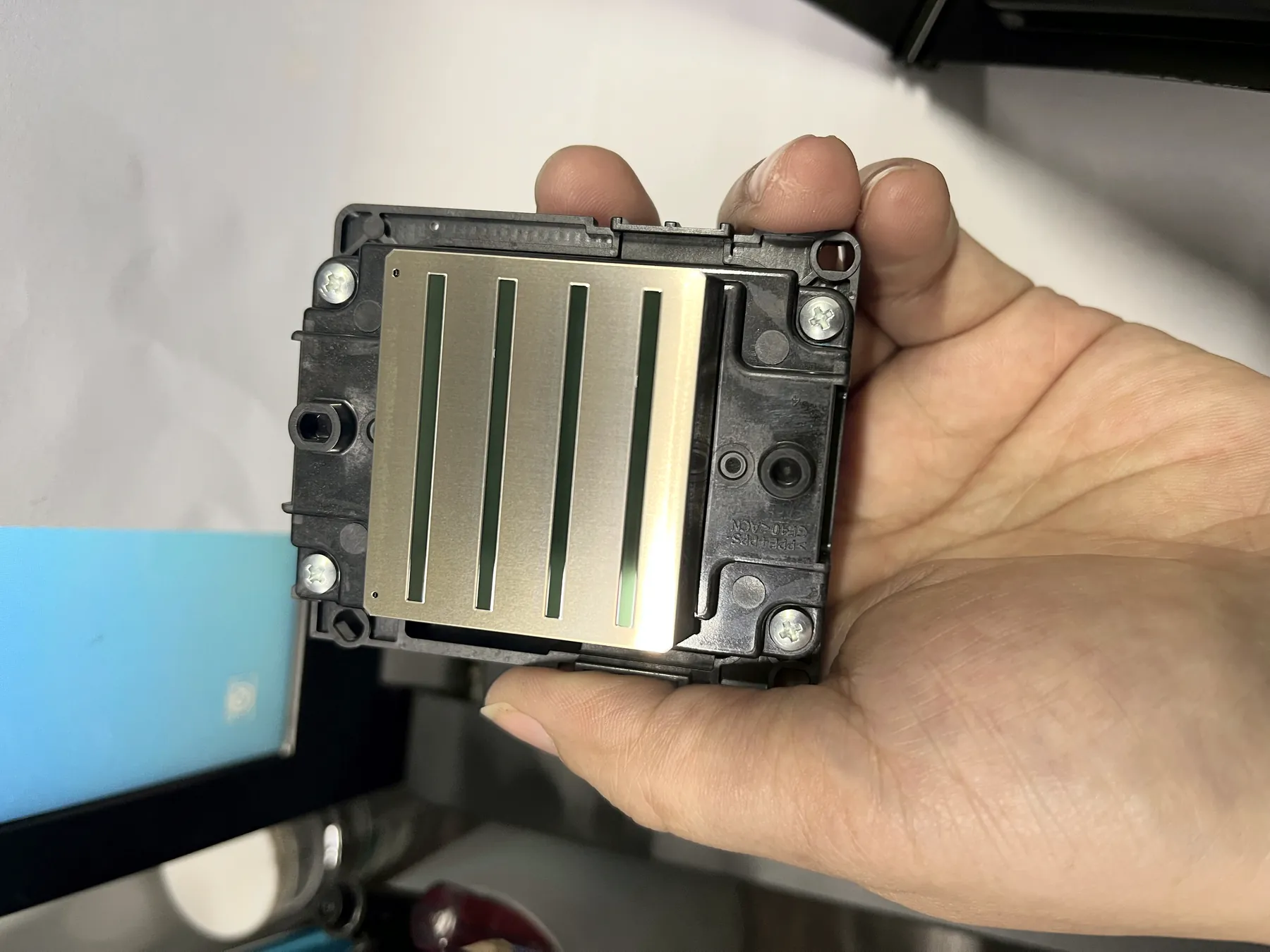
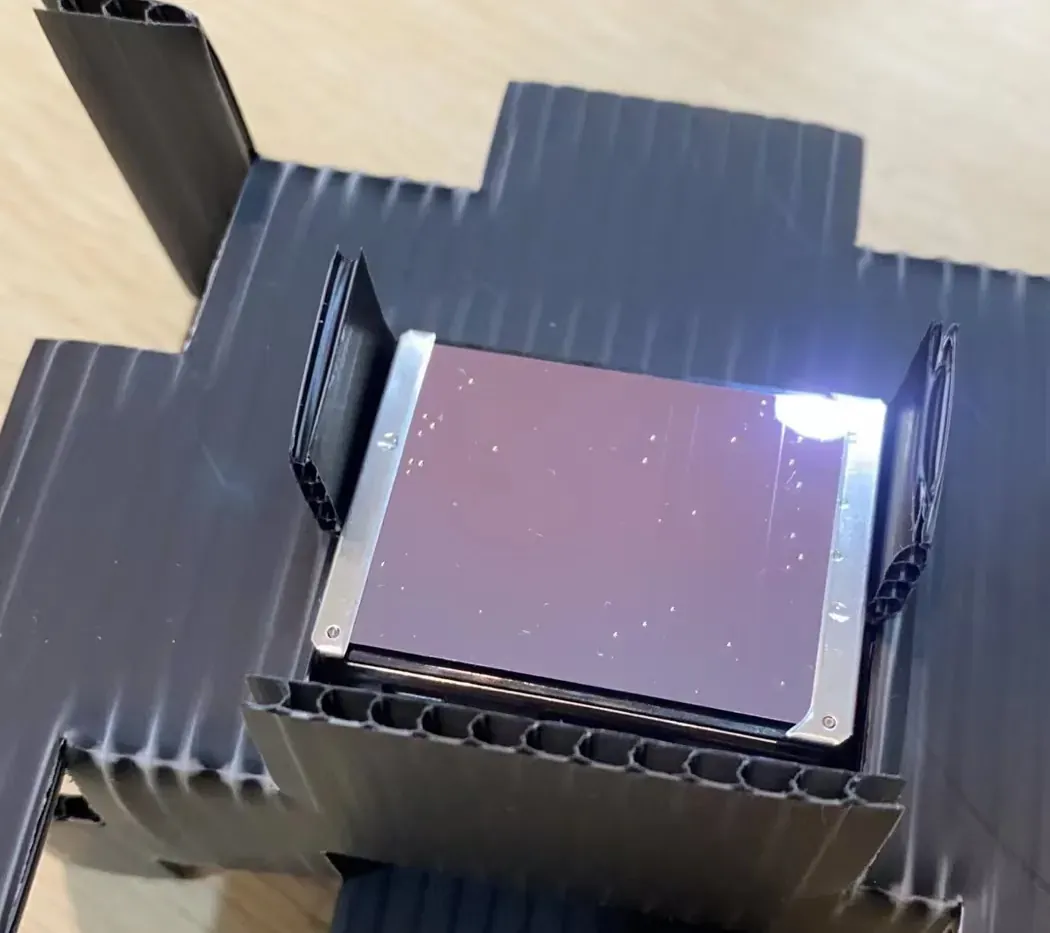
Wall printer customization starts at the printhead: Epson I3200 printhead held in hand, nozzle plate facing up
FIG. 01 · Epson I3200 printhead, nozzle side up

CONFIGURATION SHEET · example: decorator moving between homes and shops, some dark feature wallsfilled in with the quotation

Floor printing
  • Walls only
  • Walls + floors
Print height
  • 2.5 m
  • 3 m
  • Custom to 4 m
Base
  • Floor rails
  • Wheeled
Ink set
  • CMYK
  • CMYK + W
Printhead
  • DX10
  • Dual DX7
  • I1600
  • I3200
Series
  • GP200
  • GP200B
  • UP200
  • Original Epson printheads, every series
  • Built and tested on our own production line

Wall Printer Customization in Eight Choices

Each choice answers one question about your work. Go straight to the ones you are unsure of; the scenario table at the end puts all eight together for six typical buyers.

01Floor printing
Will floor graphics ever be part of your jobs?
walls only · walls + floors
02Print height
How tall is the tallest wall you are asked to quote?
2.5 m · 3 m · to 4 m
03Base
Long straight runs, or many short walls on different floors?
floor rails · wheeled
04Ink set
Do dark walls or glass turn up in your jobs, now or later?
CMYK · CMYK + W
05Printhead
How many square metres a month, and how much head cost per year?
DX10 · DX7 · I1600 · I3200
06Motion structure
Quiet, precise interiors, or long walls at the best value?
guide rail + slider · belt · column
07Dismantling
Car, van or crate between jobs?
7 parcels · 40 cm · column
08Extras
Your brand, unsteady site power, file transfer, operator language.
logo · UPS · WiFi · language
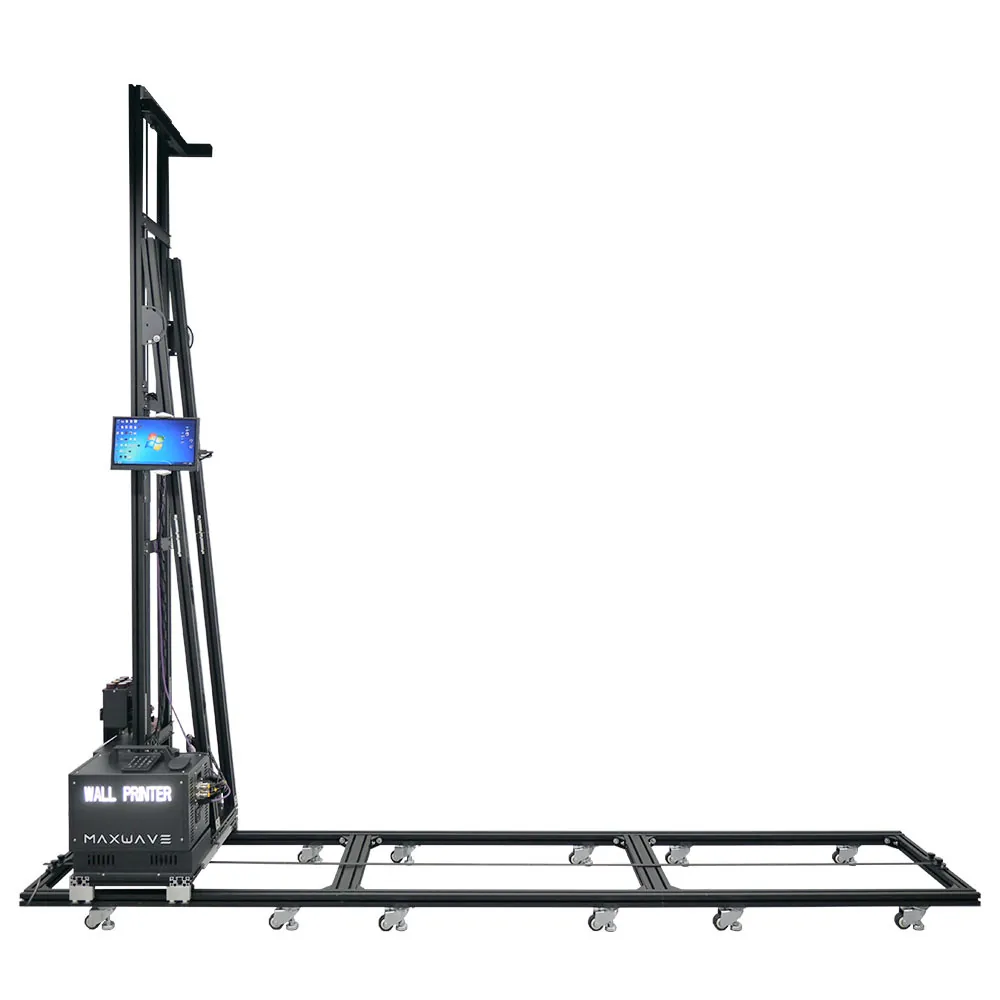
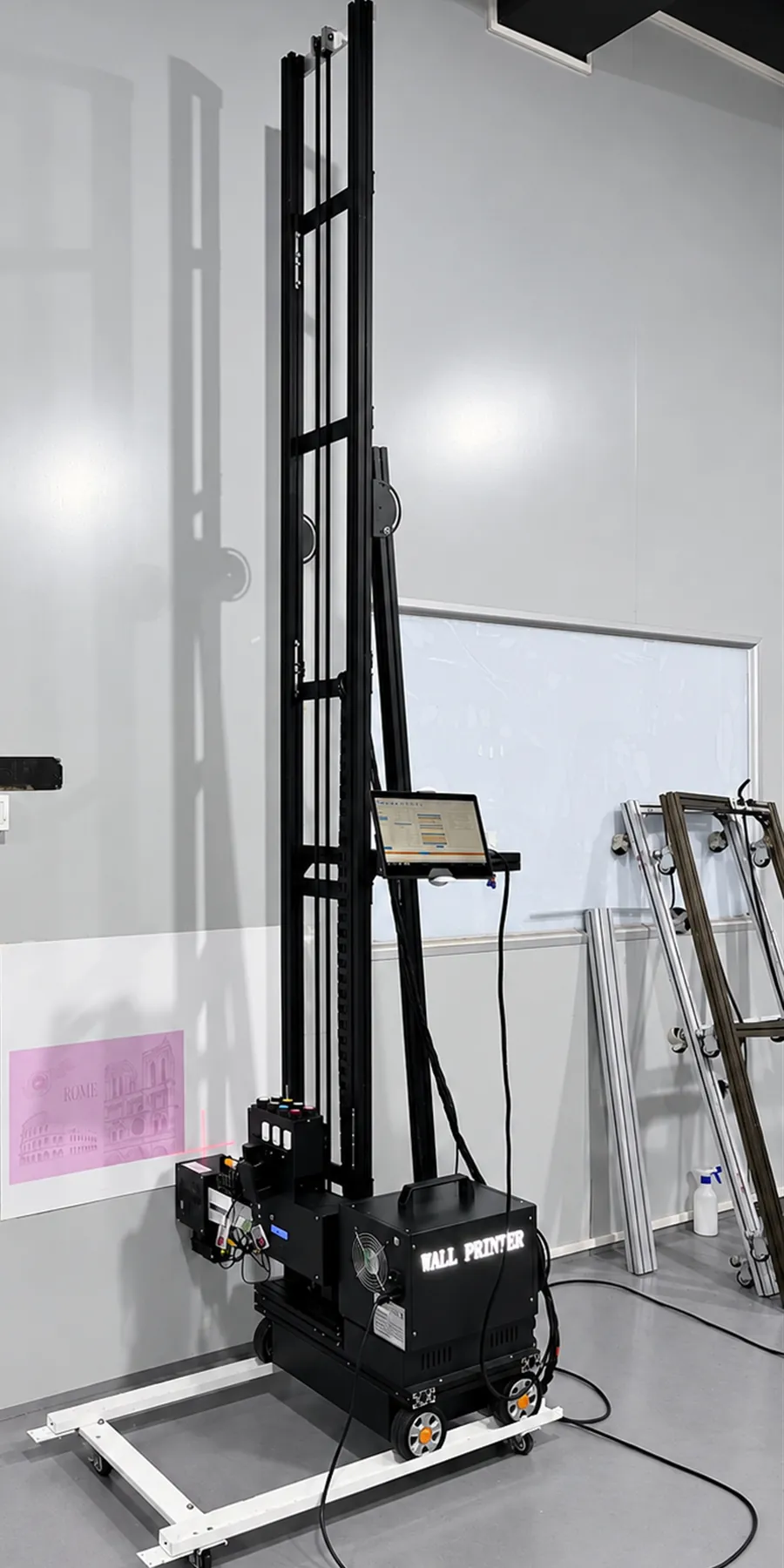
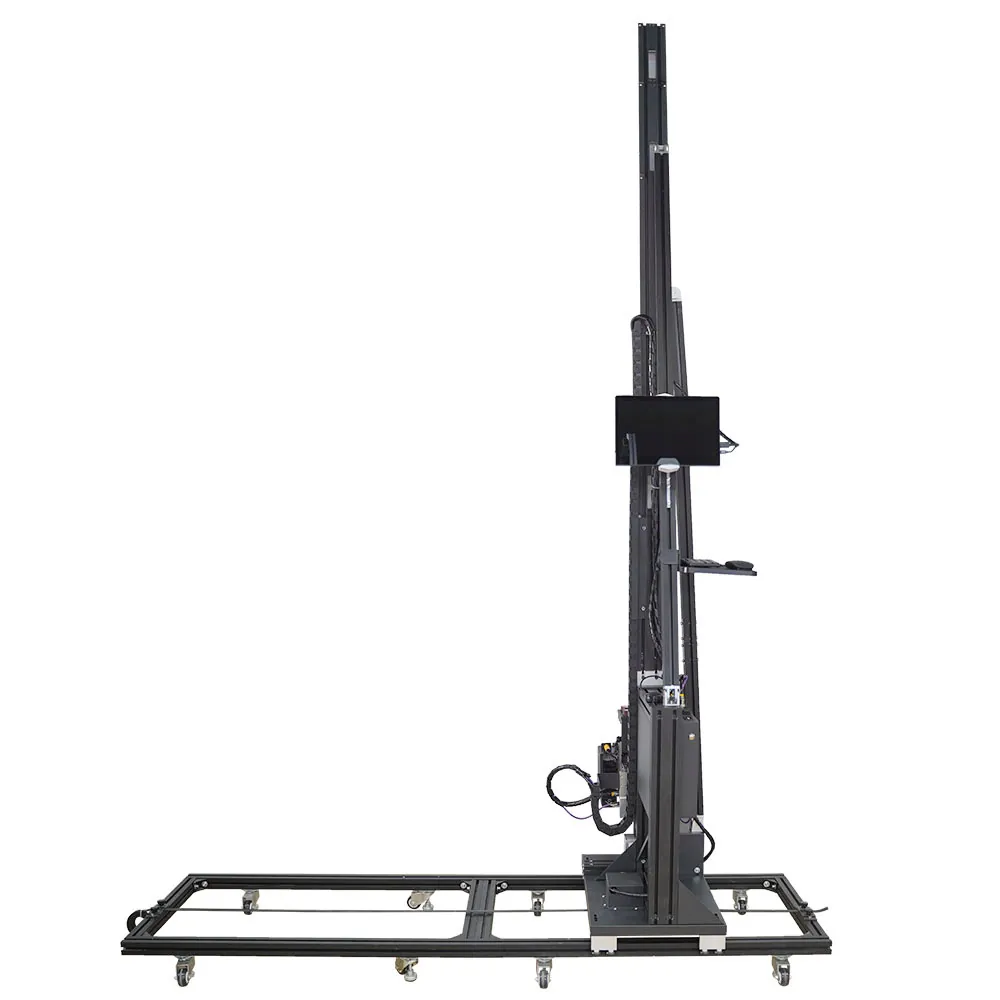
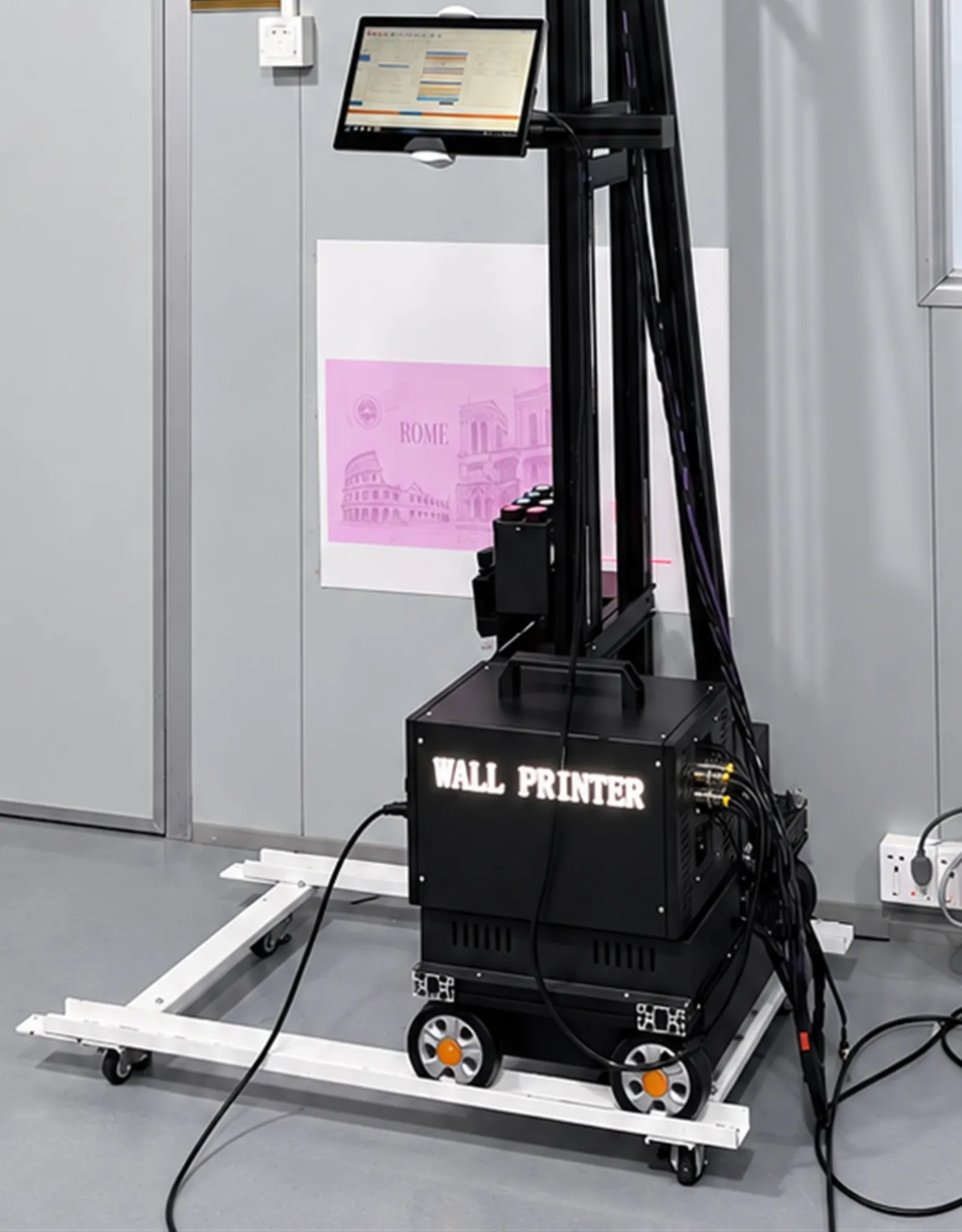
Where wall printer customization choices sit on a GP200B on a wheeled base: column, print head, ink tanks and control box
Print height Printhead Ink set UPS / power Base
FIG. 02 · where the choices sit, GP200B on its wheeled base

Floor Printing Function: GP200B or a Walls-Only Series

Only one series prints floors: the GP200B. Its print unit rotates from the wall to the floor without taking up the rails, so the GP200 and UP200 are walls-only machines. Decide this first in any wall printer customization, because it fixes the series.

≈ 2 minwall-to-floor rotation
3 mfloor rail width
≤ 2.3 mfloor image width
60 kgGP200B net weight

Order the GP200B if

  • You are a fit-out or engineering contractor whose shop, school, gym or office jobs include floors as well as walls.
  • You supply retail and events: in-store floor wayfinding, exhibition stands, hotel lobby floor graphics.
  • You quote schools and sports facilities: playground games, kindergarten floors, court and gym markings, car park bay numbers.
  • You want one visit per site: walls first, rotate in about 2 minutes, floor next, same files, rails not relaid.

Walls only is enough if

  • Floors never appear in your briefs: murals, shop and office walls, homes, restaurants.
  • Weight matters most: the GP200 weighs 45 kg net against the GP200B's 60 kg and packs into seven small parcels.
  • Your sites lose power: the UP200 has power-loss resume built in; on the GP200B it is a UPS option.

Converting a column machine for floor work commonly takes around 20 minutes per switch; the GP200B is built to rotate in about 2. Floor durability and slip resistance depend on the coating or laminate specified for the project, so test before use; outdoor exposure depends on the finish specified. Floor graphics printing

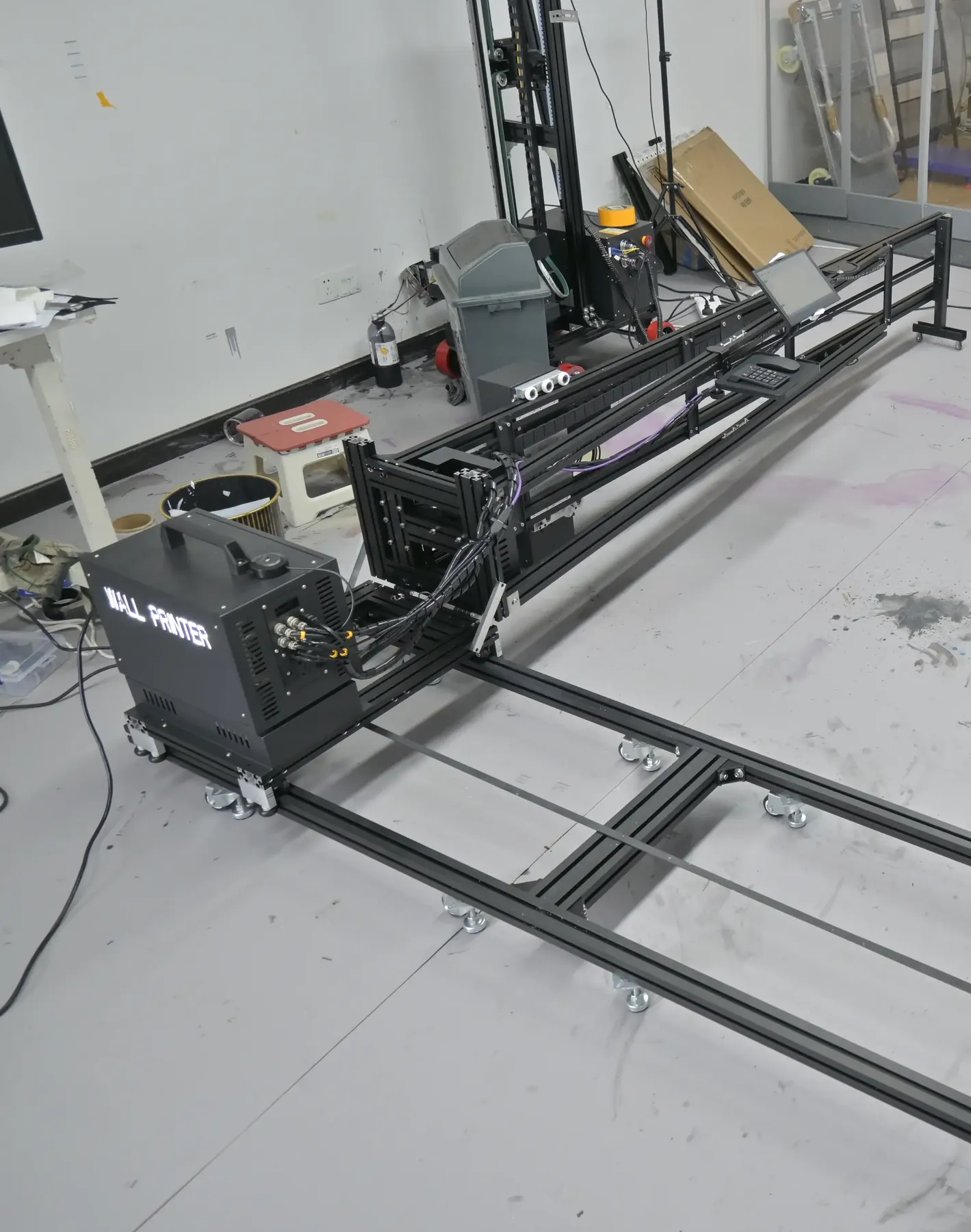
Floor printing in wall printer customization: GP200B rotated into the floor position on its floor rail
FIG. 03 · GP200B in the floor position on its 3 m floor rail

Print Height and Rail Height: 2.5 m to a Custom 4 m

Print height is the tallest image the machine covers in one go up the wall. Choose it from the tallest walls you are asked to quote, not the average one: a wall above your print height means a second pass and a join.

  • GP200
    2.5 m
    3 m vertical rail, 2.5 m print height: the extra rail is structure, not image
  • GP200B
    3 m opt.to 4 m
    2.5 m standard, 3 m option, custom up to 4 m
  • UP200
    3 m opt.
    2.5 m standard, 3 m option
  • standard
  • option
  • custom build
  • 2.5 m · all series

    Standard rooms

    Shop walls, offices, homes, classrooms and restaurants where the image stays below a normal ceiling.

  • 3 m · GP200B, UP200

    Taller interiors

    Showrooms, retail feature walls, gyms and corridors with higher ceilings, where 2.5 m leaves a band unprinted.

  • to 4 m · GP200B custom

    Lobbies and atriums

    Hotel lobbies, atriums, sports halls and tall feature walls. Built to the height you order and stated in the quotation.

Margins count too. On the GP200B the bottom margin is 50 cm, so a standard 2.5 m image runs from about 0.5 m to about 3 m above the floor. Margins for every series are listed on the GP200, GP200B and UP200 pages.

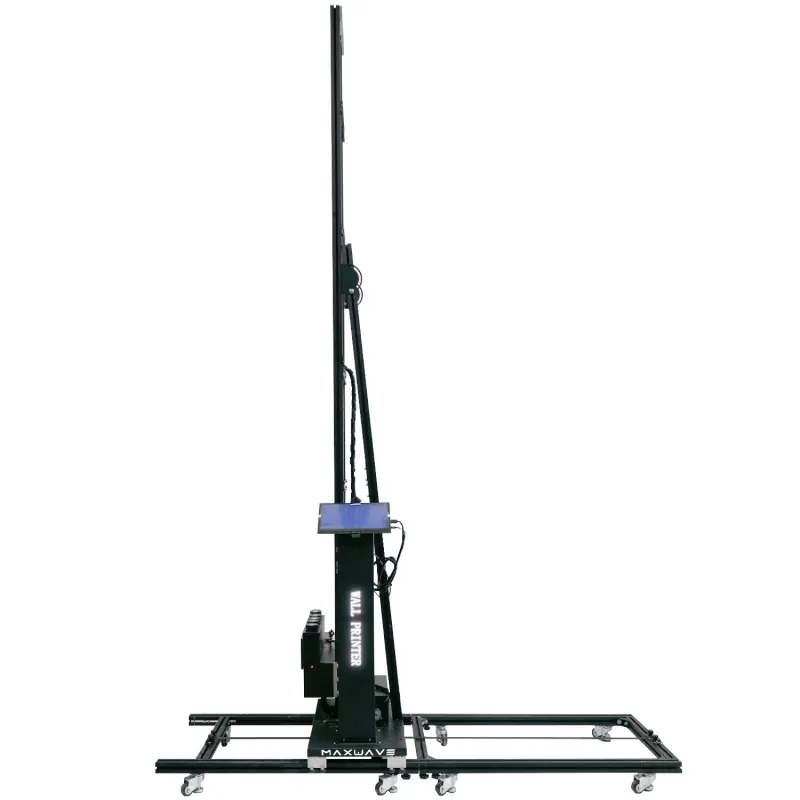
GP200 front view with its 3 m vertical rail and 2.5 m print height
FIG. 04 · GP200, 3 m rail, 2.5 m image

Machine Base: Floor Rails, Wheels or Both

The lower half of the machine decides how it travels along a wall. Rails give a fixed straight path; wheels let you roll from wall to wall without laying anything. The UP200 runs on rails; on the GP200 and GP200B you choose.

SeriesBase options
GP200Floor rails (1 m sections, six as standard) or wheeled base
GP200BWheeled base or rail base; floors print on its 3 m wide floor rail
UP200Rail base under the column

Rails suit print companies and contractors who stay on one site for days: school and hospital corridors, long shopfront runs, a mural the full length of a warehouse wall. The image width grows by adding sections.

Wheels suit decorators and sign shops doing several short walls a day, in homes or shops that stay open, where rails across the floor get in the way. Choose them where the floor is level enough to roll on.

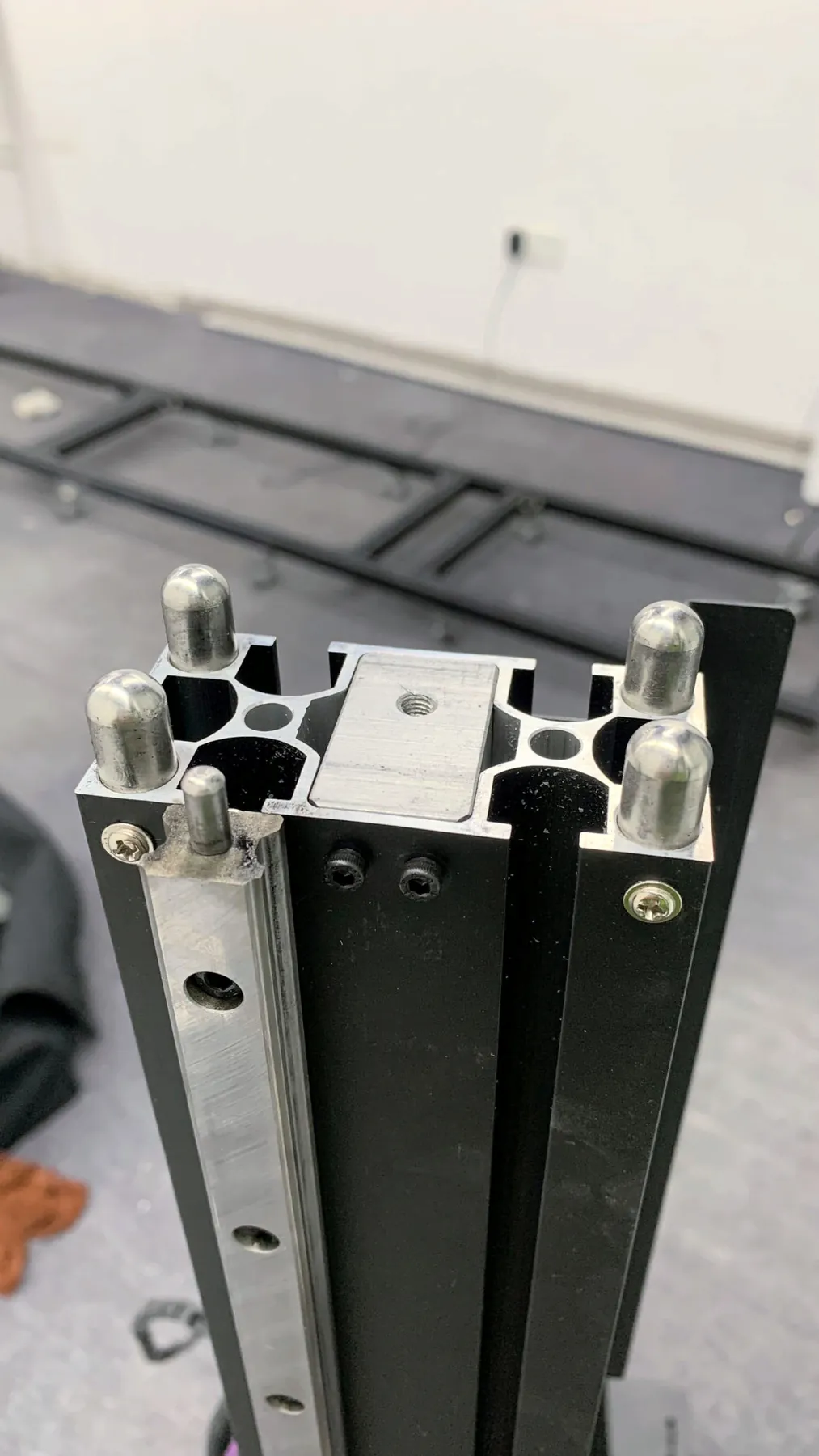
GP200 rail section end with locating pins, floor rail sections laid out behind it

LONG RUNS · ONE SITE FOR DAYS

Floor rails

On the GP200, six 1 m sections give a 6 m image width; a corridor or shopfront past 6 m takes extra sections.

6 × 1 m = 6 m+ rail
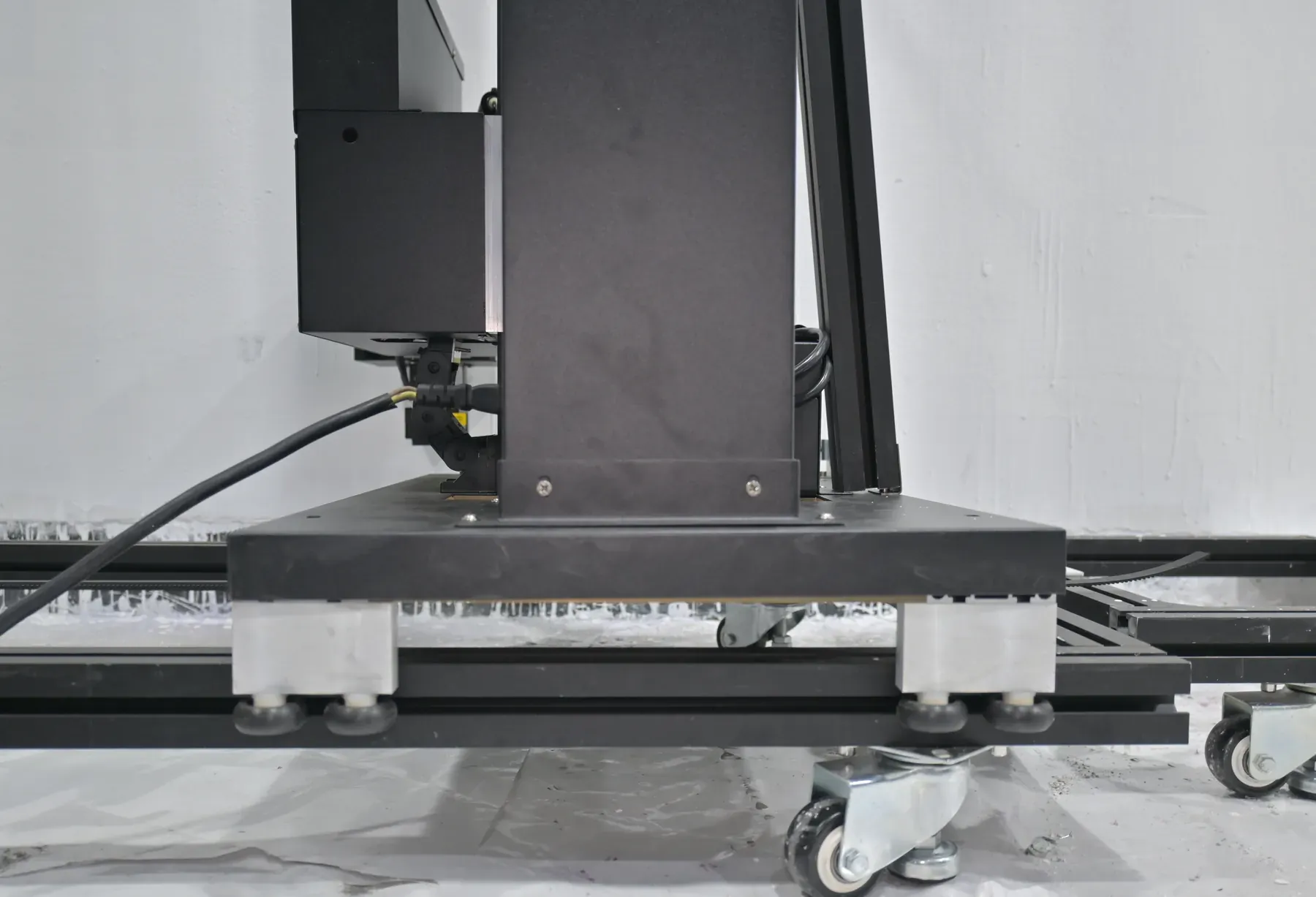
GP200B on its wheeled base: castors on a white frame, no floor rails laid

MANY SHORT WALLS · FREQUENT MOVES

Wheeled base

Rolls along the wall with no rails laid. The GP200 and GP200B take it, and the GP200B works with or without rails.

Base castor with levelling foot for a wheeled wall printer base

Ink Set: CMYK or CMYK + White by Wall Colour

Every series prints UV ink in one of two sets. The difference is one layer: CMYK + W lays down white first and prints the colour image over it, so the choice comes down to the colour of the surfaces your customers own.

colour imagelight wall

CMYK

Four colours printed straight onto the surface; the wall gives the white of the image. For businesses whose jobs are white and light-painted walls: offices, homes, classrooms, most shop interiors.

≈ 2 ml/m² · ≈ $0.40/m², Standard mode

colour imagedark wall or glass+ white layer

CMYK + W

The same four colours plus a white channel, for two kinds of job:

  • Dark and coloured walls: bars, restaurants, brand-colour feature walls; the white underbase keeps colours true.
  • Glass: shopfronts and office partitions, where the image needs a white ground to read.

white ink stirred automatically in the tank

Which to order
Dark, coloured or glass surfaces in your jobs: CMYK + W. Only white and light walls: CMYK. If you expect dark walls later, say so at order and start with white ink; the machine arrives set up for it.
What white adds
An extra layer of ink and print time. A white underbase or full white layer raises ink use above the $0.40 per m² CMYK figure, by an amount that depends on the artwork.
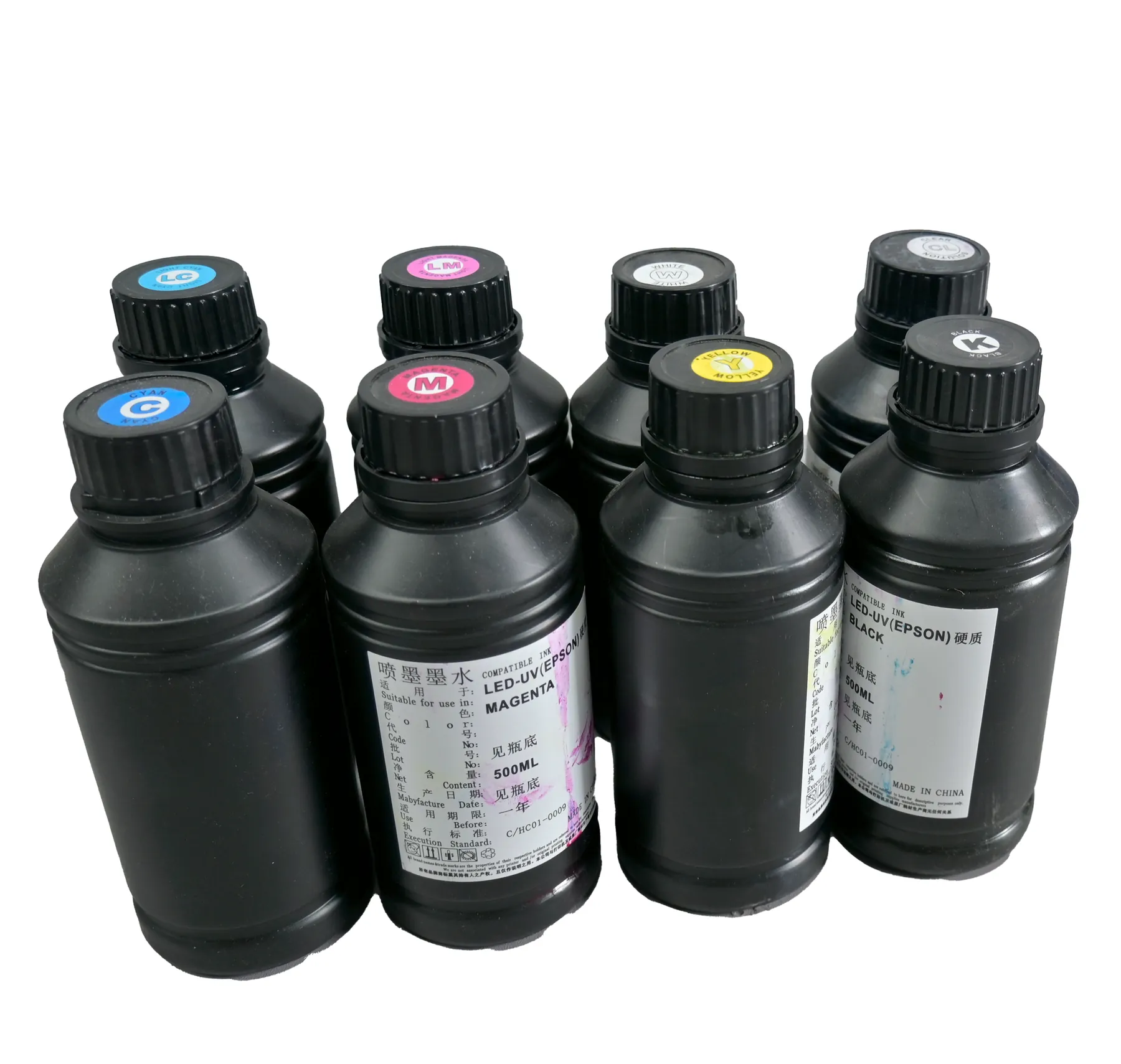
White ink wall printer ink set: UV ink bottles with cyan, magenta, yellow, black and white caps
FIG. 05 · C, M, Y, K and W caps on UV ink bottles
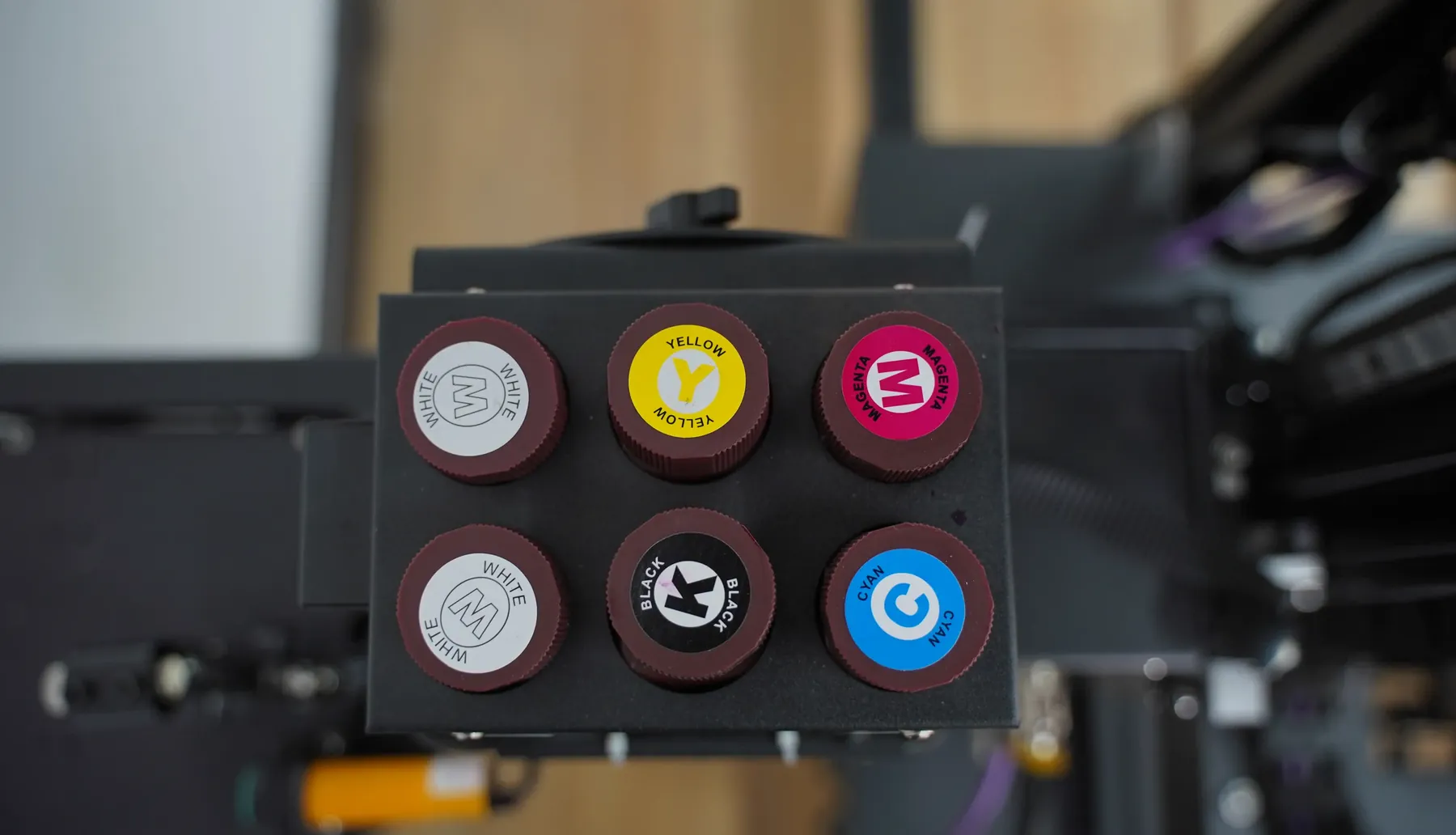
GP200 carriage ink tank caps marked W, Y, M and W
FIG. 06 · W channels on the carriage
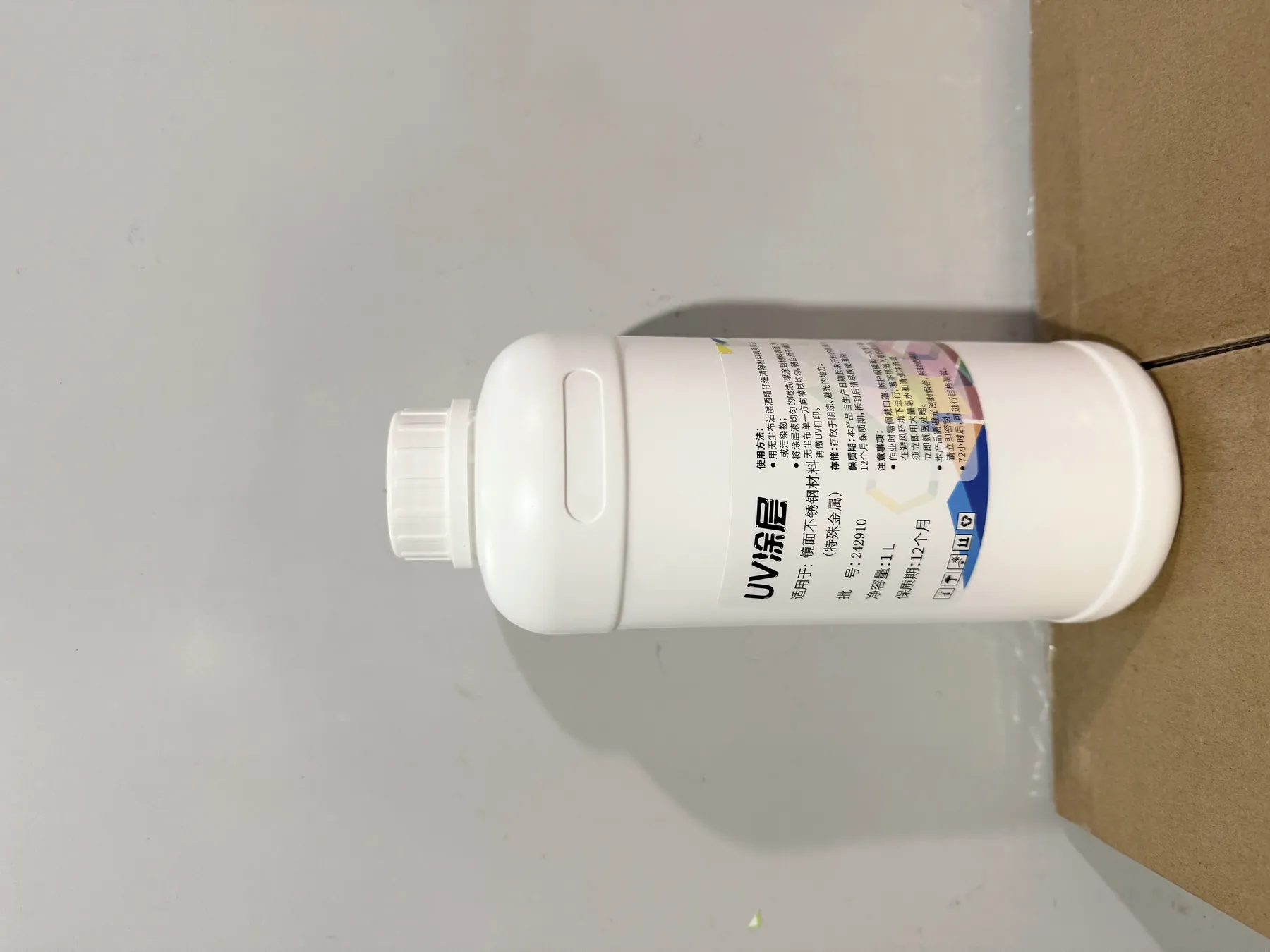
Bottle of coating used on smooth, non-absorbent surfaces before UV wall printing
FIG. 07 · coating, for smooth surfaces only

Surface preparation, either ink set

Ordinary walls need no treatment. Painted, plastered or putty walls that absorb ink are printed directly once they are dry and flat.

Only smooth, non-absorbent surfaces take a coating first: glass, tile, metal, acrylic. Where your enquiry lists them, the coating is included in the quotation. Results are application-dependent and sample testing on your surface is recommended; sample prints can be arranged on request. Surfaces and applications

Epson Printhead Comparison: DX10, DX7, I1600 and I3200

All three series take original Epson printheads, and the quotation names the exact head fitted. The series decides which heads are on offer; the nozzle count decides the trade-off between them.

Show a head:
SeriesDX10DX7I1600I3200
GP200DualDualSingle or dual (U)Dual (U)
GP200BOfferedOfferedOfferedOffered
UP200OfferedOfferedOfferedNot offered
U = the I1600U / I3200U head versions fitted on the GP200, which has the longest list at five head options

Nozzle count against head cost

Per the factory, a head with more nozzles prints faster, is less prone to ink dropout and lasts longer, and it costs more. The ranking is qualitative. Rated speed is quoted per series, the same 8 / 8 / 5 m²/h in Draft, Standard and High-resolution, not per head.

FactorDX10DX7I1600
Nozzles108014401600
SpeedSlowestMiddleFastest
Ink dropoutMost proneFewer dropoutsLeast prone
Service lifeShortestLongerLongest
Head costLowestBetweenHighest

The head you choose is the head you reorder. A printhead wears with use, so its price recurs over the machine's life. Exact head prices come with the quotation; on the GP200 and GP200B, ask for an I3200 option alongside.

Head care and replacement
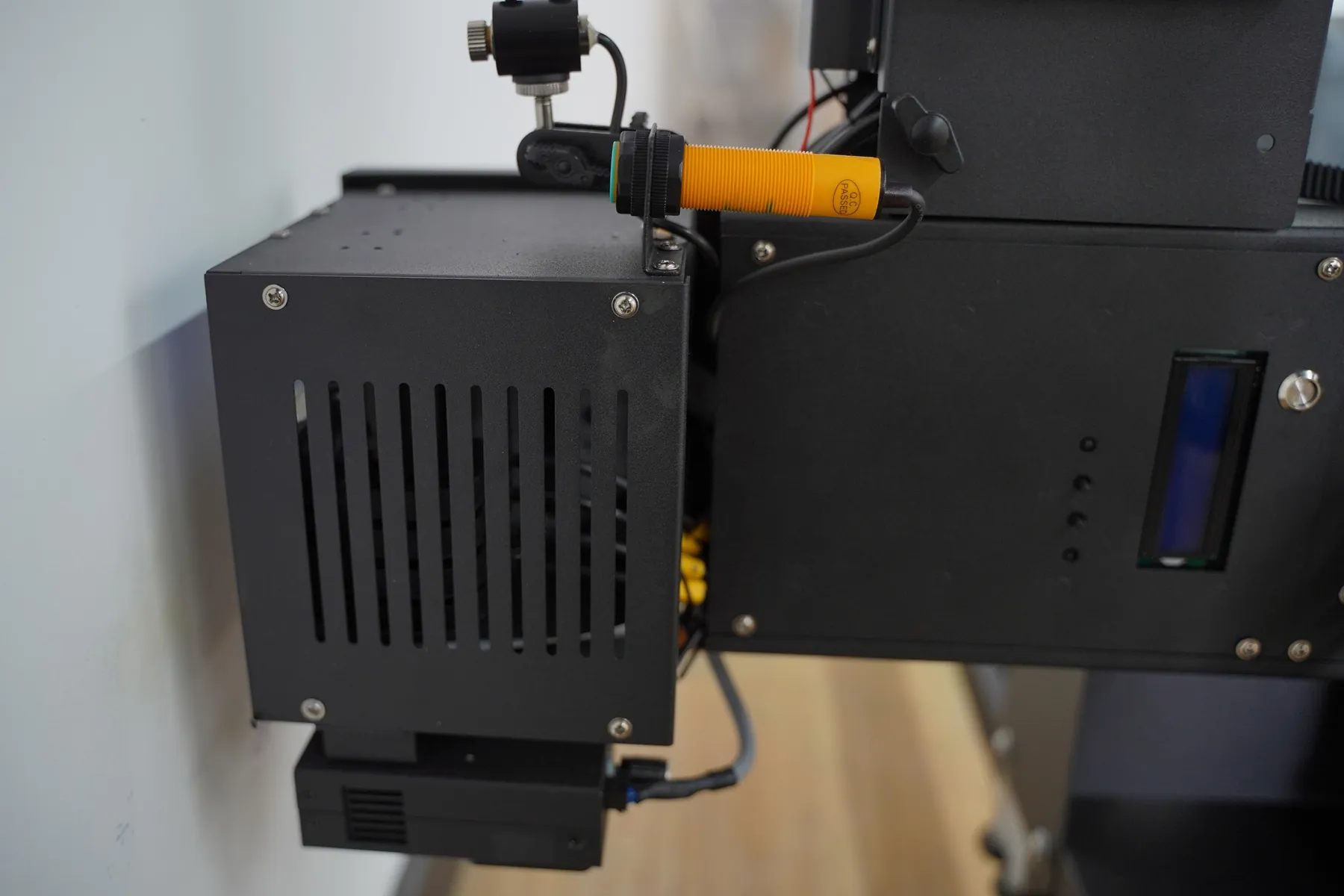
GP200 print head unit with the positioning unit and yellow distance sensor on the carriage
FIG. 08 · GP200 head unit on the carriage
Epson DX7 printhead nozzle plate close-up
FIG. 09 · DX7 nozzle plate, 1440 nozzles

Printhead Selection by Customer Type and Monthly Print Area

Your monthly print area is walls times their size, and that figure points to a head. Hours are planned on the series speed rating, so one standard wall image sets the scale:

2.5 m × 6 m = 15 m²one standard wall image
≈ 2 hStandard mode, at about 8 m²/h
≈ 3 hHigh-resolution mode, at about 5 m²/h
walls × sizeyour monthly print area
  • A few walls a month

    A sign shop or decorator adding wall printing to an existing service. With few square metres to print, the lowest head cost counts most.

    DX10
  • Wall jobs most weeks

    A print shop selling walls as a standing service next to banners and signs. The DX7 sits between the other two on head cost and head life.

    DX7
  • Walls most days, long print days

    A mural studio or contractor printing corridors and large walls through full days. The I1600's higher head cost is spread over the most square metres.

    I1600
  • Above an I1600 workload

    The I3200 is listed on the GP200 and GP200B. If your workload sits above what an I1600 handles for you today, ask for an I3200 option in the same quotation.

    I3200

Unsure where your work sits? Send the walls you printed or quoted over the last few months, with their sizes, and the head is recommended from that figure. Send your wall list

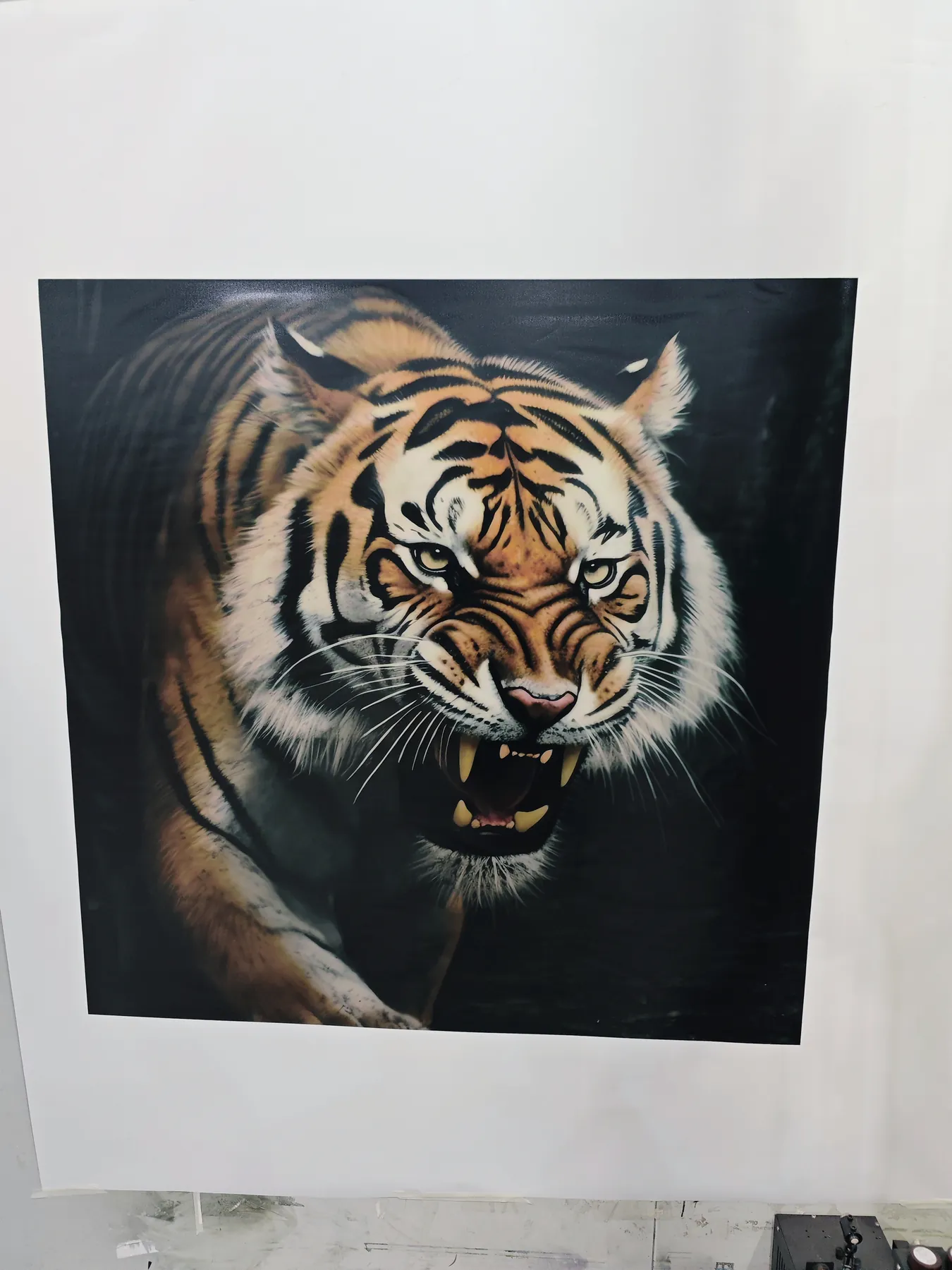
Tiger artwork printed on a white wall with an I1600 printhead wall printer
FIG. 10 · printed with an I1600 head
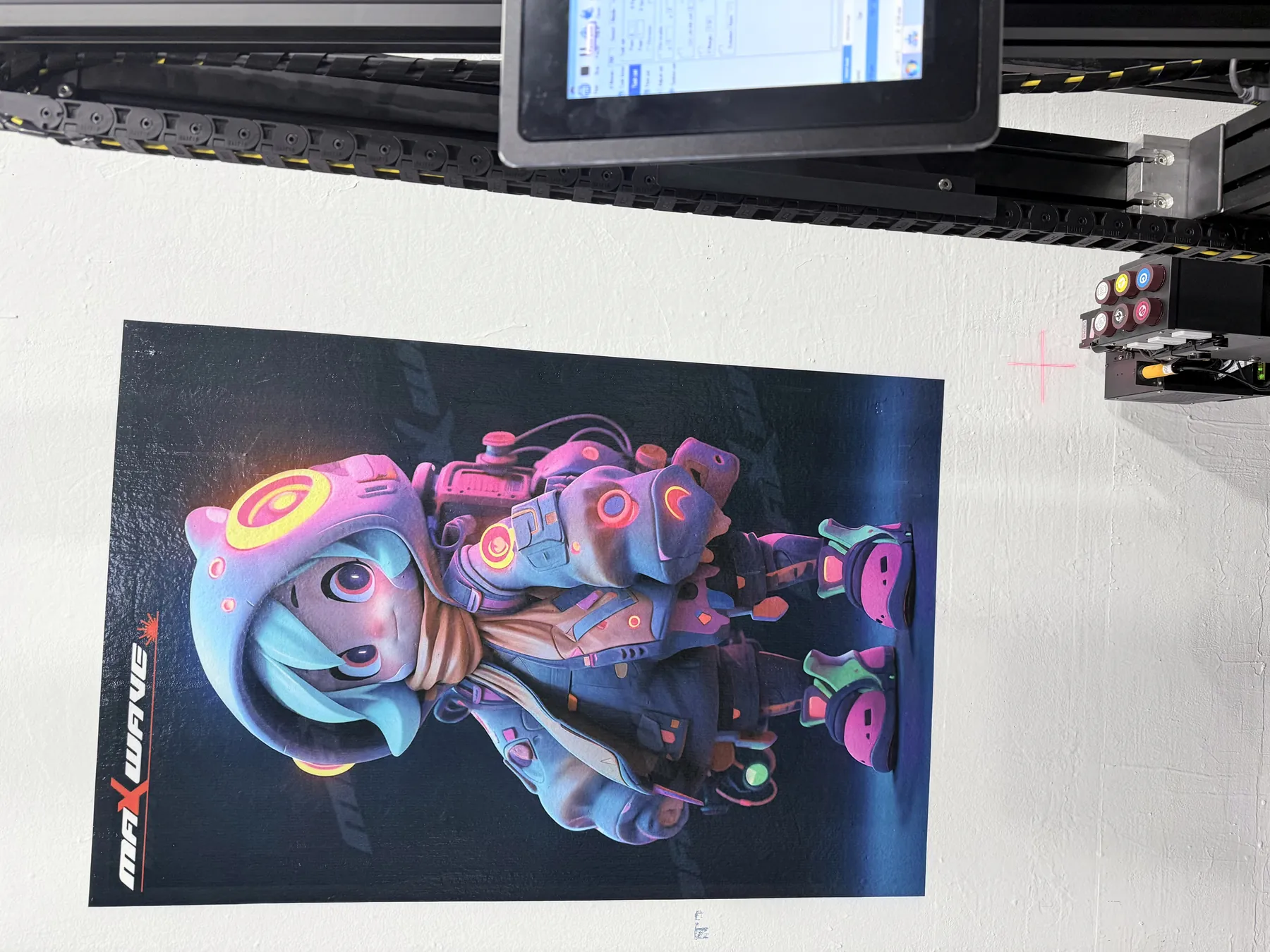
Full-colour character artwork printed with an I3200 printhead below the printer's touchscreen
FIG. 11 · printed with an I3200 head

The first five choices decide what the machine prints. The last three decide how it moves, travels and works on your sites.next · motion structure · dismantling · extras

Motion Structure: Guide Rail and Slider, Belt Drive or Aluminium Column

How the print head travels up and along the wall differs by series, and it decides noise, precision, set-up and value. In wall printer customization, choose the structure from where you print most: occupied interiors, walls plus floors, or long runs on one site.

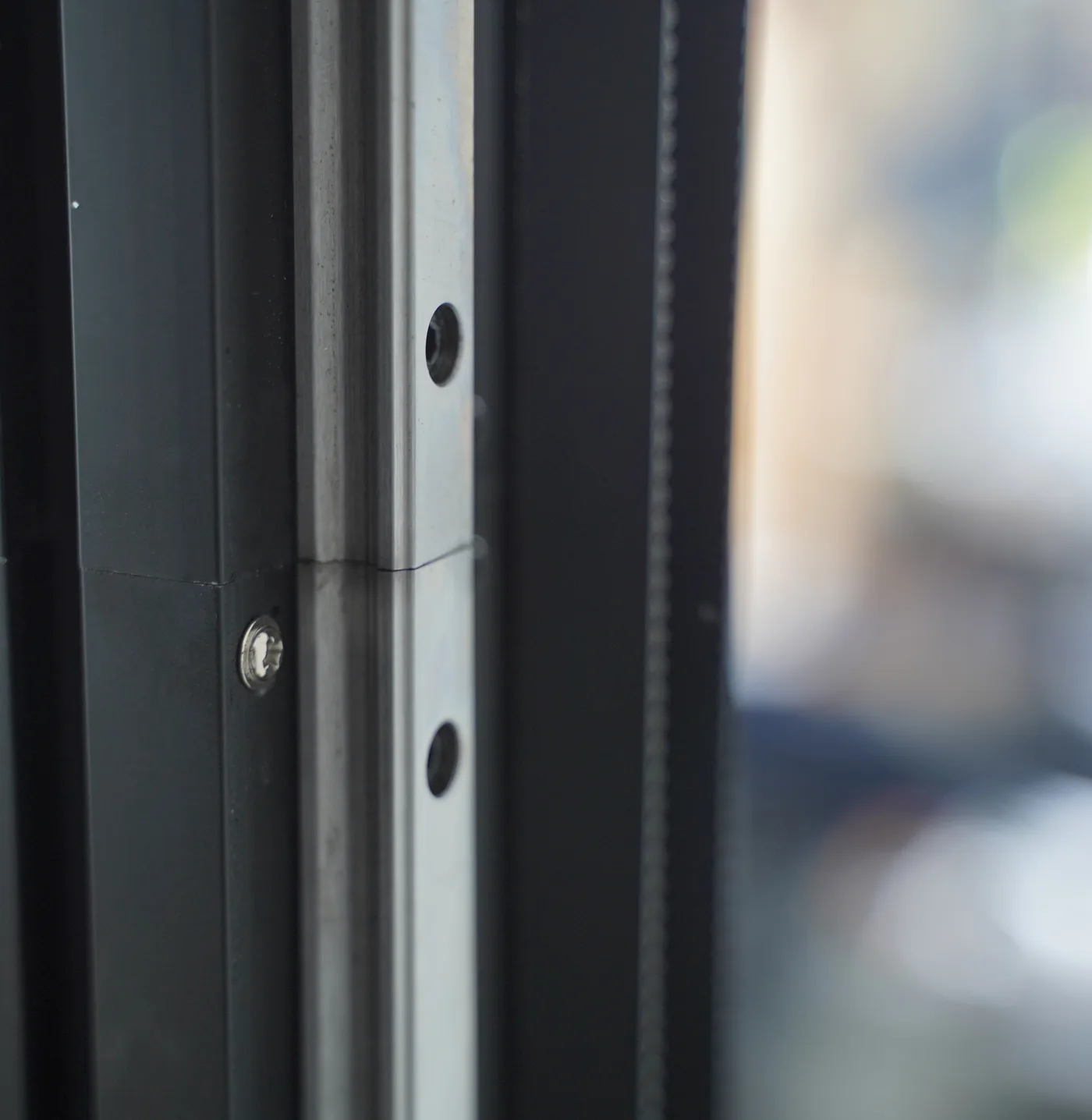
GP200 upright rail joint showing the steel guide rail and locating screw the carriage slider runs on

GP200

Steel guide rail and slider

The carriage runs on a guide rail with sliders rather than plastic wheels, so it runs quieter and holds its line.

  • Lightest series, 45 kg net, 6.9 kg detachable head
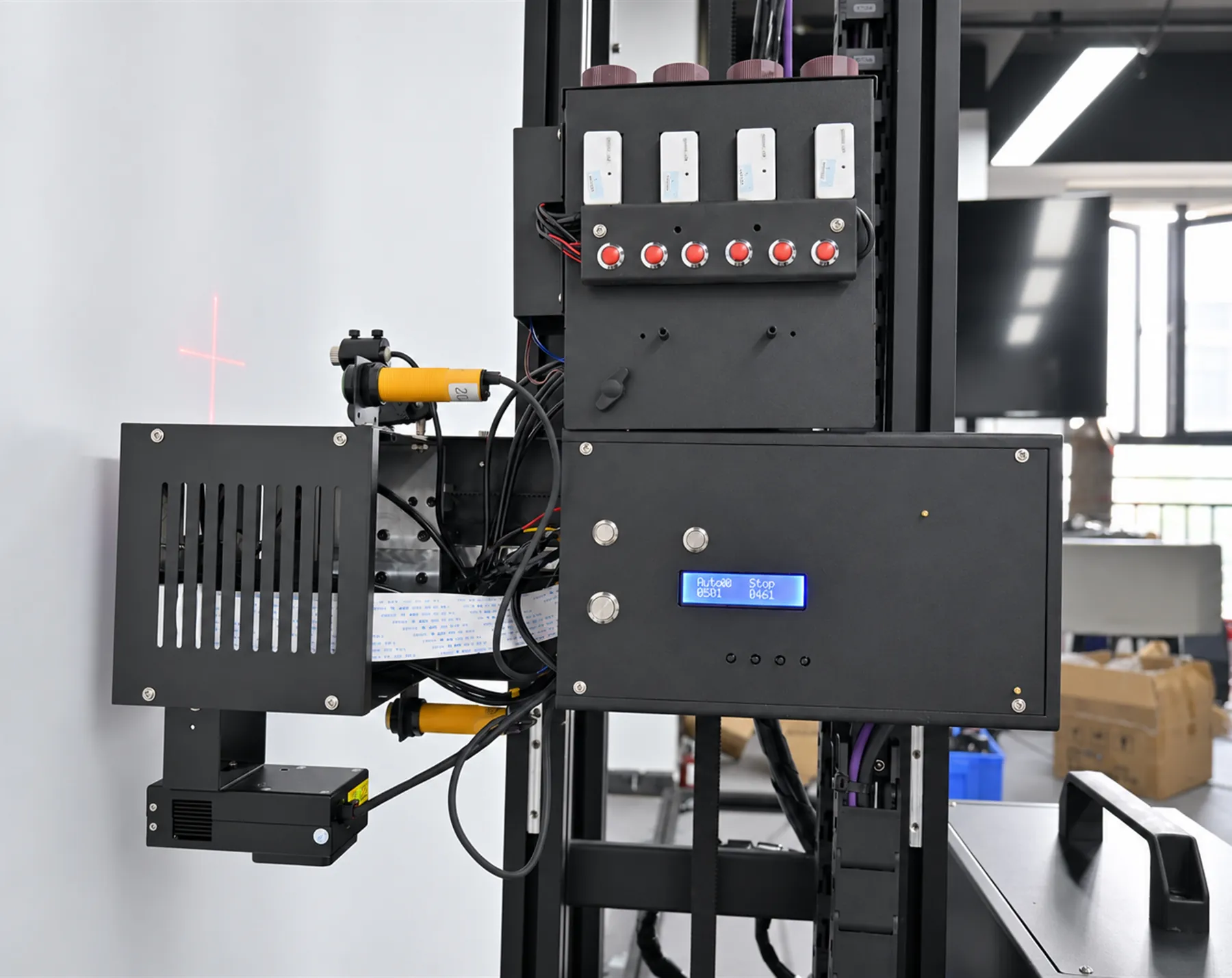
  • Red-light positioning and image zone printing for placing artwork exactly

CHOOSE IT FOROffices, hotels, homes and shops that stay open during the job, and clients who expect the highest precision and the most stable print.
GP200B print head unit mounted on its vertical rail

GP200B

Floor rail and belt drive, folding vertical rail

A belt-driven carriage on a floor rail, with a vertical rail that folds and a print head that folds and extends.

  • Floor rail built to carry load and keep its height over long use
  • Aviation plugs on every connection for fast, repeatable set-up

CHOOSE IT FORFit-out contractors and sign companies that print walls and floors, need custom heights or set up on a new site most days.

UP200 aluminium column foot standing on its castor rail frame

UP200

Aluminium column and guide on a rail base

The head runs up an aluminium column profile that travels on a rail base: the value-for-money wall machine of the three.

  • Heated head, dual-sensor obstacle avoidance, automatic head cleaning
  • Power-loss resume built in, head lowers automatically

CHOOSE IT FORPrint companies running long corridor and warehouse walls, staying on one site for days, and buyers who want the best value per machine.

Dismantling and Transport: Seven Parcels, a Car Boot or a Column Machine

How far the machine comes apart decides what vehicle you need, who can carry it up the stairs and how soon you print after arriving. If your jobs change site every day, weight this part of wall printer customization heavily.

SeriesNet weightHow it comes apartSet-up
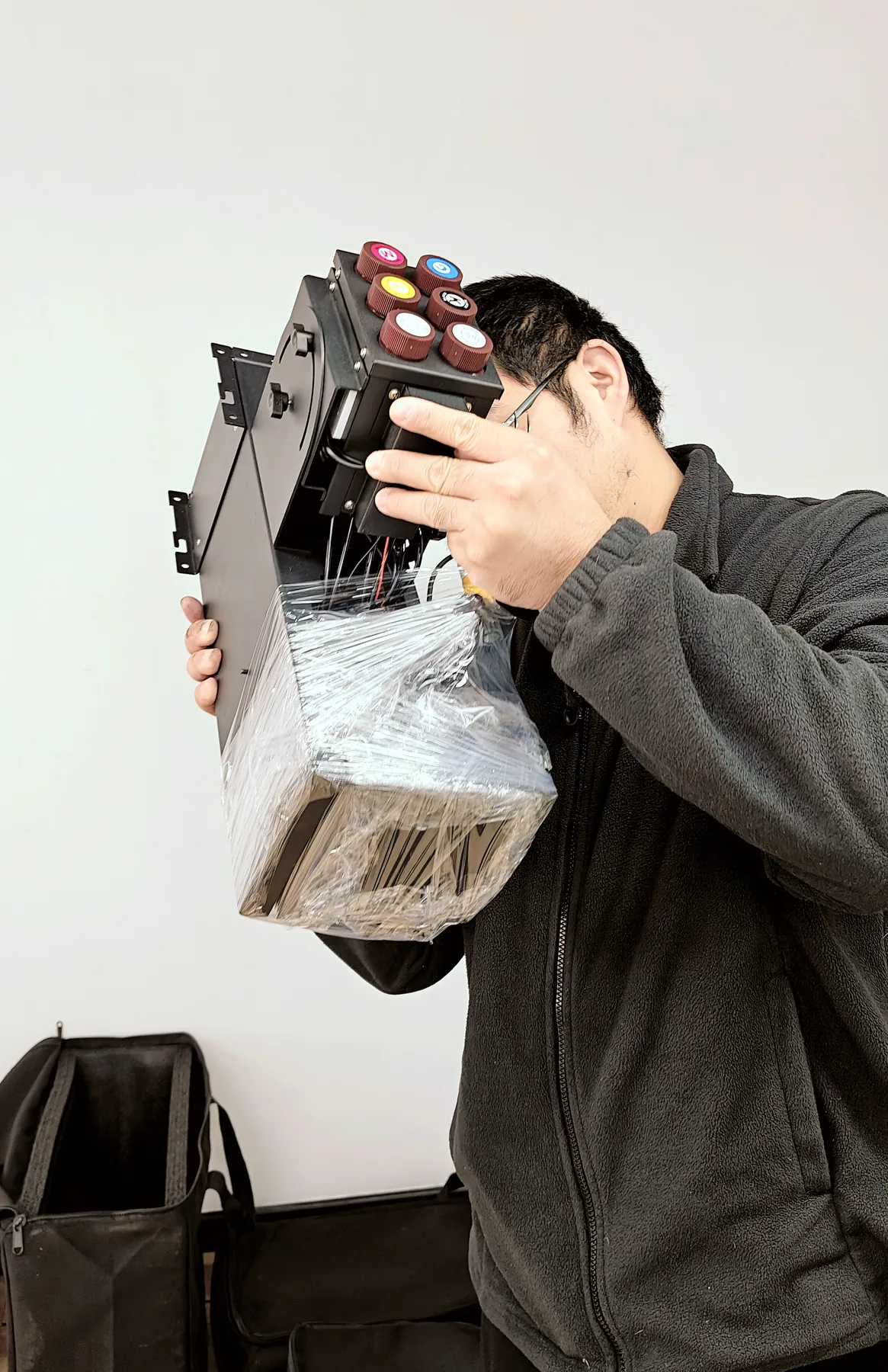
GP20045 kgSeven small parcels; the head unit lifts off at 6.9 kgAbout 10 minutes, one person, plugs and clips
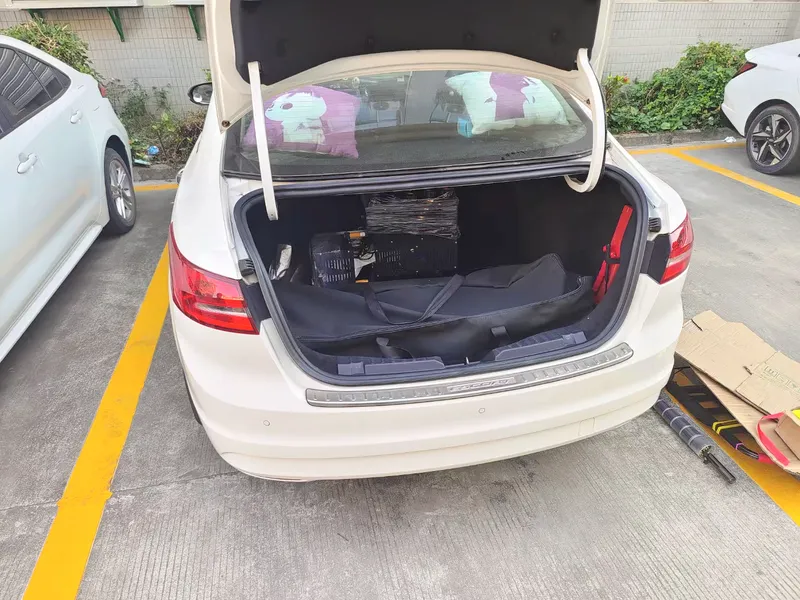
GP200B60 kgVertical rail off: the machine is only 40 cm high and stands upright; 10 kg electrical box carried by hand; wheeled flight case fits a car bootAviation plugs throughout
UP20070 kgColumn machine, 120 kg packed; parcels and handling given with the quotationDetails with the quotation
  • GP200Decorators and mural studios who drive to homes and shops and carry the machine through doors, up stairs and into lifts.
  • GP200BContractors who take one car to a site and need wall and floor capability with them.
  • UP200Print companies that move the machine by van and leave it rigged on a site for several days.
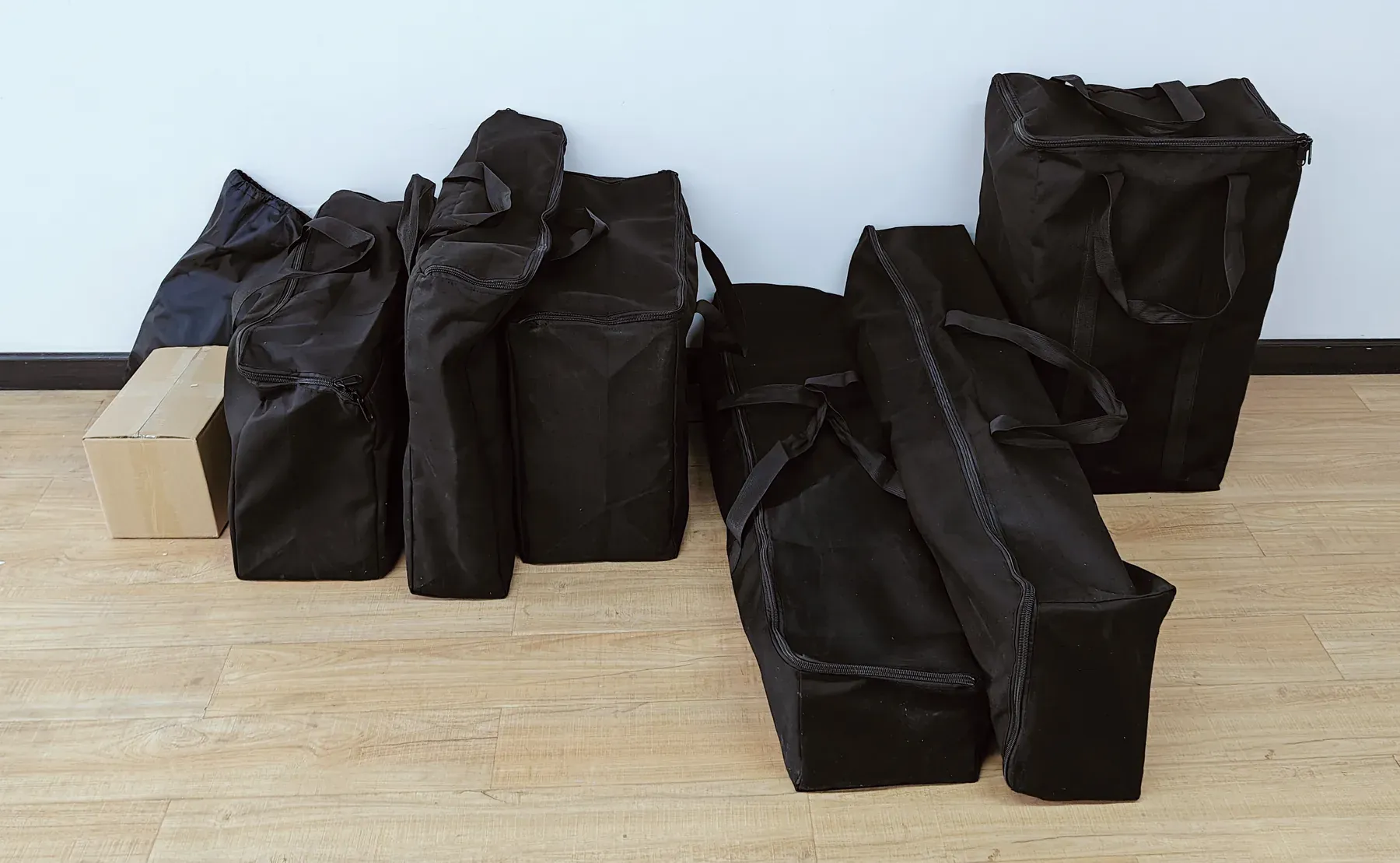
GP200 wall printer packed into seven small parcels, six black bags and one carton
FIG. 12 · GP200 in seven small parcels
Technician lifting the detachable 6.9 kg GP200 printhead unit by hand
FIG. 13 · 6.9 kg head unit
Dismantled wall printer and flight case loaded into a car boot
FIG. 14 · dismantled, in a car boot

Wall Printer Customization Options: Logo, Power-Loss Resume, WiFi and Language

Every series runs on the same single-phase supply. The extras below are added in the same quotation and built in before the machine ships.

110-220 Vsingle-phase AC
2000 Wrated draw
50-60 Hzfrequency
10-35 °Cworking temperature
force 5wind, at most
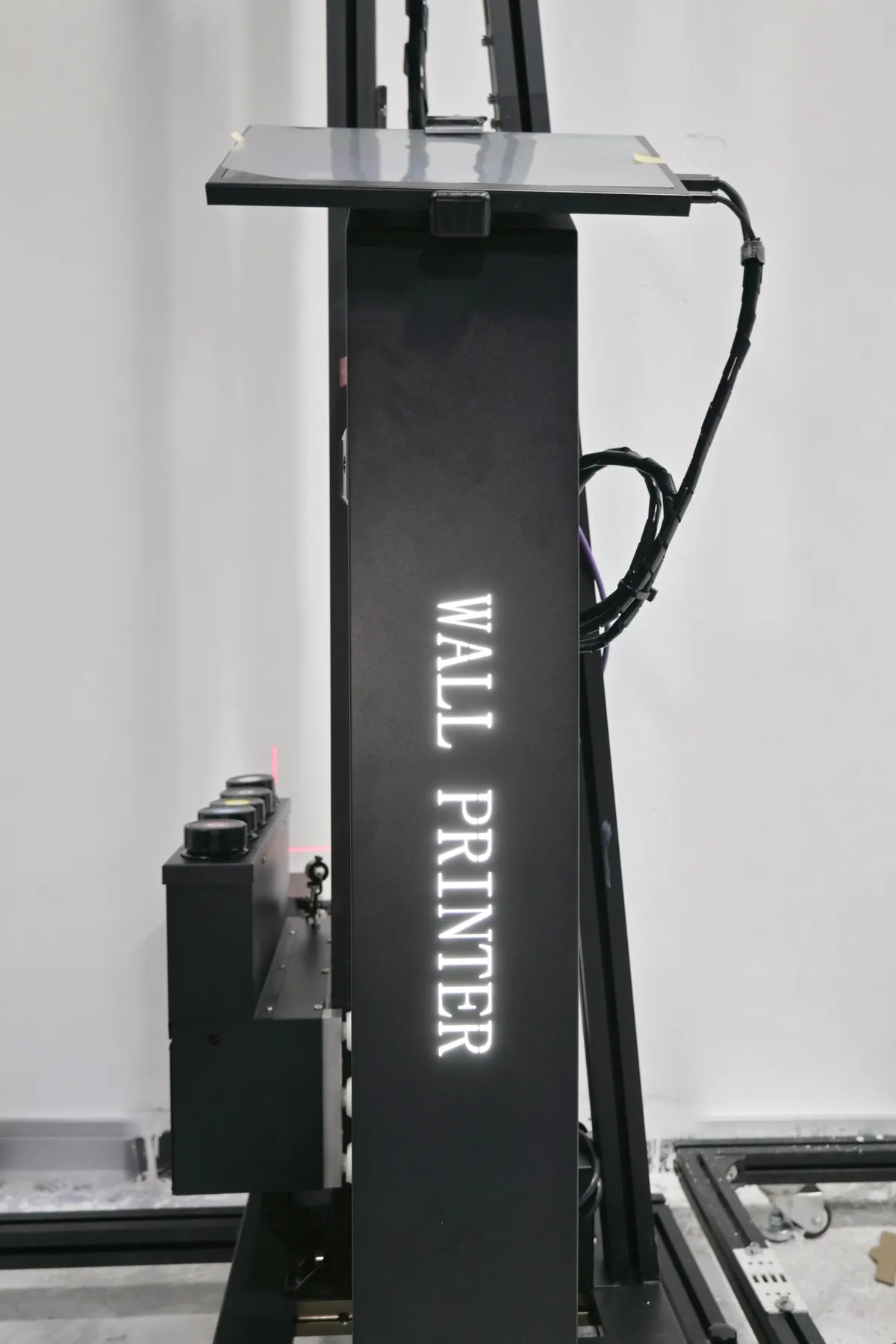
  • Your logo on the machineGP200B body · UP200 lit sign

    The GP200B can carry your logo on its body; the UP200 takes an optional lit logo sign on its column.

    For distributors, OEM partners and sign companies whose machine works in public view. Wholesale and OEM

  • Power-loss resumeUP200 built in · GP200B, GP200 UPS

    The UP200 resumes after a power cut and lowers its head automatically. The GP200B takes a UPS option for resume printing, and a UPS can be configured for the GP200 on request; any UPS must handle the 2000 W draw.

    For renovation and construction sites, temporary event power and older buildings. On steady mains the standard supply is enough.

  • WiFi image transferGP200B

    Artwork goes to the machine over WiFi instead of by cable or USB stick.

    For crews who receive last-minute file changes on site from the office or the client.

  • Software languageevery series

    The control software runs in Chinese, English, Russian and many other languages; name the language your operators use and it is confirmed with the quotation.

    For distributors and companies whose operators work in their own language.

  • Positioning aidsGP200, UP200

    Red-light positioning on the GP200 and UP200 projects a red cross on the wall to place the image; image zone printing on the GP200 prints a chosen part of a file.

    For artwork that must line up with doors, windows, sockets or an existing design.

Wall printer customization with a lit logo sign: UP200 column sign reading WALL PRINTER
FIG. 15 · UP200 lit logo sign on the column

Send Your Walls, Get the Eight Choices Filled In

Walls per month, their surfaces and heights, any floors, and how you travel between sites are enough to fill in the configuration sheet and price it.

Wall Printer Customization by Customer Scenario

Six typical buyers with every wall printer customization choice filled in. Use the closest row as a starting point; the quotation adjusts it to your walls, floors and sites.

Customer and jobsSeriesPrintheadInkBaseHeightExtras
GP200 wall printer right side, white background
Sign shop, indoor retail wallsShop and office walls every week, some in brand colours or dark feature walls; artwork lined up with shelving and doors.
GP200dual DX7CMYK + Wfloor rails2.5 mred-light positioning
GP200 left side view, white background
Decorator moving between homesA few rooms a week on light painted walls, occupied homes, travels by car.
GP200dual DX10CMYKwheeled2.5 mseven-parcel packing
GP200B wall and floor printer right side, white background
Fit-out contractor with floorsShops, schools and gyms where the brief covers walls and floor graphics; construction-site power.
GP200BDX7 or I1600CMYK + Wwheeled or rail2.5 m or 3 mUPS, WiFi transfer
GP200B wall printer left side, white background
Mural studio, tall lobby wallsHotel lobbies, atriums and feature walls above 3 m, long print days.
GP200BI1600 or I3200CMYK + Wrailcustom to 4 mUPS option
UP200 column wall printer front view, white background
Print company, long corridor wallsSchools, hospitals and offices, several days on one site, value per machine matters.
UP200I1600CMYK + Wrail, extra sections3 m optionbuilt-in resume
GP200B wall printer front view, white background, for a distributor demo line
Distributor building a demo lineShows walls and floors to local sign and decoration businesses under its own brand.
GP200B + UP200DX7 · I1600CMYK + Wwheeled · rail2.5 m · 3 mlogo, local language

Same in every configuration: 3.0 pl droplets, prints at 2880 dpi, LED UV curing as it prints, dual ultrasonic sensors that follow bumps and dips up to 1.5 cm, 2.5 m × 6 m standard image, width extended by joining rail. Full specifications: UV wall printers

Request a Configured Quotation

Send your monthly print area, surfaces, tallest walls, any floors, site power and how you travel between jobs. The reply is a quotation with all eight choices filled in, with a second printhead option side by side when your volume sits between two heads.

Every machine leaves our production line with its software installed and after a whole-machine test. Certificates and factory checks are on the About us page.

Surfaces you print on
Also