UV Wall Printer Comparison: GP200, GP200B and UP200 by Workload and Setup

Three UV wall printer series for businesses that already sell signs, print and interiors. All three print at the same rated speed, so the choice comes down to print height, base, weight, setup and the jobs you take on.

  • Original Epson printheads on every series
  • Same rated speed: 8 / 8 / 5 m²/h
  • Print height from 2.5 m to a custom 4 m
  • Floor printing on the GP200B only

UV Wall Printer Series Matched to Your Workload

Find your usual mix of jobs in the left column. The marked series is the match; the facts behind it sit in the same row.

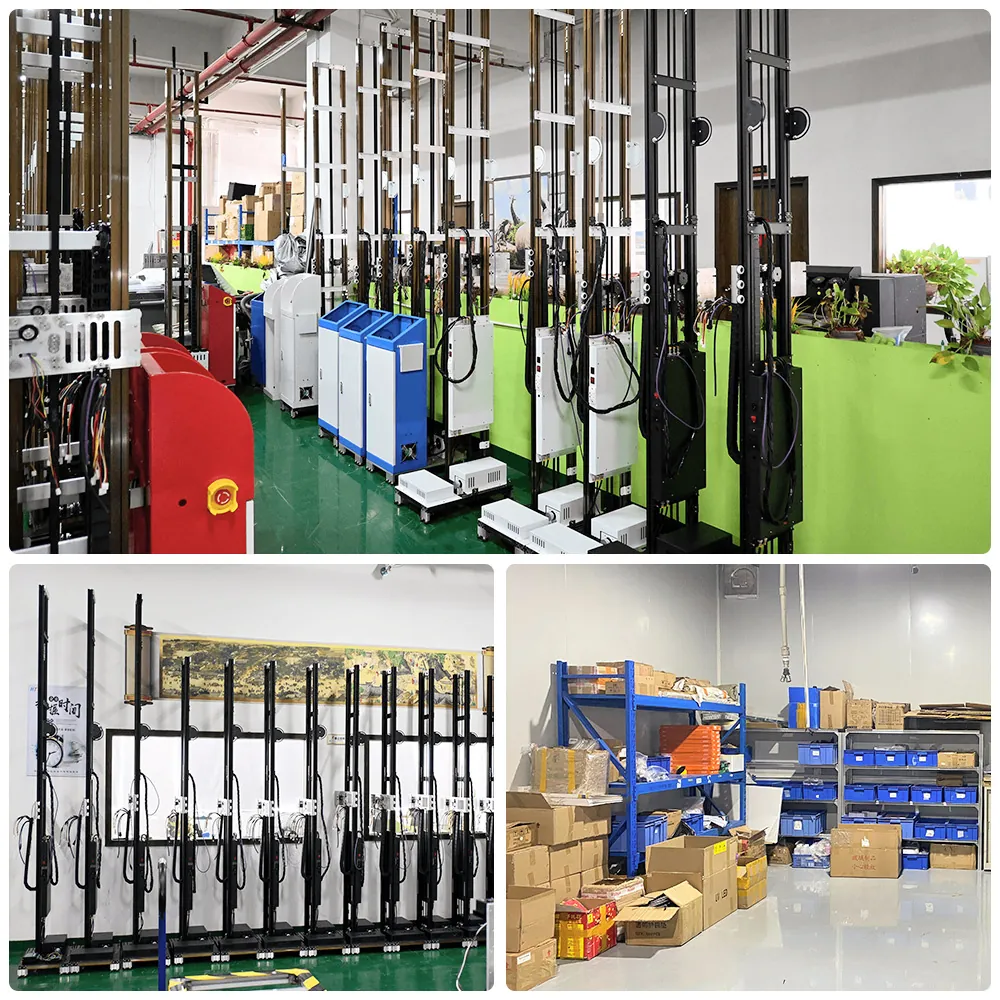
Finished column UV wall printers and parts stock at the WallPrintScale factory
FIG. 02 · Finished machines and parts stock
Workload matched to wall printer series
Your workloadGP200GP200BUP200
Mostly walls, at a different site every few days45 kg, 7 packages, one person sets it up in about 10 minutes, rail or wheeled base
Walls and floors for the same clientsThe only series that prints floors; turns from wall to floor in about 2 minutes
Steady wall output on rails, long print daysColumn on rails, built-in resume after a power cut, head lowers by itself when power is lost
Interiors that stay open while you printGuide rail and sliders keep the run smooth and the noise low

Many businesses fit more than one row. A sign company that prints shop walls and also takes floor graphics for retail launches sits in the first two rows at once: that is where a GP200B or a second machine comes in.

Three UV Wall Printer Series and the Work Each One Fits

What sets each series apart, in brief. Each product page carries the full structure and data.

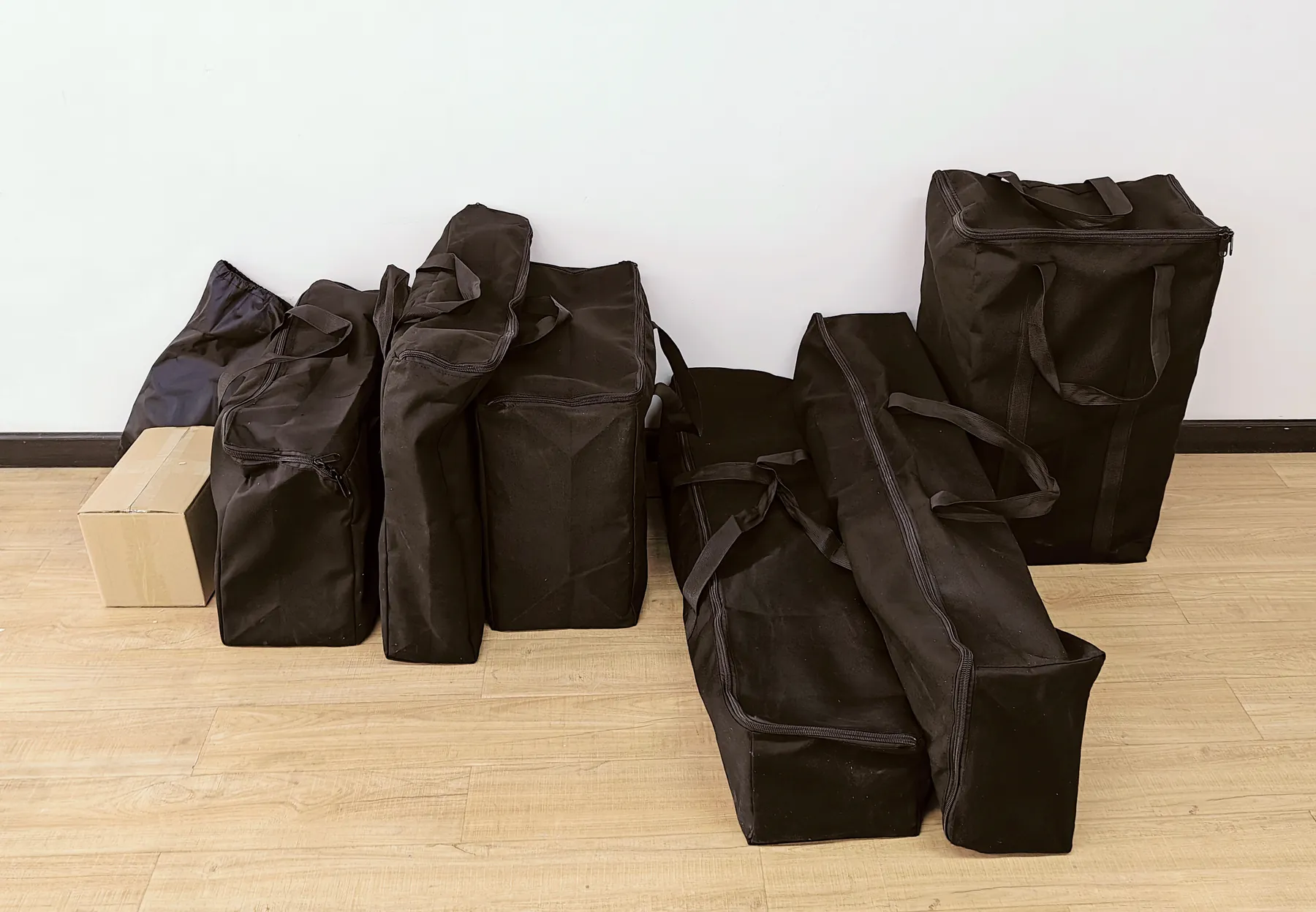
GP200 UV wall printer packed into seven small black carry bags
FIG. 03 · GP200 in its 7 packages

GP200

Wall work at changing sites

The lightest and most portable of our three series, positioned as the most precise and most stable-printing of the three.

  • 45 kg in 7 packages; one person assembles it in about 10 minutes with plugs and clips.
  • Head carriage on a guide rail and sliders: a quiet run for shops and offices that stay open.
  • Prints 2.5 m high; the 3 m vertical rail does not extend the image.

GP200 Digital Wall Printer

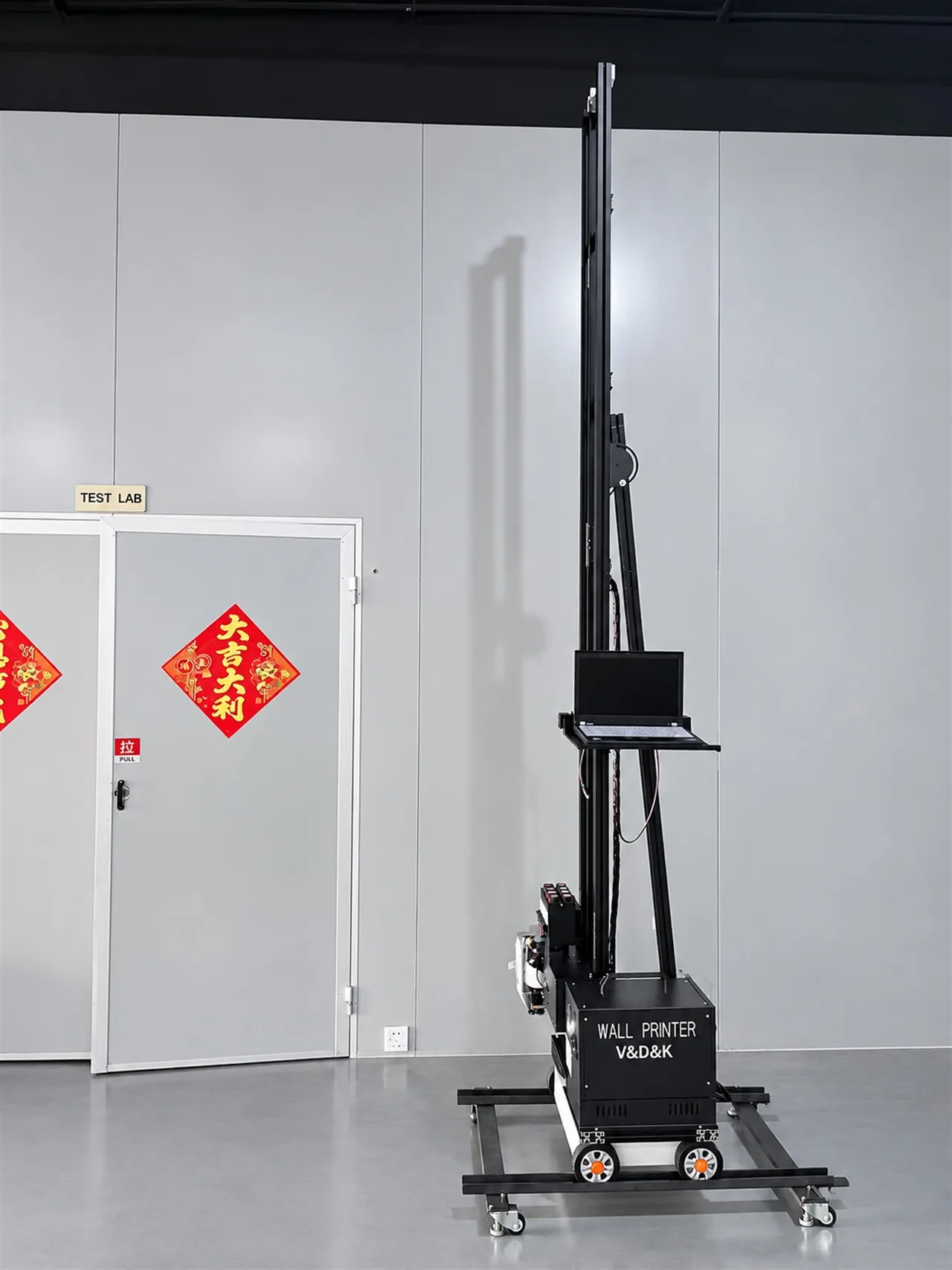
GP200B wall and floor printer on its wheeled base in an office corridor
FIG. 04 · GP200B on the wheeled base

GP200B

Walls and floors on one machine

The one series in the range that prints floors as well as walls, for a business that quotes both for the same clients.

  • Turns from wall to floor in about 2 minutes by rotating the machine, without taking the rails apart.
  • Floor: 3 m wide rail, prints up to 2.3 m wide. Details on Floor Graphics Printing.
  • Walls 2.5 m standard, 3 m option, custom up to 4 m; 60 kg against the GP200's 45 kg.

GP200B Wall and Floor Printing Machine

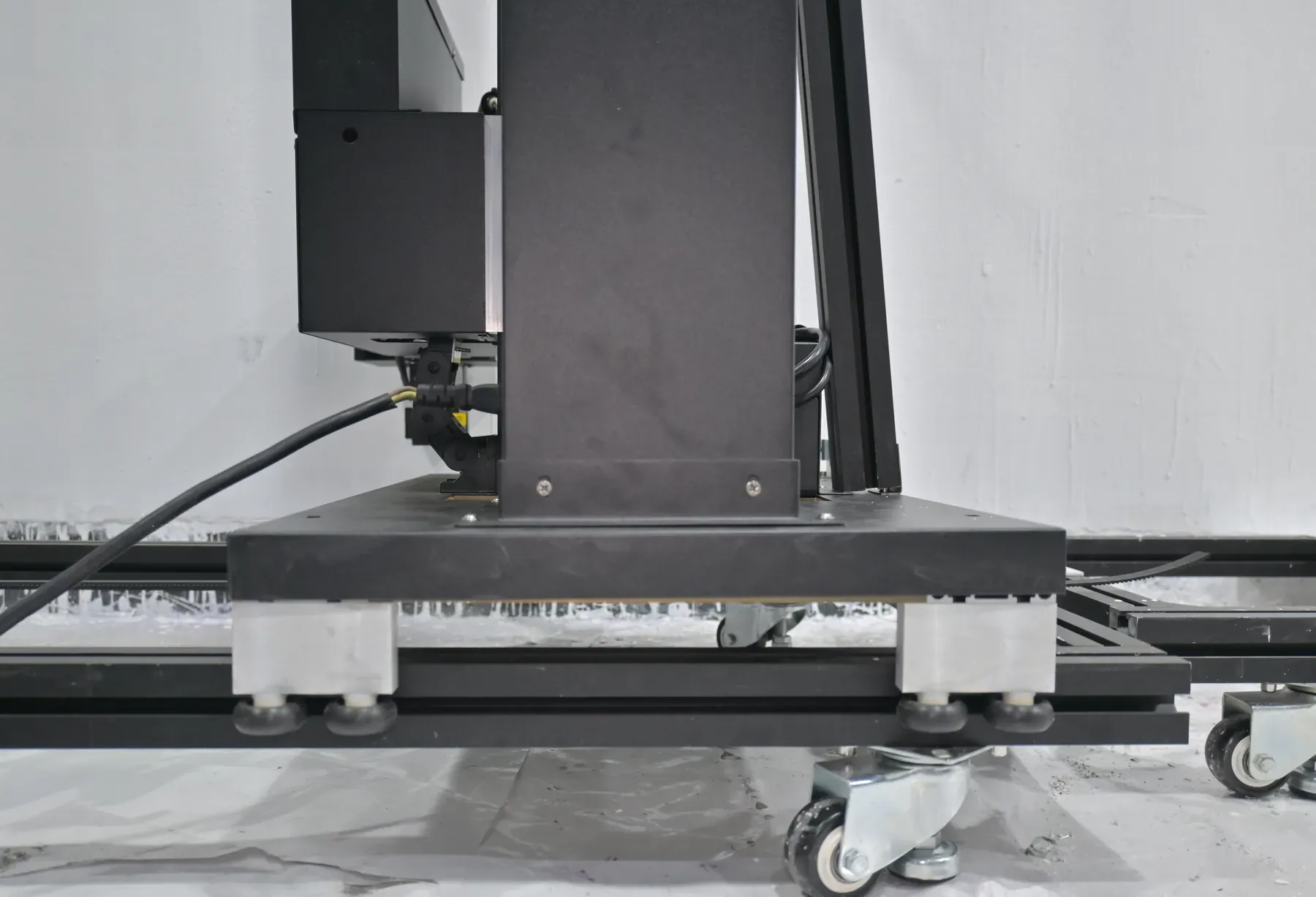
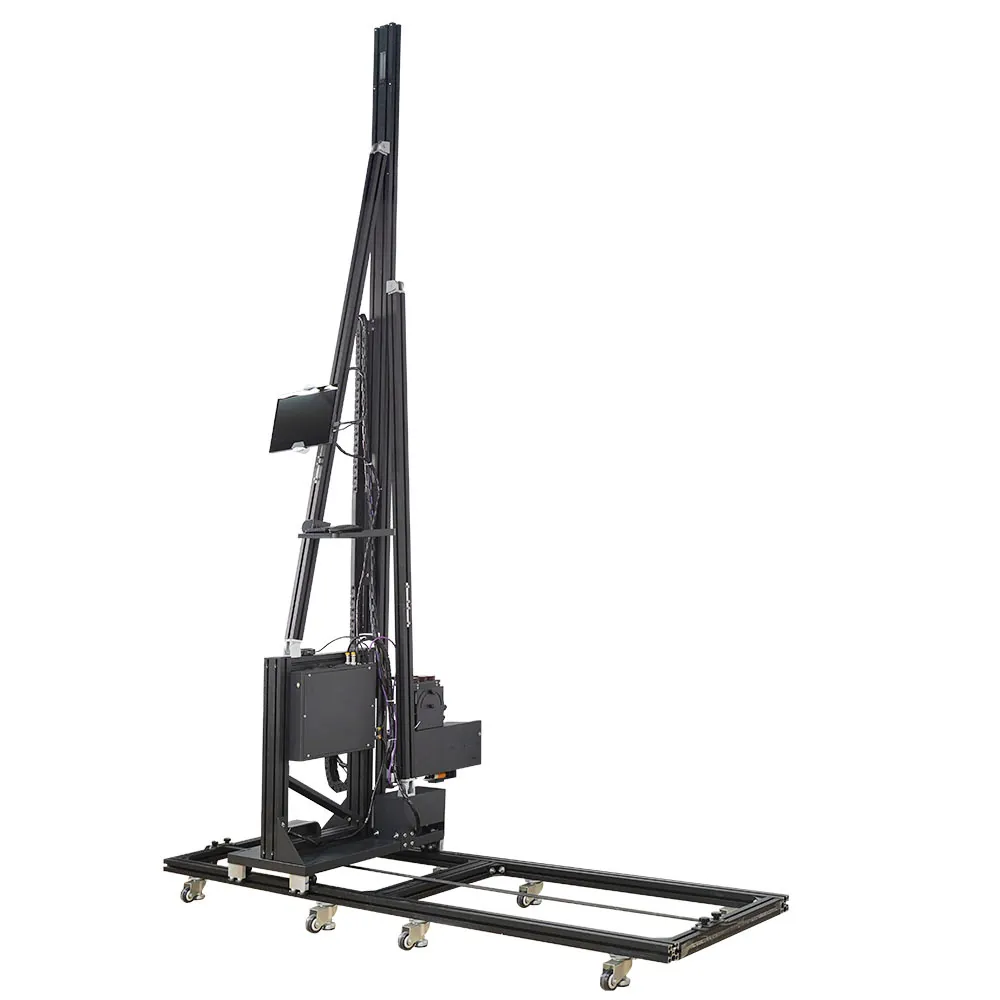
UP200 UV wall printer column foot standing on its castored floor rail
FIG. 05 · UP200 column on its rail

UP200

Steady wall output on rails

A cost-effective column on rails for long print days, where the machine stays on its rail for the job.

  • Built-in resume after a power cut: the head lowers by itself when power is lost, and the image continues from where it stopped when power returns.
  • Printheads held at a constant temperature; two sensors on the head detect obstacles.
  • 70 kg; 2.5 m standard, 3 m option.

UP200 Automatic Wall Printer

UV Wall Printer Specifications Side by Side

The figures that differ between the three series come first; the lower rows hold what all three share, speed included, so those never decide the choice.

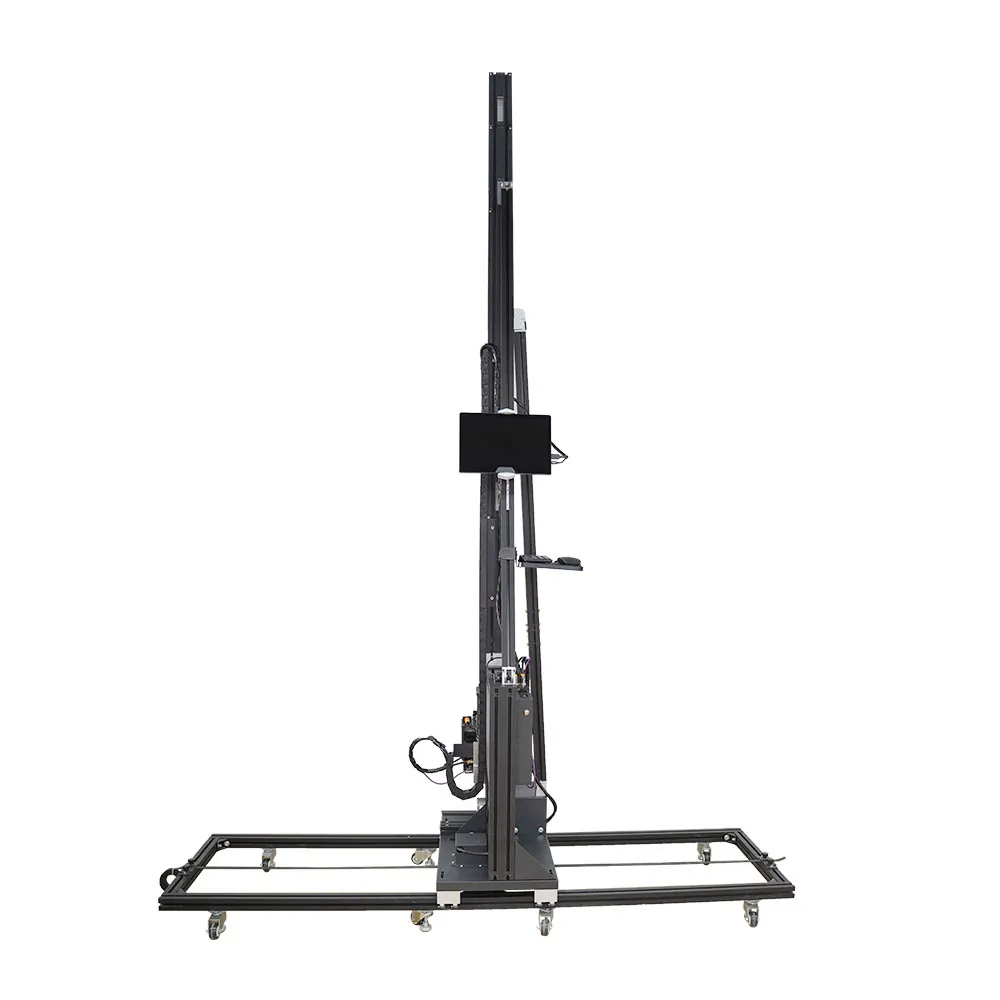
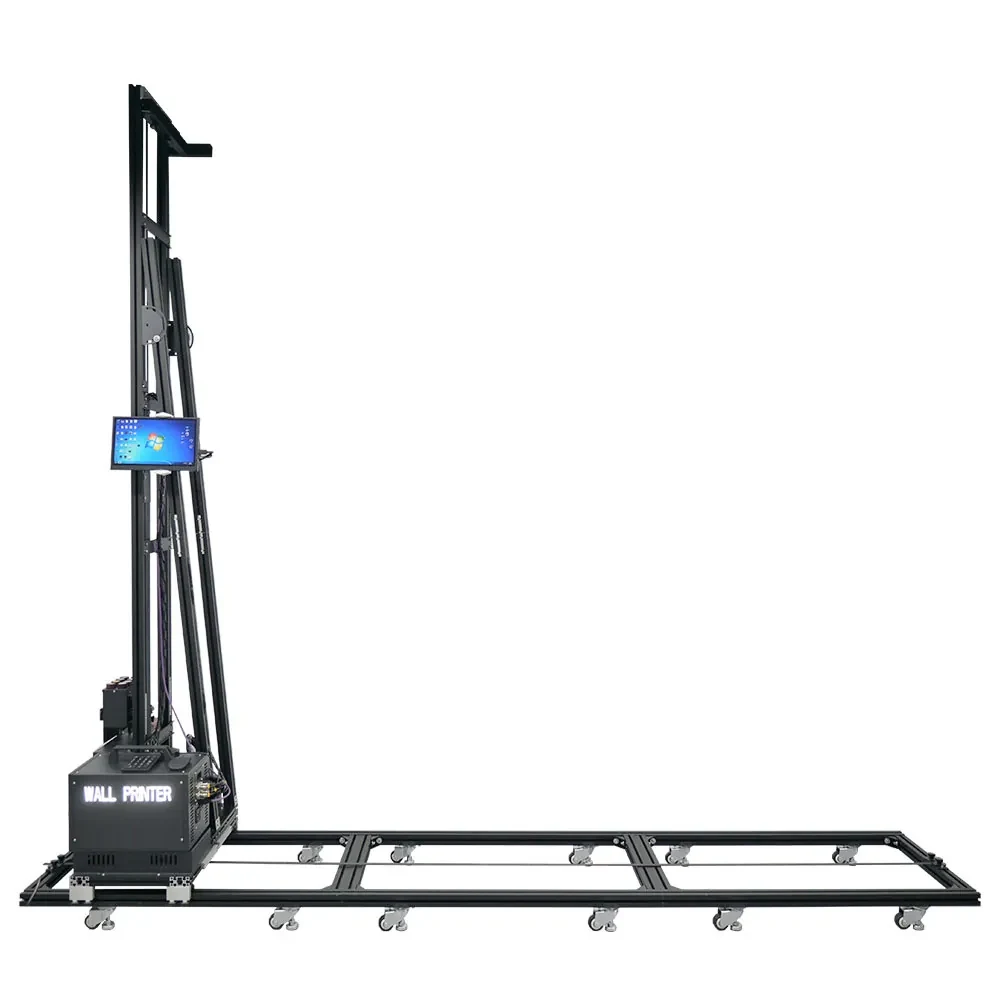
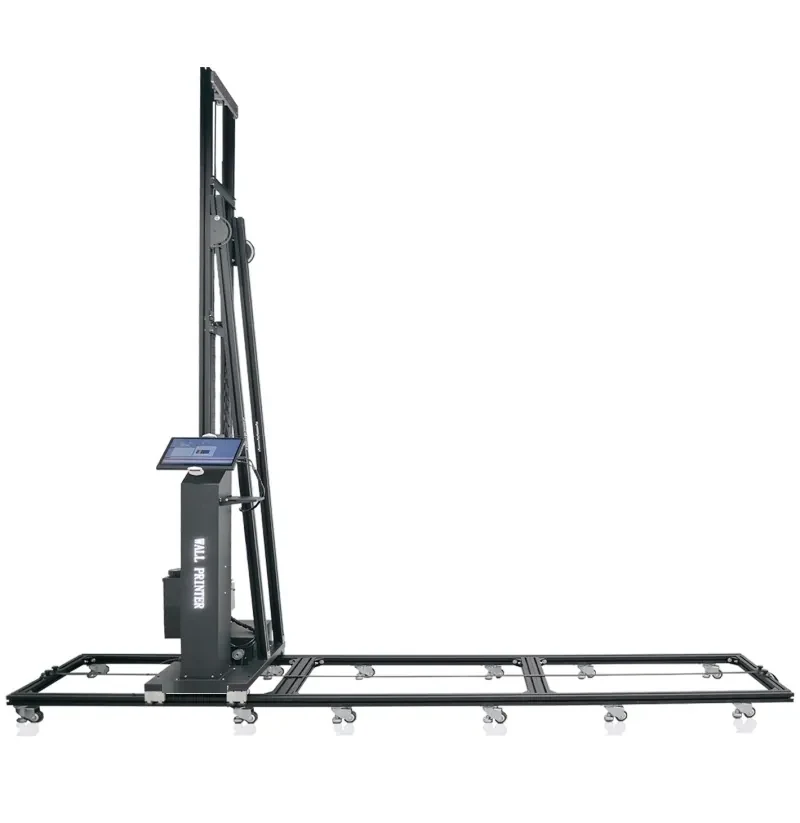
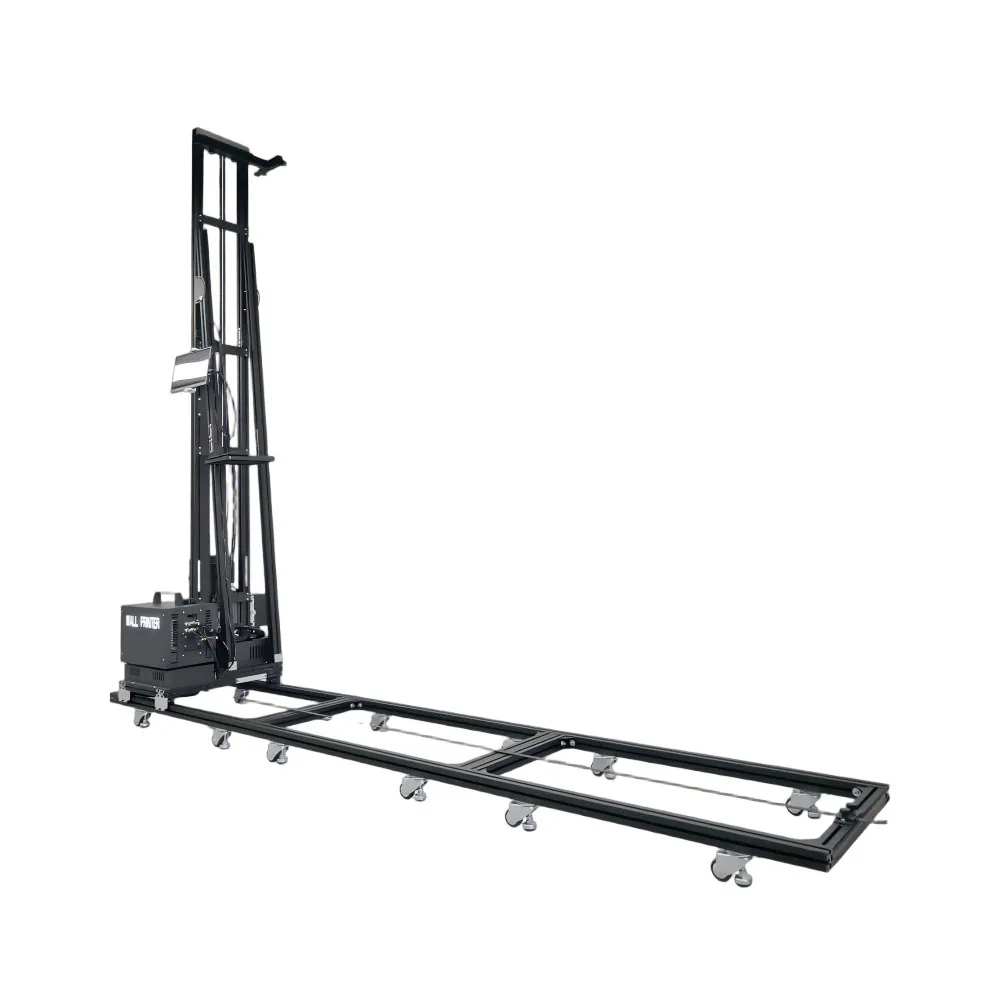
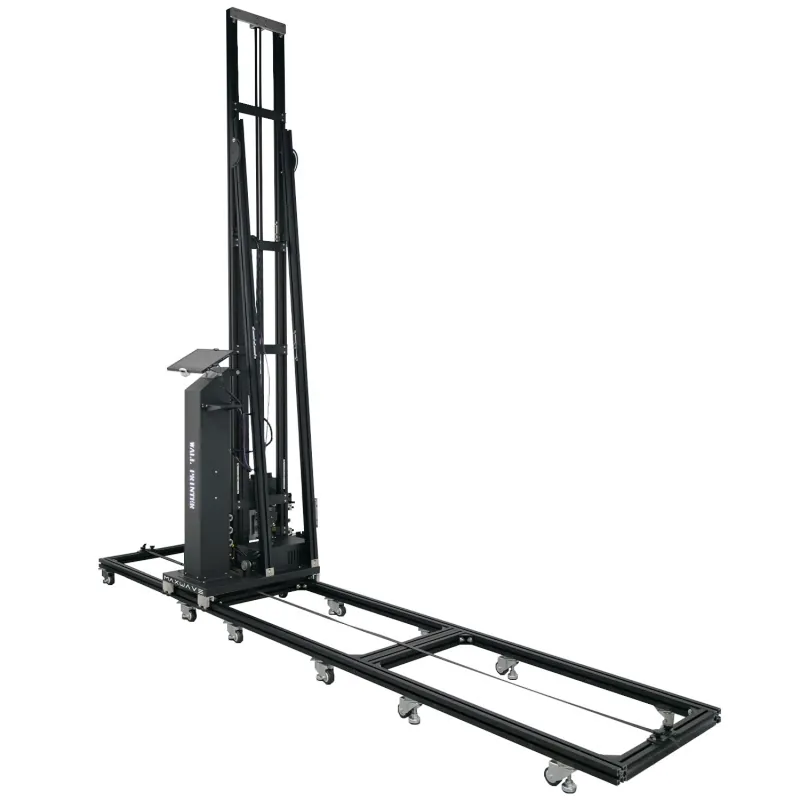
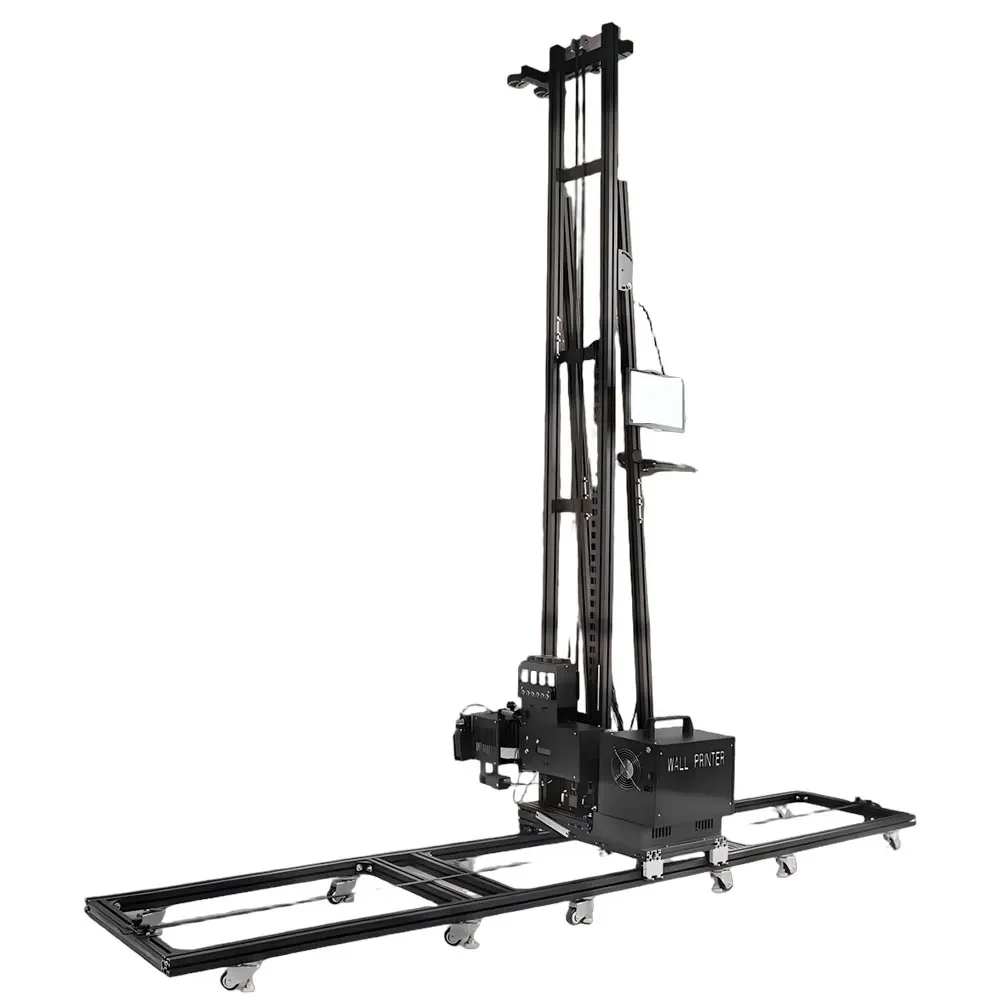
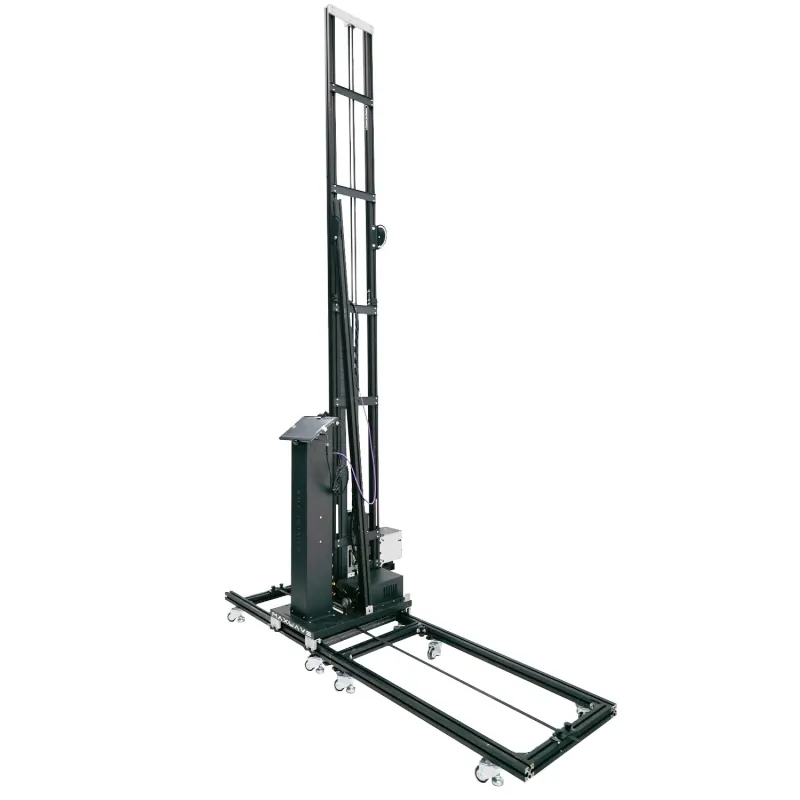
Specification GP200 wall printer on a white backgroundGP200 GP200B wall and floor printer on its rail base, white backgroundGP200B UP200 column wall printer, side view on whiteUP200
PrintheadsDual DX7 / dual DX10 / single I1600U / dual I1600U / dual I3200UDX10 / DX7 / I1600 / I3200DX10 / DX7 / I1600
Print height2.5 m (the 3 m vertical rail does not extend the image)2.5 m standard, 3 m option, custom up to 4 m2.5 m standard, 3 m option
BaseFloor rails (1 m × 6) or wheeledWheeled or railRail
Net weight45 kg60 kg70 kg
Margins, top / bottom / left / right20 / 20 / 20 / 20 cm20 / 50 / 15 / 40 cm20 / 40 / 20 / 45 cm
Floor printingNoYes 3 m rail, up to 2.3 m wideNo
Power interruptionNot built in; custom UPS optionNot built in; UPS option for resumeBuilt-in resume, automatic head lowering
Motion structureHead carriage on a guide rail with slidersFloor rail with belt drive; foldable vertical rail; print unit rotates to the floorColumn travelling on floor rails
Positioning aidsRed-light positioning and image zone printingConfirmed with the quotationRed-light cross on the wall
Model-specific extras6.9 kg detachable print head unit; quick-plug frame with aviation plugsWiFi image transfer; logo on the body; registered body designConstant-temperature printheads, automatic head cleaning, dual obstacle sensors, optional LED logo panel
Setup and transportOne person, about 10 minutes, 7 packages10 kg electric box carried by hand; 40 cm tall with the vertical rail off, fits a car bootCrates, crew and setup time confirmed with the quotation
Same on all three series
Print speedDraft ≈8, Standard ≈8, High-resolution ≈5 m²/h. A 2.5 m × 6 m wall (15 m²) is about 2 h in Standard and about 3 h in High-resolution, print time only; setup, surface preparation and a white underbase come on top.
Ink and outputUV ink, CMYK or CMYK + W; 3.0 pl droplet; prints at 2880 dpi (nominal); LED UV cures the ink as it prints. Printhead and ink choices: Configurations & Customization.
SurfacesOrdinary painted or plastered walls print directly once dry and flat; only smooth, non-absorbent surfaces such as glass, tile, metal and acrylic take a coating first. Results on wood, canvas and brick are application-dependent, so a sample test is recommended (results by surface).
Image sizeStandard image 2.5 m × 6 m, made wider by adding rail sections, so width never decides the series.
Power and siteSingle-phase 110-220 V, 2000 W; 10-35 °C; USB 3.0 data.
Software and setupBetterPrint control with the Ultraprint RIP (Maintop supported), interface in Chinese, English, Russian and many other languages; software installed before shipping; illustrated installation manual with a remote check of the first assembly. The basic print workflow takes about 10 minutes to learn.
CareElectric ink suction, a moisturising cap and a low-ink alarm on every series. Routine care: Maintenance & Support.
Certificates / warrantyCE certificates issued to the manufacturer; 2-year whole-machine warranty, ink and printhead connectors excluded (Maintenance & Support · About Us).

Send the Wall Heights You Print Most

The reply quotes the height option and the series to match, with the printhead for your surfaces.

Adding a Second Machine to Your Schedule

A second machine prints a second wall at the same time. It fits a business in one of three situations.

GP200B wall and floor printer on its rail baseUP200 column wall printer on its rail base
FIG. 06 · GP200B for floors and walls, UP200 alongside for walls

Print days are booked

Print hours per wall are the same on every series (see the table). A second unit takes another site, or another wall on the same site, in the same hours.

Wall and floor jobs land in one week

While the GP200B is set up for a floor, it is not printing a wall. With regular work of both kinds, run a GP200B for floors and walls and a GP200 or UP200 alongside it for walls.

Sites need different machines

A GP200 carried by one person to short interior jobs and a UP200 left on rails for a long wall run cover two kinds of work in the same week.
Same series again
One printhead type and the same control software across your team.
A different series
Adds a capability the first lacks: floors, 3 m walls or built-in power-cut resume.
Changing series instead
When the work itself has changed: taller walls point to the GP200B or UP200, floor work to the GP200B, frequent moves to the GP200, unreliable power to the UP200. The printhead and ink set are chosen again with the new series.

Tell us how many walls you print in a typical week, at which heights and in which modes. The recommendation, a second unit or not and which series, comes from print hours, heights and configuration. Send your weekly wall count

Request a Wall Printer Comparison Quote

Send your wall heights, surfaces and floor needs here, through the contact form page or by WhatsApp. The reply names the series and printhead that fit your workload, with the quotation for that configuration.

Add these to the project details if they apply:

  • How often the machine moves: one site for days, or several sites a week.
  • Site conditions: occupied interiors, unreliable power, outdoor walls within 10-35 °C and wind up to force 5.
  • Machines you already run, if this is a second unit.

Sample prints on your surface can be arranged on request before you order.

Surfaces you print on