Welcome to the WallPrintScale blog. It is written by the team that matches wall printer configurations to sign companies, large-format print shops, decoration contractors and mural studios, together with the engineers who build and test every machine on our own production line. Most people who write to us already run a business. They are not asking how to start one; they want to know whether printed walls can become one more service they sell to the clients they already have.
This blog takes those questions one at a time, from the first wall photo to the quotation.
Who These Articles Are For
- Sign and advertising companies that already install fascias and window graphics and are asked for the interior wall on the same visit.
- Large-format print companies that want to take a wall graphic off the media roll and print it where it will stay.
- Decoration and painting contractors who can offer a feature wall alongside the paint job.
- Mural studios that let the machine carry large areas and repeat designs, and keep the brush for the detail.
What the Blog Will Cover
Printed walls as an added service
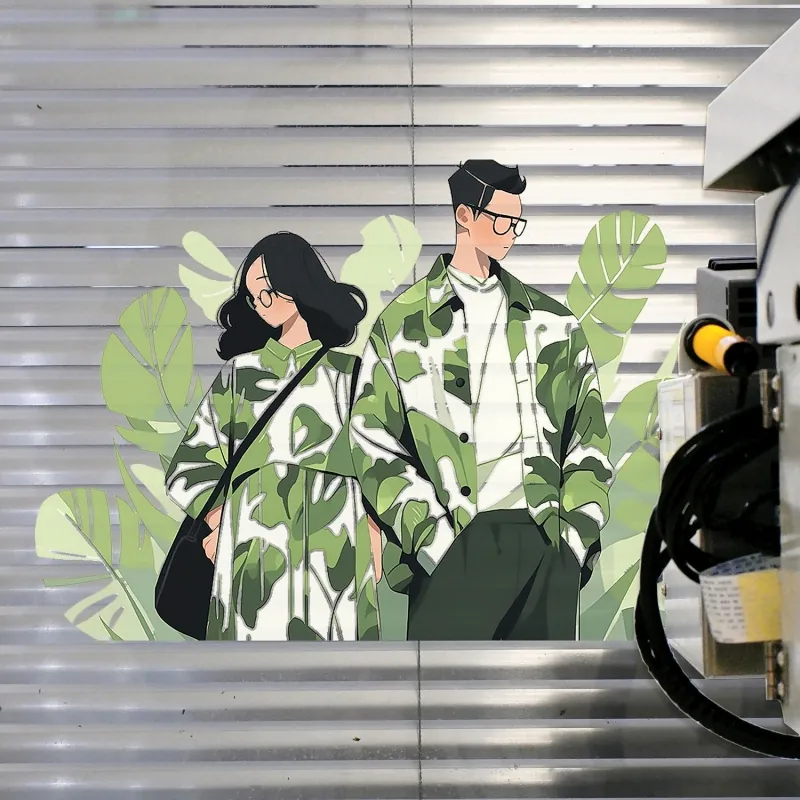
How a printed wall fits into a sign or fit-out order, how to quote it next to the job you already won, and how it compares with the usual ways of doing the same wall. Vinyl has to be cut, applied and joined, and seams and bubbles show on a large surface. Subcontracted hand painting runs on the painter’s schedule. A wall printer prints the same file straight onto the wall, and a change to the design is a change to the file.
Choosing a configuration
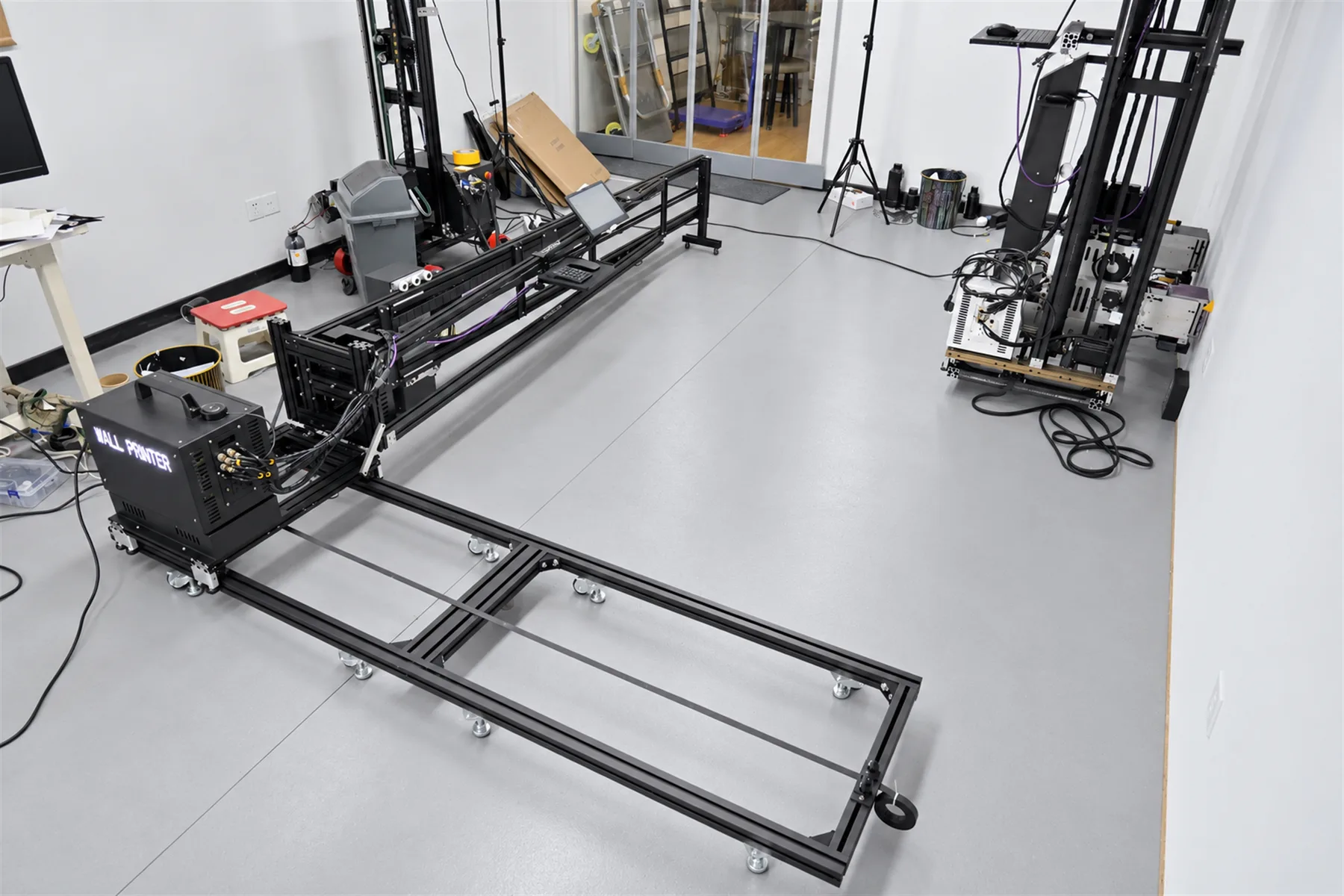
We build three series: the GP200, the GP200B and the UP200. Articles will compare them by the walls you print most often: height, how the machine travels between sites, and the base it stands on. The printhead changes speed, printhead life and price: the DX10 has 1080 nozzles, the DX7 1440 and the I1600 1600. Every series is offered in CMYK or CMYK + W. The GP200B is the only series that also prints floors, and it rotates between wall and floor in about 2 minutes. The wall printer comparison and the configurations page put the options side by side.
Surfaces and applications
Ordinary painted or plastered walls that absorb ink print directly once they are dry and flat. Smooth surfaces that do not absorb, such as glass, tile, metal and acrylic, take a coating first. Results are application-dependent, so we recommend a sample test on the client’s material; sample prints can be arranged on request. The applications page shows prints on walls, glass, wood and metal.
Job time and running cost
The standard print area is 2.5 m × 6 m, which is 15 m². At 8 m²/h in Standard mode that wall takes about 2 hours of printing; at 5 m²/h in High-resolution mode, about 3 hours, before setup and any surface preparation. Ink use is about 2 ml per m² in Standard mode with CMYK; a white underbase or full coverage uses more. Your price per m² comes from your local market, and the cost and profit page shows how to put your own figures into the sum.
Running the machine day to day
Learning the basic print workflow takes about 10 minutes, and remote training starts from your first print. Articles will cover printhead care between jobs, moving the machine from site to site and the routines in our maintenance and support guide.
Start With Your Walls
The quickest route to a useful answer is the wall itself. Send us the wall sizes, the surfaces, what you plan to print on them and whether you need floor printing or white ink, and we match a configuration to that work. If there is a question you want answered first, send it with a photo of the wall; it may become the next article.